EditorNodesPricingBlog

HunyuanImage 3.0 | native multimodal text to image (80B MoE)
September 28, 2025
Updated: June 30, 2026
HunyuanImage 3.0 | native multimodal text to image (80B MoE)

Share this post:

HunyuanImage 3.0 | native multimodal text to image (80B MoE)

HunyuanImage 3.0 is Tencent's newest native multimodal text to image model built around a Mixture of Experts architecture. The full model reports eighty billion total parameters with roughly thirteen billion active per token, which keeps inference costs manageable while pushing output quality well above what earlier diffusion based designs could achieve.

For production teams, the two most practical gains are prompt comprehension and text rendering. The model reads long, detailed briefs more reliably and renders readable typography inside images, which matters for any work involving posters, title cards, signage, or UI mockups in frame.

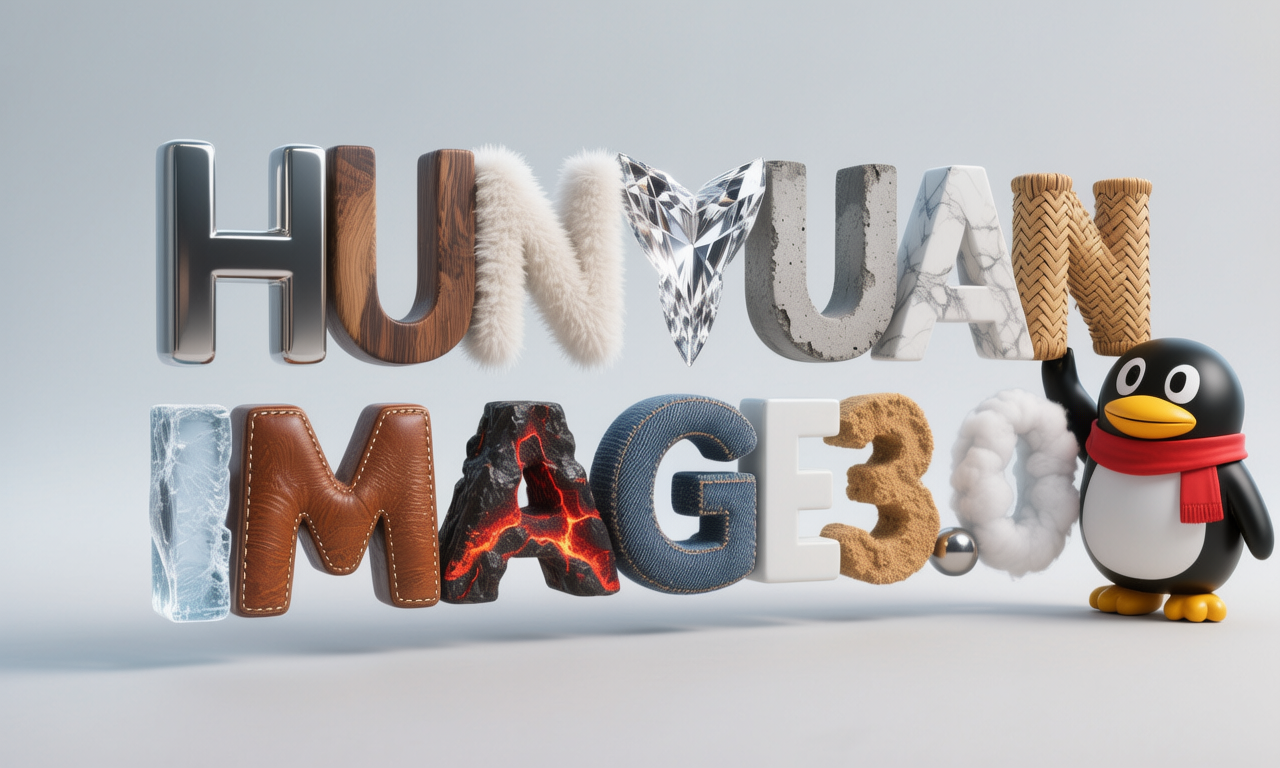
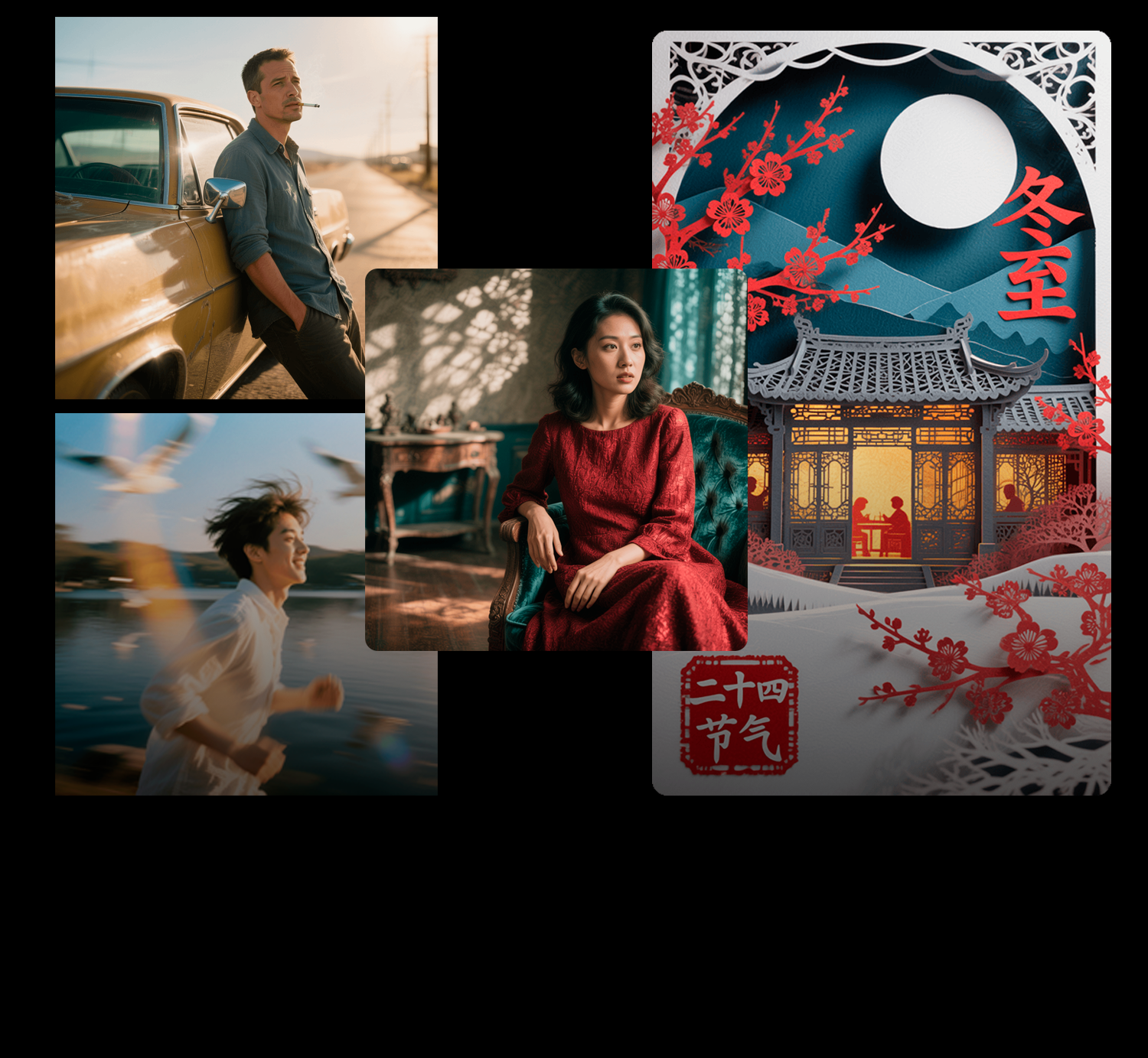
HunyuanImage 3.0 sample outputs showing text to image generation from Tencent Hunyuan
Tencent Hunyuan

What the 80B MoE Architecture Means in Practice

A Mixture of Experts model routes each token through a subset of specialized sub networks rather than activating the full parameter set on every inference pass. With eighty billion total parameters and thirteen billion active per token, HunyuanImage 3.0 gets the representational capacity of a large model at a compute cost closer to a mid-size one.

The practical consequence is that the model handles complex, multi element prompts without the degradation you see when smaller models try to balance too many simultaneous constraints. Prompt a detailed scene with specific lighting, a particular lens character, period accurate props, and a headline in a specific typeface, and the model holds each element rather than collapsing toward an average.

This is not a claim that any single image will be perfect on the first pass. It is a claim that the model's tolerance for complexity reduces the number of passes needed to arrive at something usable, which matters when you are generating dozens of frames across a lookbook or storyboard sequence.

Text Rendering for Film Work

Text in images has historically been one of the weakest points of diffusion models. Letters blur, words merge, and anything requiring precise layout becomes unreliable. HunyuanImage 3.0 addresses this directly, producing legible characters in a broader range of fonts, sizes, and placements than prior Hunyuan releases.

For title card explorations and poster comps, this means you can generate layouts where the headline and subhead actually read as text rather than letterform approximations. The typography will not replace a production designer or a motion graphics artist, but it makes the early ideation phase faster because you can evaluate genuine text placement rather than placeholder blocks.

For set dressing and prop design, readable text on signage, labels, screens, and packaging is what separates a scene that reads as detailed from one that reads as approximated. The improvement in text fidelity gives production designers an earlier and more accurate signal on whether a visual direction is working.

Concept Art and Keyframe Generation

For concept art, the model's instruction following makes it practical to specify mood, blocking, and lighting in a single prompt rather than across multiple generation passes with manual blending. A director can brief a scene with lens choice, time of day, palette, and atmosphere and receive frames that feel closer to the intended look on the first attempt.

Keyframe generation across a sequence benefits from the model's prompt tolerance. Maintaining a consistent visual language, the same color temperature, the same texture approach, the same quality of light, across ten or twenty frames is easier when the model reliably interprets the same description the same way rather than drifting between passes.

Production teams working on pitch materials often need to produce a volume of frames quickly while keeping a consistent art direction. The combination of long prompt tolerance and strong instruction following makes HunyuanImage 3.0 a faster path to coherent lookbooks than models that require more aggressive prompt engineering to stay consistent across variations.

How It Compares to HunyuanImage 2.1

HunyuanImage 2.1 was a high quality image generation model in its own right, with strong photorealism and solid performance on standard film production tasks. Version 3.0 represents a meaningful step rather than an incremental update.

The primary advances are in the multimodal architecture and in the scale of the model. Version 2.1 used a more conventional diffusion approach. Version 3.0's native multimodal design means the model processes text and image representations in the same space from the start, rather than encoding them separately and combining later. This affects how the model interprets detailed prompts with multiple visual requirements.

Text rendering is the area where the gap is most visible. Version 2.1 produced readable text in some conditions but remained unreliable for complex layouts. Version 3.0's improvement in this area is significant enough that workflows which previously routed text generation to a separate tool can evaluate whether HunyuanImage 3.0 handles it in one pass.

Prop Design, Set Dressing, and Material Tests

For props and set dressing, the model's ability to hold a style across iterations is the relevant capability. Production designers developing a specific period look or a consistent design language across a fictional world need each generated asset to feel like it belongs in the same visual universe.

Material variations, such as testing the same prop in weathered metal versus painted ceramic versus raw wood, generate faster when the base form stays stable across passes. The model's instruction following keeps the underlying geometry and proportion consistent while varying the surface treatment, which is what you need for material evaluation before a build decision is made.

Decal and surface graphic work, markings on vehicles, logos on uniforms, text on packaging, benefits from the text rendering improvements. These are the elements where earlier models most visibly broke, producing blurred marks that looked wrong in full frame. Cleaner text rendering on surfaces makes generated assets more directly usable as visual reference for the build and art departments.

Workflow Advice for Film Pre Production

Start with a detailed brief rather than a short prompt and iterate on specifics. The model handles long descriptions, so there is no need to break a complex scene brief into fragments and blend outputs. Give it the scene's visual requirements in one pass and evaluate the results before deciding what to adjust.

For sequence work, establish a core prompt that describes the elements that should stay consistent across frames, then add shot-specific variations as additive clauses. This keeps the visual language stable across a lookbook without requiring manual blending between outputs.

Keep your prompt and seed records for every output that enters your boards or references. Reproducing a specific frame weeks later is only possible if you logged the prompt, the seed, the model version, and any parameters that were set to non default values. This is a production hygiene step that saves time when a director or producer asks to revisit something from an earlier pass.

Resolution, Inference, and Hardware

HunyuanImage 3.0 targets high resolution outputs suitable for print and large format display, which is the resolution range production teams need for poster and key art work. The model can generate images that hold detail when viewed at standard poster sizes or when blown up for exhibition display.

Inference requires a GPU with sufficient VRAM for the active parameter count. The MoE design means the active compute load during generation is lower than the total parameter count suggests, but running the model locally still requires hardware above consumer entry level. Teams without suitable local infrastructure can use the model through the HuggingFace platform or through hosted inference services that support the Hunyuan model family.

For batch generation at production scale, test your hardware configuration against the actual resolution and prompt complexity you need before committing to a pipeline. Memory requirements can vary significantly between a short simple prompt and a long multi element brief at maximum resolution.

The Hunyuan Model Ecosystem

Tencent releases Hunyuan models across several modalities, and HunyuanImage 3.0 fits into a broader toolkit that covers video, audio, and 3D generation under the same brand. HunyuanVideo-Foley, released the same month, handles synchronized audio generation from video, making it a natural companion for production teams who need both image and sound reference from the same research group.

The Hunyuan Community License applies consistently across the family, which means teams who have reviewed the license terms for one model can carry that understanding to others in the ecosystem. The territory and scale provisions tend to be consistent across releases, though each model card should be reviewed individually since terms can be updated between releases.

Tencent's pattern of releasing high quality open weights alongside commercial products means the models are genuinely usable for production exploration without the friction of research-only restrictions. The consistent release cadence and licensing approach across the Hunyuan family makes it easier to build a multi modal production pipeline where the components follow compatible rules.

HuggingFace Space for Quick Testing

Tencent maintains a HuggingFace Space for HunyuanImage 3.0 that allows browser-based testing without any local setup. Upload a prompt and review the output before committing to a local inference pipeline.

The Space is the fastest way to evaluate whether the model's specific characteristics, the MoE prompt following, the text rendering quality, and the stylistic defaults, match what you need for your project. Testing with your actual prompts rather than the demo examples gives you an accurate signal on whether the model is suited to your production's visual requirements.

Once you have confirmed the model meets your quality threshold through the Space, moving to local inference is straightforward. Local generation is significantly faster for production volumes than browser based generation and avoids transmitting proprietary prompt content or reference images to third party servers.

Availability

The weights and code are published on HuggingFace under the tencent organization alongside a model card with setup instructions and example outputs. The GitHub repository includes configuration notes, sampler settings, and guidance for running the model with different precision settings depending on your hardware.

If you work with instruct tuned variants or community ports of the model, verify you are pulling from the current official organization and check for any changes in tokenizer, sampler, or safety filters before adopting a community variant in a production pipeline. Community ports can lag behind official updates and may not carry forward the full safety filtering that the official weights include.

Quality Benchmarks and Community Results

The model card includes sample outputs across a range of generation tasks, and community evaluations have appeared on HuggingFace and in AI filmmaking forums since the release. The benchmark outputs demonstrate strong performance on detailed architectural scenes, period accurate costuming, and mixed text-image layouts that would previously have required multiple passes and manual compositing.

Community reports from visual development artists note that the model handles complex lighting references more reliably than prior versions. Specifying a specific quality of natural light, such as golden hour rim light through foliage with diffuse fill, produces results that match the description more precisely than earlier Hunyuan releases, which tended to average toward a standard interior or exterior default when multiple lighting terms were present.

For production teams that need to evaluate the model against specific project requirements before adopting it, the community outputs provide a useful frame of reference. Testing your own prompts against those benchmarks in the Space takes under an hour and gives you a clear picture of where the model performs well and where it needs prompt refinement.

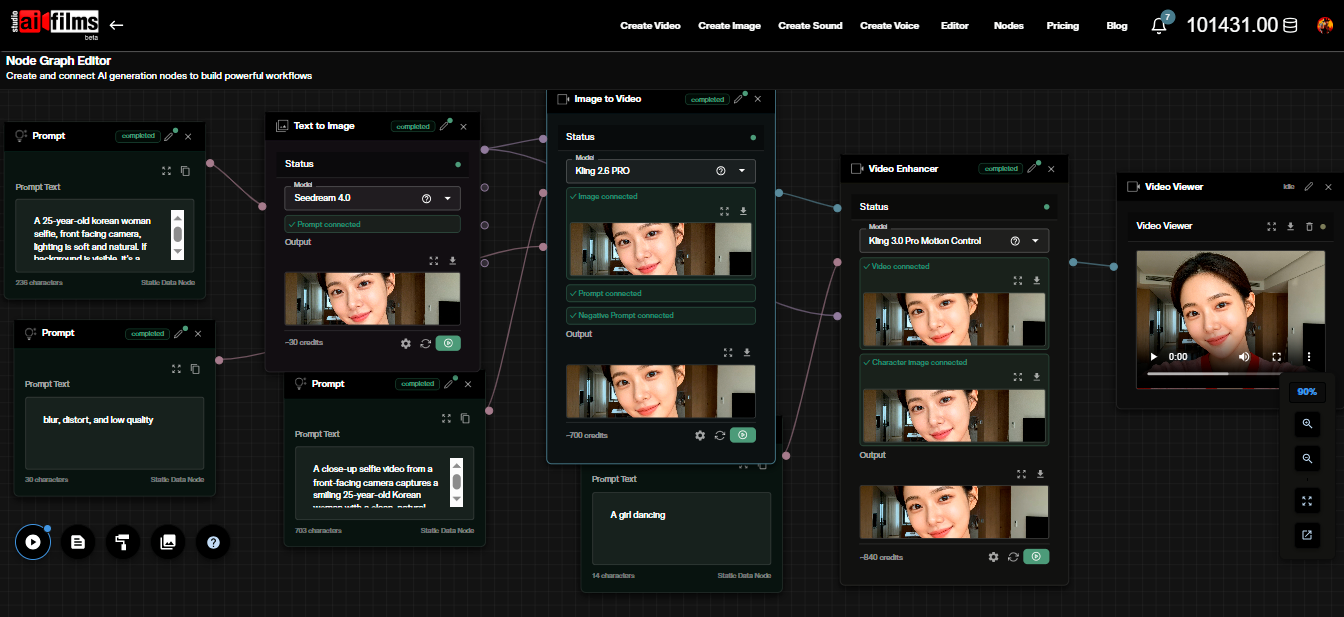
The AI FILMS Studio image workspace provides access to the latest image generation models for teams who need to generate concept art, stills, and pre production references without managing local model infrastructure. For productions combining image generation with video, the AI FILMS Studio video workspace handles text-to-video and image-to-video from the same platform.

License and Commercial Use

HunyuanImage 3.0 ships with the Tencent Hunyuan Community License. The weights are openly downloadable, but this is not an Apache 2.0 or MIT license. Commercial use is permitted with conditions that may include territory restrictions and scale thresholds.

Some Hunyuan releases exclude use in specific markets and require a separate agreement once a product crosses a defined monthly active user threshold. The license also typically prohibits using generated outputs to train or improve other AI models. These terms are subject to change between releases, and the license on the model card at the time of your integration is the authoritative version.

Read the full license before integrating the model into any paid workflow. If your project crosses markets in the EU, UK, or South Korea, confirm the current territory terms explicitly. Route any ambiguous cases through legal rather than assuming the commercial use provision covers your specific situation.


Sources

GitHub: Tencent-Hunyuan/HunyuanImage-3.0 HuggingFace: tencent/HunyuanImage-3.0 Product page: hunyuan.tencent.com/image