HuMo | High fidelity controllable human motion

Share this post:
HuMo | High fidelity controllable human motion
HuMo is a human centric video generator from ByteDance Research that treats motion, identity, and timing as a single connected performance. You can condition the model on text, a reference image, audio, or any combination, and the subject stays consistent across the full generated sequence.
The result is motion that reads like a directed performance rather than a plausible approximation. Dance choreography, acting beats, and dialogue synced gestures maintain coherence across frames rather than fragmenting at the level of individual clips.
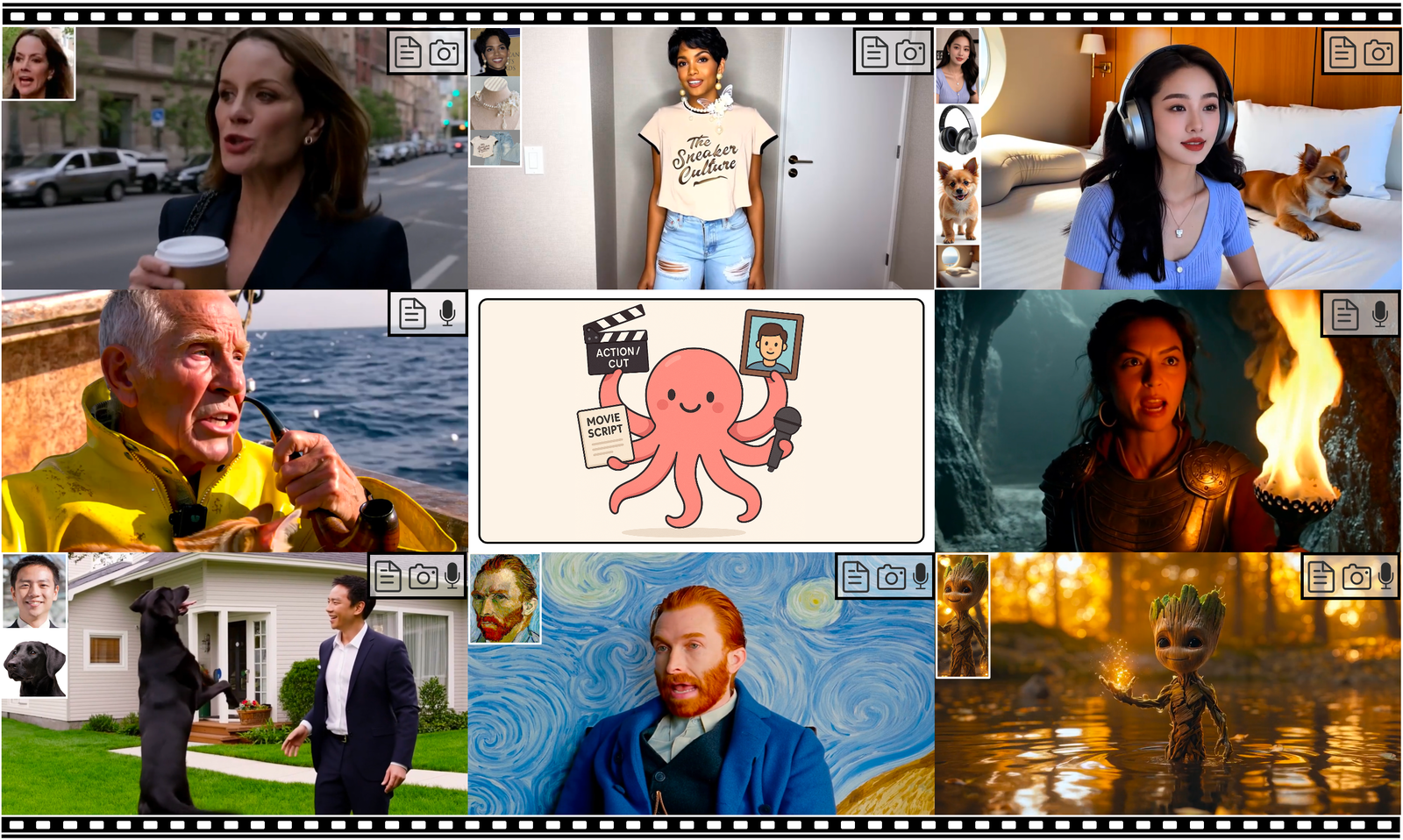
HuMo teaser. ByteDance Research / Phantom Video
What HuMo Actually Generates
HuMo produces full body human motion video conditioned on your inputs. Text descriptions guide the type and quality of motion. An image reference anchors the subject's appearance, costume, and identity. Audio drives the rhythm and energy of movement, producing animation that follows the voice's phrasing rather than a generic loop.
When all three inputs are combined, the model integrates them. The appearance stays consistent with the image reference, the motion type follows the text, and the timing follows the audio track. None of these are applied as post processing overlays. They are all part of the same generation.
The practical result is that a filmed or animated subject can be placed into a new motion context without re-shooting. A character performing a generic walk can be replaced by the same character dancing to a specific track, directed by text description, while keeping the original costume and face.
Audio Conditioning and Motion Timing
When you provide audio, HuMo does not simply match lip movements to the voice track. It drives broader body language, head position, breathing cadence, and posture from the audio signal. Emotional tone in the voice influences the energy of the full body performance.
This distinction matters because most talking avatar systems treat audio as a lip sync problem. HuMo treats it as a performance driver. A monologue delivered with agitation produces a different posture, head movement, and eye behavior than the same words delivered calmly, even if the timing of mouth movements is identical.
For production workflows, this means the audio track you provide is effectively a performance note. A more expressive vocal track produces more expressive body language. A flat or quiet delivery produces contained, less emphatic movement. You can treat the audio as a direction tool separate from its content.
The Two Public Checkpoints
ByteDance Research released two model variants that map to different stages of a production workflow. A 1.7 billion parameter model generates 480p sequences and runs on a single 32GB GPU. This is suited for fast exploration and iteration where cycle time matters more than resolution.
A 17 billion parameter model targets 720p with stronger fidelity in face and hand detail. This is the right checkpoint for pitch reels, hero shots, and any output that will be reviewed at closer attention. Both checkpoints are publicly available on HuggingFace under Apache 2.0.
The choice between checkpoints does not have to be made once at the start of a project. A practical workflow uses the 1.7B model to find and refine performance choices, then switches to the 17B model for the selected takes. This keeps iteration cost low without sacrificing final quality.
The 17B model requires significantly more VRAM than the 1.7B model. The project documentation lists hardware requirements for each checkpoint. Plan your generation infrastructure based on which checkpoint is doing what stage of work.
Input Modes and What to Provide
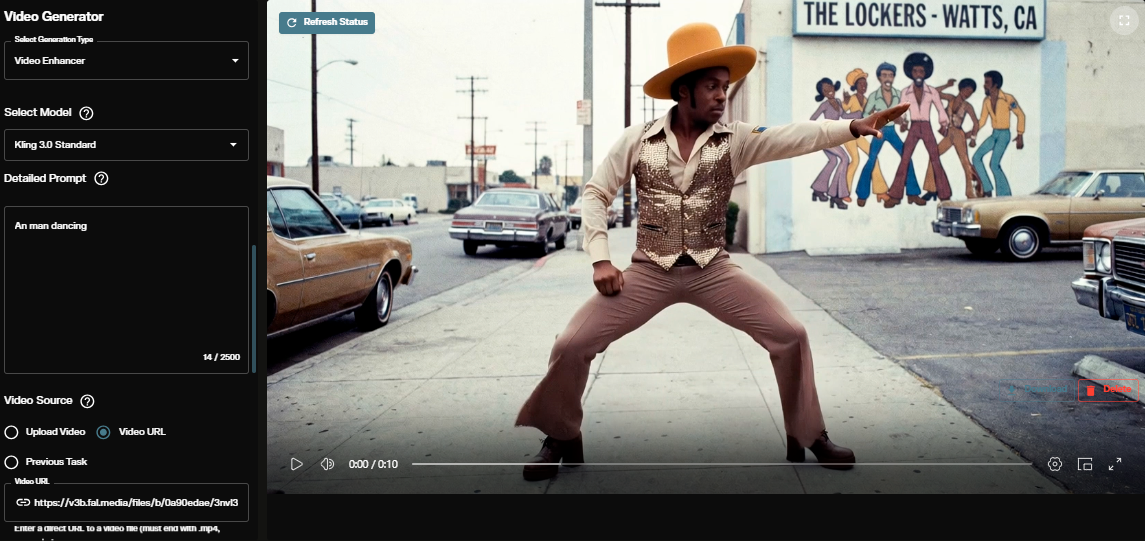
The repository supports three documented input configurations. Text only mode generates motion from a description without a specific subject identity, which is useful for character concepting when the look is not yet defined. Text plus image mode anchors the subject while specifying the motion type.
Text plus audio mode adds timing and energy from a voice or music track. This is the most useful mode for synchronizing animation to existing recorded content, where the audio track is fixed and the visual performance needs to match it.
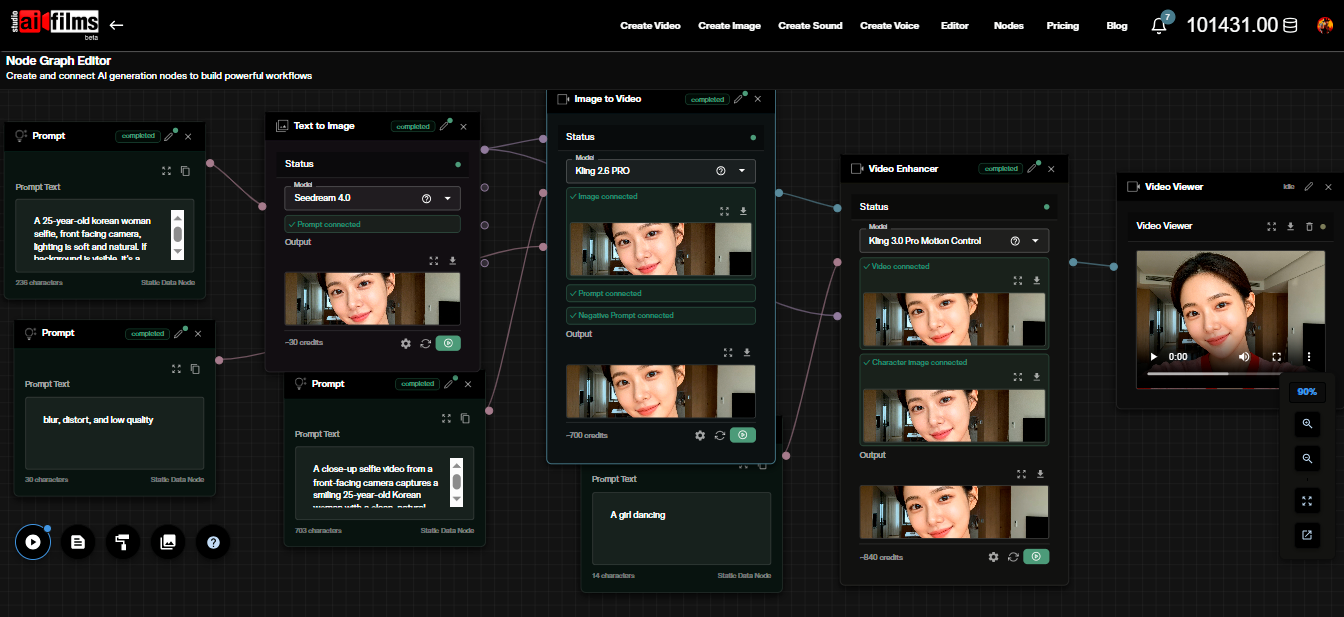
The combination of all three inputs is also possible. In practice, combining all three gives you the most control. The image defines who the subject is, the text defines what they are doing, and the audio defines how they are doing it. Each input constrains a different dimension of the generation.
Camera and Background Handling
One detail that separates HuMo from simpler motion transfer approaches is how it handles the scene context. When you provide a reference image or video, the model preserves the background and camera position from the source while animating the subject within that context.
Most human animation systems treat the subject in isolation. They animate the foreground figure but require you to composite it onto a background separately. HuMo generates the full scene, so the subject and background are spatially coherent from the start.
For production previz and pitch materials, this is a meaningful time saving. You can provide a reference frame from a location scout or a set design rendering and generate a performance in that space without a separate compositing step.
The extent of background preservation depends on the complexity of the motion and the camera distance. Close-up performance clips with significant motion will interact with the background differently than wide shots. Test the specific framing and motion type you need early in your evaluation.
Workflow and Quality Considerations
Output quality scales with input quality. A clean reference image with good lighting, a specific text description, and audio that matches the intended performance energy produces directed, readable motion. A generic or low-quality reference produces inconsistent results across longer sequences.
Test face and hand fidelity early, especially for sequences where the camera holds close. These are the areas where the gap between 1.7B and 17B checkpoints is most visible, and they are also the areas that take the most retakes on a real shoot.
When you move from exploration to delivery, keep a log of prompts, seeds, reference images, and audio sources for each take. This allows you to reproduce a result exactly if a note comes back, and it gives your editor a reference for requesting a variation without restarting from scratch.
Production Use Cases
HuMo fits most naturally into the early and middle stages of production where ideas are being tested before budget is committed to a shoot. A director pitching a scene can animate a character reference through a choreographed sequence to communicate timing and energy in a way a storyboard cannot.
For education and training content, consistent character animation from a single portrait reference eliminates the need for repeated talent availability. A character established in one session can be animated through many different scenarios using the same reference image across multiple generation passes.
Music video and performance content is another natural fit. When a music track exists and the visual concept needs development, HuMo can generate performance references directly from the audio, giving the creative team a visual starting point without a shoot day.
Localization workflows benefit from the audio conditioning. When existing footage needs a performance for a different language voice track, the model can drive new body animation from the replacement audio while preserving the subject's appearance.
Licensing and Commercial Use
HuMo is released under Apache 2.0 on both HuggingFace and GitHub. Apache 2.0 allows commercial use, modification, and distribution without royalty payments, provided you include the license notice in distributed copies.
The license applies to the model weights and code, not to the content you generate. Generated content status depends on the rights you hold over your inputs, including the reference images you provide, the audio you use for conditioning, and the identity of any person depicted.
For commercial productions, the Apache 2.0 license on HuMo itself removes the first layer of licensing risk. The production-specific obligation is in the inputs. Written consent from any real person whose likeness or voice you use, covering allowed uses, territories, and downstream applications, is required regardless of the model's own license terms.
HuMo vs. Traditional Motion Capture
Traditional motion capture requires a volume equipped with infrared cameras, a performer in a tracking suit with reflective markers, and a team of technicians to run the capture session, clean the data, retarget it onto the character rig, and review the results. A single half-day capture session can cost thousands of dollars before you factor in the retargeting work.
HuMo eliminates the physical setup. You need a reference image, a text description, and optionally an audio track. The generation runs on a single GPU. For the early stages of production, where the goal is to test whether a performance idea reads before committing budget to a capture session, this changes the economics of iteration dramatically.
Traditional motion capture has advantages HuMo cannot fully replicate. Mocap provides physically accurate limb positions, contact timing with surfaces, and full body data that can be retargeted to any rig with professional results. HuMo generates a video performance, not a rigged character data set. The outputs are pixels, not joint rotations.
The practical workflow combines both approaches at different stages. HuMo for ideation and performance testing during development, where speed and low cost are the priority. Traditional capture for final animation data when the performance choices are locked and quality must meet delivery standards.
For sequences where the final output is video rather than an animated character (talking head content, presenter video, promotional footage with virtual talent), HuMo can be a complete production solution rather than a prototyping step. The question is always whether the output format matches the delivery requirement.
The Phantom Video Project and Research Context
HuMo is part of the Phantom Video project from ByteDance Research, which covers multiple approaches to human centric video generation beyond single subject animation. The research program addresses the broader problem of generating human performances that are consistent, controllable, and usable in professional contexts.
The release of both a 1.7B and 17B checkpoint reflects the project's commitment to making the research practically accessible. Publishing only a large model would limit access to researchers with high-end infrastructure. Publishing both gives the broader community a path to evaluate the approach on consumer hardware before committing to the larger model.
The Apache 2.0 license on both checkpoints is consistent with ByteDance Research's recent pattern of releasing video generation research under permissive terms. For practitioners evaluating the model, this removes one of the most common friction points in adopting research-lab releases for production work.
The Phantom Video project page includes a full paper describing the training methodology and evaluation results in detail. For teams who want to understand the model's capabilities and limitations before committing to a generation pipeline, reading the paper gives a clearer picture of where the model was evaluated and what conditions produced the published sample outputs.
The project page also includes video demonstrations across different input configurations, including dance with audio, acting with text, and full-parameter runs combining all three input types. Reviewing these samples against your specific production requirements is a practical starting point for evaluating whether the model is suited to the type of content you need to produce.
The GitHub repository is under the Phantom-video organization, which is separate from ByteDance's main GitHub account. Search for "Phantom-video/HuMo" to find the current version of the code. The Hugging Face model page at "bytedance-research/HuMo" is the correct location for the model weights.
For teams working on character development and previz that would benefit from consistent human motion across a variety of performance types, HuMo sits alongside a growing set of tools focused on controllable human video. The combination of text, image, and audio conditioning in a single model with two released checkpoints under Apache 2.0 represents one of the more complete open source options in this space as of the September 2025 release date.
The AI FILMS Studio video workspace provides cloud-based access to state-of-the-art video generation models for teams who need to generate human performance video without the hardware requirements of running large local models.
Sources
Project page: phantom-video.github.io/HuMo HuggingFace: bytedance-research/HuMo GitHub: Phantom-video/HuMo arXiv: 2509.08519
Continue Reading
Video & LipSync
- Video Generator
- Text to Video
- Image to Video
- Start-End Frame to Video
- Draw to Video
- Motion Control
- Video Enhancer
- Video Upscaler
- Video to Video LipSync
- Audio to Video LipSync
- Image to Video LipSync
- Video FaceSwap
- Seedance 2
- Vidu Q3 Pro
- Google Veo 3.1
- Kling 3.0 Pro
- LTX 2.3
- Happy Horse 1.0
- Kling 3.0 Motion
- ByteDance Upscaler
- InfiniteTalk
- InsightFace