

AI FILMS original chart, numbers from the Matrix-Game 4.0 README
Share this post:
minWM and Matrix-Game 4.0: Open Source Interactive Worlds
A normal video model makes a clip and stops. An interactive world model keeps going. You press a key, and the next frames show the result. Two open source projects make this practical. minWM (arXiv:2605.30263) is a framework that turns a standard video diffusion model into a real time, controllable world model. Matrix-Game 4.0 from Skywork (released 2026-10-15) uses a game engine for the rules and a video model for the picture.
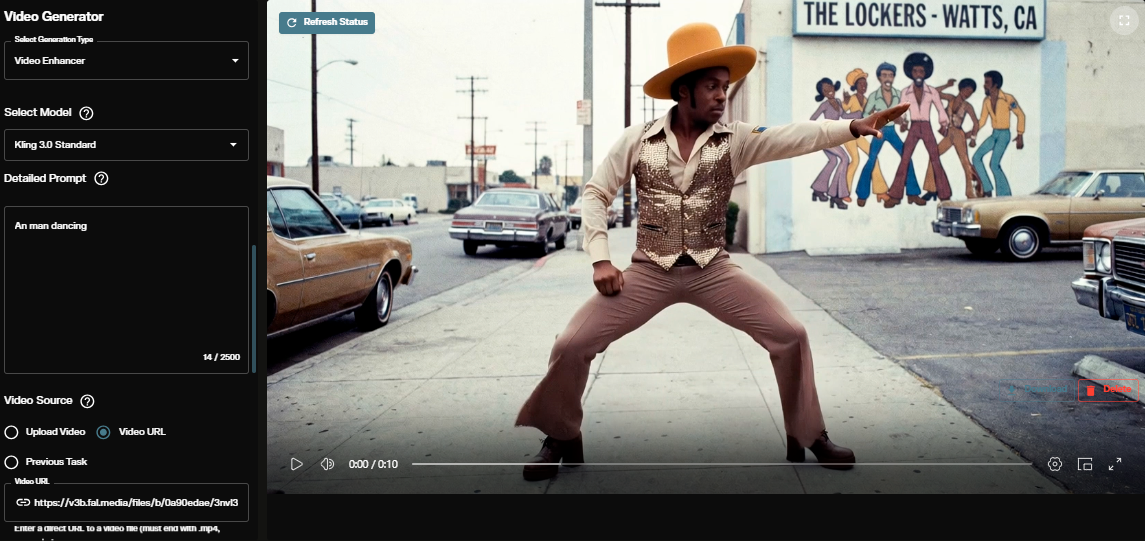
Studio availability. minWM and Matrix-Game are not available in AI FILMS Studio. This article covers open source releases for local deployment. To animate images and plan shots in the cloud, use the image to video page or the video workspace.
minWM: Four Stages From Clip Model to World
Most open video models are bidirectional. They look at the whole clip at once and need many denoising steps. A world model must be causal and fast. minWM gives a recipe for the change. Its pipeline has open data, open training and open inference.

minWM pipeline. Credit: minWM authors, arXiv:2605.30263, CC BY 4.0.
Phase one trains a bidirectional diffusion model with camera control. Phase two distills it into an autoregressive model. This phase includes autoregressive training, a causal initialization and an asymmetric Distribution Matching Distillation (DMD) step. The result runs 4 step DMD inference with streaming denoising and decoding.
Two backbones are supported. Wan 2.1 has 1.3B parameters. HunyuanVideo 1.5 has 8B. Both support the full four stage path.
The README gives no VRAM figure and no measured frame rate. It describes 4 step DMD as enabling real time inference. The Wan Action2V output is 832x480 with 77 frames at 16 fps.
conda create -n minwm python=3.12 -y
conda activate minwm
pip install -r requirements/base.txt
pip install flash-attn --no-build-isolation
pip install -e .

# Wan Action2V, 4 step DMD, camera control
torchrun --nproc_per_node=1 tools/infer_mwm.py \
    --config-file configs/wan21/action2v/infer/stage3_ar_dmd.py \
    inference.benchmark=assets/example_t2v.json inference.limit=2 \
    inference.output_dir=./outputs/quickstart_wan_action2v
Checkpoints are at MIN-Lab/minWM on Hugging Face. The project was released on 2026-05-17, the report followed on 2026-05-29, and an improved version came on 2026-09-05.
License detail. The framework code and the Wan 2.1 backbone use Apache 2.0. The HunyuanVideo 1.5 backbone uses the Tencent Hunyuan Community License. That license is not OSI approved, it covers derived weights, and its grant excludes the European Union, the United Kingdom and South Korea. Pick the Wan backbone if you work in those regions.
Matrix-Game 4.0: A Game Engine Plus a Video Model
Matrix-Game 4.0 splits the work in two. A game engine handles gameplay, physics and input. A causal video model renders a clean low poly RGB stream into a styled picture. The HUD and sound stay outside the model as frame aligned layers.
Three scenes ship with the release: Medieval Castle, Ancient Egypt and City Racing. The model works in blocks of four frames at 864x480. It uses a diffusion transformer with the umT5 text encoder and the Wan VAE. Two presets exist. The realtime preset uses one denoising step. The quality preset uses two steps.
Matrix-Game 4.0 demo clip from the project page. Credit: Skywork AI.
Speed on Consumer GPUs
The README reports steady state model speed at 864x480, without video input and output time.
| GPU | Preset | FPS | GPU memory |
|---|---|---|---|
| RTX 5080 | rtx5080 |
About 42 | About 9.6 GB |
| RTX 5080 | rtx5080-sage |
About 67 | About 12.8 GB |
| RTX 5070 Ti | rtx5070ti |
About 41 | About 9.2 GB |
| RTX 5070 Ti | rtx5070ti-sage |
About 58 | About 10.9 GB |
| A100 80 GB | Fixed prompt | About 38 to 39 | Not stated |
The RTX 5080 and 5070 Ti runtimes support fixed prompts only. The README warns that these numbers are model speed, not browser speed or action to screen delay. It calls the browser demo a trusted single user demo and tells you not to expose it to the internet.
Install and Render
git clone https://github.com/SkyworkAI/Matrix-Game.git
cd Matrix-Game/Matrix-Game-4
python3.12 -m venv .venv
source .venv/bin/activate
python -m pip install -e '.[inference,server,download,test]'

matrix-game download --manifest releases/models.json \
  --repo-id Skywork/Matrix-Game-4.0 --repo-type model \
  --scene ancient-egypt --resources resources

matrix-game render --scene ancient-egypt --input lowpoly.mp4 \
  --resources resources --preset realtime --prompt-mode fixed \
  --output outputs/egypt
Follow the full README for the exact PyTorch and CUDA versions, because the A100 setup uses very new releases. The code for version 4.0 uses Apache 2.0. Model and asset files carry their own license statements, so read LICENSE and THIRD_PARTY_NOTICES.md before you ship anything made with them. Weights are at Skywork/Matrix-Game-4.0 on Hugging Face.
What This Means for a Film Pipeline
These tools do not replace a camera or a final render. They help earlier in the process.
- Virtual scouting. Walk a low poly blockout and see a styled picture of the location.
- Camera tests. Try a move live before you build it in a game engine or on set.
- Previs from a blockout. Render a rough 3D layout into a look that matches the target style.
- Research. minWM lets a lab convert its own video model into an action controlled one.
The limits are clear. Resolution is 864x480, each scene model is trained for its scene, and one server process runs one scene and one session.
Related World Model Guides
Read more about open world models in Lyra 2, ABot-World 0, DreamX-World, AlayaWorld and NVIDIA Cosmos 3. For 3D scenes from panoramas, see HY-World 2.0.
From World Frames to Shots in AI FILMS Studio
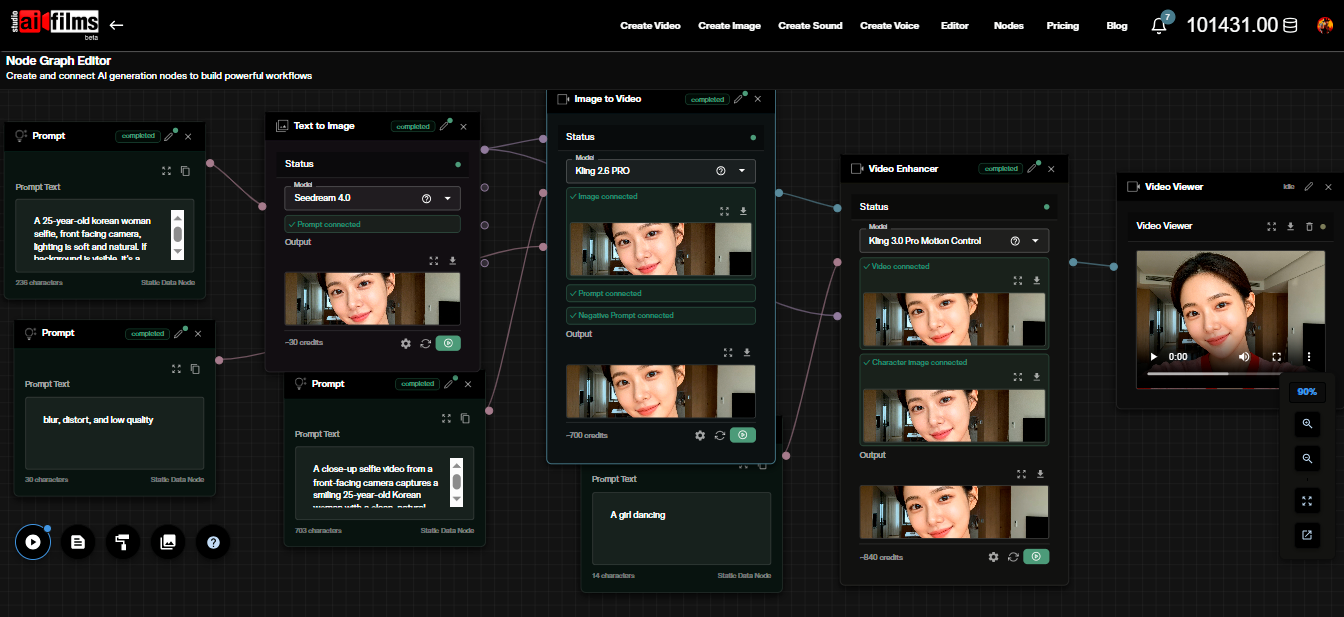
Export a frame from your world and use it as a start frame. The image to video page animates it with cloud models such as Kling 3.0 Image to Video, Google VEO 3.1 Image to Video and Seedance 2.0 Image to Video. For a planned move, use two frames on the start and end frame page. In the Nodes Graph Editor you can chain a generation node with an upscaler such as the SeedVR2 Video Upscaler.
Sources
minWM Paper (arXiv:2605.30263) | minWM GitHub (Shengshu AI) | MIN-Lab/minWM Hugging Face | Matrix-Game GitHub (SkyworkAI) | Skywork/Matrix-Game-4.0 Hugging Face | Matrix-Game 4.0 Project Page
Continue Reading


Video & LipSync
- Video Generator
- Text to Video
- Image to Video
- Start-End Frame to Video
- Draw to Video
- Motion Control
- Video Enhancer
- Video Upscaler
- Video Extend
- Video to Video LipSync
- Audio to Video LipSync
- Image to Video LipSync
- Video FaceSwap
- Seedance 2.5
- WAN 3.0
- Seedance 2
- FLUX 3
- Minimax H3
- Vidu Q3 Pro
- Grok Imagine Video 1.5
- Gemini Omni
- Google Veo 3.1
- Kling 3.0 Pro
- Luma Ray 3.2
- LTX 2.3
- Happy Horse 1.1
- Kling 3.0 Motion
- ByteDance Upscaler
- InfiniteTalk
- InsightFace
Image & Edit
- AI Character
- AI Actor
- Art Generator
- Text to Image
- Image to Image
- LoRA Image to Image
- Draw to Edit
- Image LoRA Training
- Remove Background
- Image Enhancer
- MidJourney 8.0
- Krea 2
- OpenAI GPT Image 2.0
- Nano Banana Pro Ultra
- Nano Banana 2 Lite
- Nano Banana Pro
- Minimax Image
- Clarity Pro
- Z-Image Turbo LoRA
- Krea 2 Turbo LoRA
- Z-Image LoRA Trainer
- Qwen Image LoRA Trainer
- Background Erase Network 2 (BEN2)