

AI FILMS original diagram, based on Tencent-Hunyuan/HY-World-2.0
Share this post:
HY-World 2.0: Open Source 3D World and 360 Panorama AI
A virtual location needs three things. It needs a wide view of the space, a map you can walk through, and a way to place a camera inside it. HY-World 2.0 from Tencent Hunyuan covers all three. It generates 360 degree panoramas from text or one image. It expands a panorama into a navigable 3D Gaussian Splatting (3DGS) world. It also rebuilds a 3D scene from photos or video. The technical report is arXiv:2604.14268.
Studio availability. HY-World 2.0 is not available in AI FILMS Studio. This article covers an open weights release for local deployment. To generate video from a location image in the cloud, use the image to video page or the video workspace.
Read the License First
HY-World 2.0 uses the Tencent HY-WORLD 2.0 Community License, not a standard open source license. Three terms matter for a production team.
- Territory. The license does not apply in the European Union, the United Kingdom or South Korea. Use of the model, its output or its results outside the territory is not licensed.
- Scale. A company with more than 1 million monthly active users on the release date must ask Tencent for a separate license.
- No model training with it. You must not use the models or their output to improve another AI model.
If your studio or your clients sit inside the excluded regions, do not use this model. Ask a lawyer when in doubt.
What Is in the Release
| Component | Size | Task |
|---|---|---|
| WorldMirror 2.0 | About 1.2B | Photos or video to depth, normals, camera poses, point cloud and 3DGS in one pass |
| HY-Pano-2 | About 80B | Text or image to 360 degree panorama |
| HY-Pano-2-Qwen | About 425M (LoRA) | Lighter panorama variant |
| WorldNav | Not stated | Obstacle aware camera path planning guided by a vision language model |
| WorldStereo-2 | About 17B | Panorama to navigable 3DGS world |
| World Composition | Not stated | WorldMirror 2.0 plus 3DGS learning |
WorldMirror 1 stays available as a legacy model. The README gives no VRAM figure. It recommends CUDA 12.8 and Python 3.11 or newer. An 80B panorama model needs a multi GPU setup, so start with the 425M LoRA variant or the 1.2B reconstruction model on a single card.

Generated scene as a mesh. Credit: Tencent Hunyuan (community license).

Interactive exploration of a world. Credit: Tencent Hunyuan (community license).
360 Panoramas for Virtual Production
A 360 panorama is the base of many virtual production tasks. It works as a sky dome, a lighting reference and a quick location mockup. HY-Pano-2 produces one from a text prompt or from a single image. The panorama then becomes the input of the next stage.
The full generation chain runs in this order. HY-Pano-2 makes the panorama. WorldNav plans a camera path that avoids obstacles. WorldStereo-2 expands the panorama into a 3DGS world that you can explore. For a camera test you can then render shots along a path.
The authors report these results for WorldStereo 2.0. Camera control error (ATE) is 1.768, against 2.141 for version 1 (lower is better). On the MipNeRF360 dataset the F1 score is 51.27, the best result reported in the README.
For another panorama approach, read our guide to DiT360.
Reconstruction From Your Own Plates
WorldMirror 2.0 goes the other way. You give it photos from a location recce or frames from a camera pass. It returns depth, surface normals, camera poses, a point cloud and a 3DGS scene in one forward pass. The README reports these numbers with all priors at high resolution.
| Dataset | Accuracy | Completeness |
|---|---|---|
| 7-Scenes | 0.012 | 0.016 |
| DTU | 0.554 | 0.771 |
Lower values are better for both metrics. A scout can walk a real location with a phone and get a 3D model for previs. A production designer can plan camera positions before the build starts.
Run It Locally
git clone https://github.com/Tencent-Hunyuan/HY-World-2.0
cd HY-World-2.0
conda create -n hyworld2 python=3.11.15
conda activate hyworld2
pip install -r requirements.txt
Install one FlashAttention backend. Use FlashAttention 3 on Hopper GPUs or pip install flash-attn --no-build-isolation on others. World generation needs extra steps from the README, including requirements_git.txt and the navmesh submodule.
# Reconstruction: photos or video to 3D
from hyworld2.worldrecon.pipeline import WorldMirrorPipeline

pipeline = WorldMirrorPipeline.from_pretrained('tencent/HY-World-2.0')
result = pipeline('path/to/images')
# Panorama: one image to a 360 degree panorama
from pipeline import HunyuanPanoPipeline

pipeline = HunyuanPanoPipeline.from_pretrained('tencent/HY-World-2.0')
output = pipeline('input.png')
output.save('output_panorama.png')
Multi GPU runs need at least as many input images as GPUs. Weights are on Hugging Face at tencent/HY-World-2.0. The release came in steps. WorldMirror 2.0 and the report came on 2026-04-16. HY-Pano 2.0 came on 2026-05-11. World generation and WorldStereo 2.0 weights came on 2026-05-18.
Where It Fits With Other World Models
HY-World 2.0 builds on the earlier HunyuanWorld and HunyuanWorld Mirror releases. For other open scene generators, compare NVIDIA Lyra 2, LingBot World and InSpatio World. The main difference is the full chain from panorama to a walkable world under one repository.
Frequently Asked Questions
Can I use HY-World 2.0 in the European Union?
No. The community license does not apply in the European Union, the United Kingdom or South Korea.
What does WorldMirror 2.0 output?
Depth, surface normals, camera poses, a point cloud and a 3D Gaussian Splatting scene, all in one forward pass.
Which component makes the 360 panorama?
HY-Pano-2 makes panoramas from text or an image. A lighter LoRA version, HY-Pano-2-Qwen, has about 425M parameters.
From Location Image to Shot in AI FILMS Studio
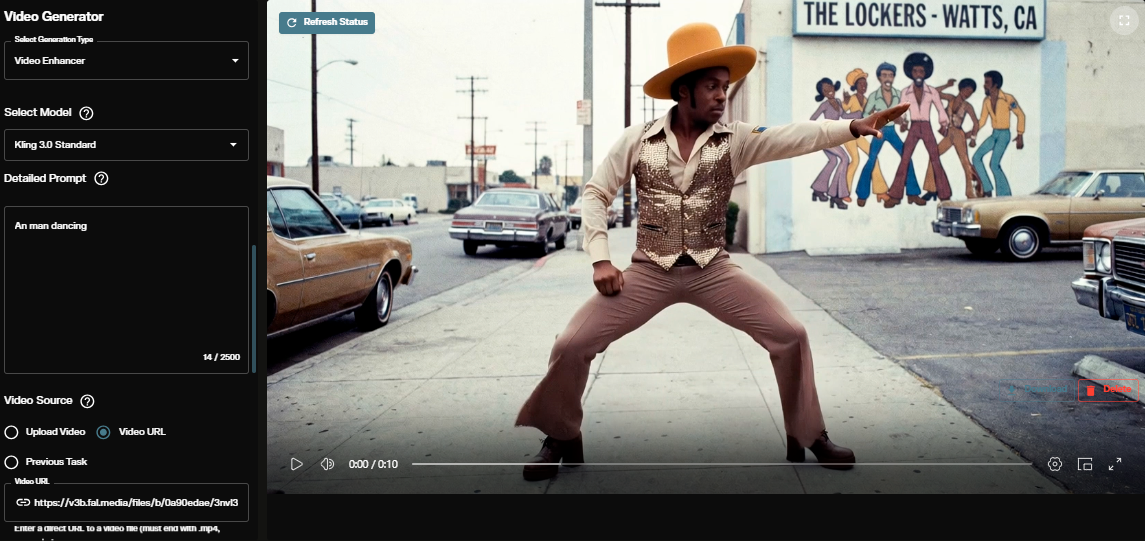
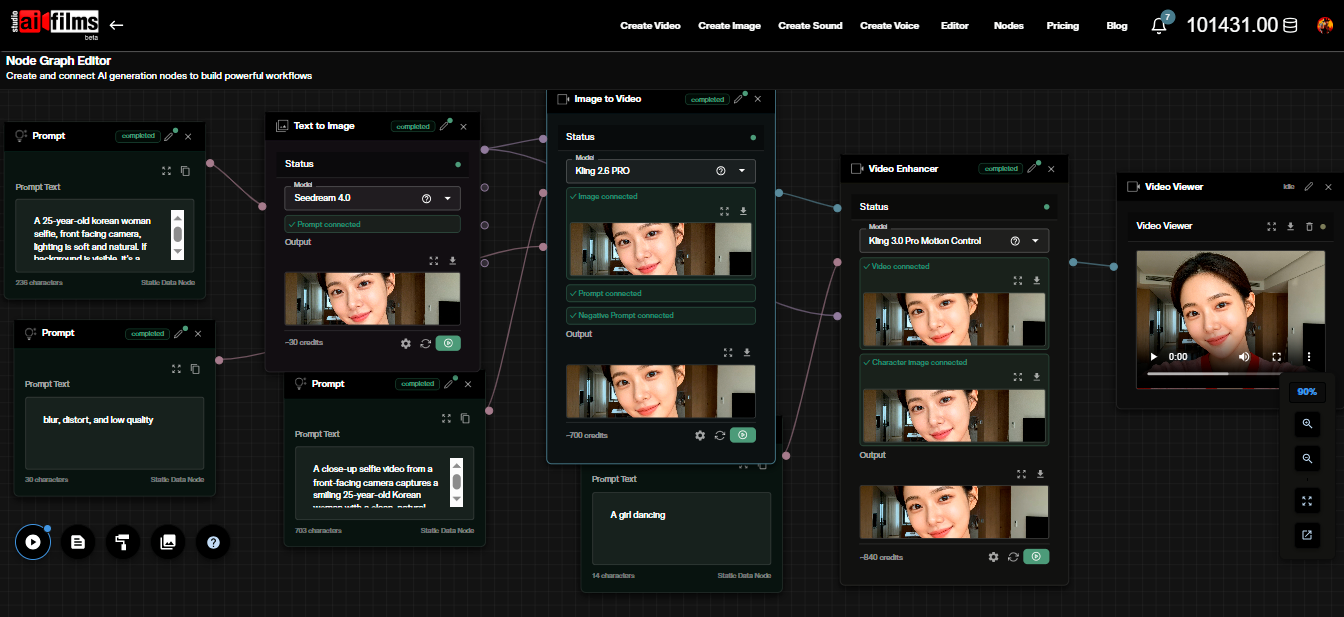
A rendered frame from a 3DGS world works as a start frame in the cloud. Open the image to video page and animate it with Kling 3.0 Image to Video or Google VEO 3.1 Image to Video. For a planned move, use the start and end frame page with two renders from your camera path. In the Nodes Graph Editor you can send the result on to a video upscaler.
Sources
HY-World 2.0 Paper (arXiv:2604.14268) | HY-World 2.0 GitHub (Tencent Hunyuan) | tencent/HY-World-2.0 Hugging Face | Tencent HY-WORLD 2.0 Community License
Continue Reading


Video & LipSync
- Video Generator
- Text to Video
- Image to Video
- Start-End Frame to Video
- Draw to Video
- Motion Control
- Video Enhancer
- Video Upscaler
- Video Extend
- Video to Video LipSync
- Audio to Video LipSync
- Image to Video LipSync
- Video FaceSwap
- Seedance 2.5
- WAN 3.0
- Seedance 2
- FLUX 3
- Minimax H3
- Vidu Q3 Pro
- Grok Imagine Video 1.5
- Gemini Omni
- Google Veo 3.1
- Kling 3.0 Pro
- Luma Ray 3.2
- LTX 2.3
- Happy Horse 1.1
- Kling 3.0 Motion
- ByteDance Upscaler
- InfiniteTalk
- InsightFace
Image & Edit
- AI Character
- AI Actor
- Art Generator
- Text to Image
- Image to Image
- LoRA Image to Image
- Draw to Edit
- Image LoRA Training
- Remove Background
- Image Enhancer
- MidJourney 8.0
- Krea 2
- OpenAI GPT Image 2.0
- Nano Banana Pro Ultra
- Nano Banana 2 Lite
- Nano Banana Pro
- Minimax Image
- Clarity Pro
- Z-Image Turbo LoRA
- Krea 2 Turbo LoRA
- Z-Image LoRA Trainer
- Qwen Image LoRA Trainer
- Background Erase Network 2 (BEN2)