
SwiftVR Restores Degraded Video in Real Time at 26 FPS on a Consumer GPU

Share this post:
SwiftVR Restores Degraded Video in Real Time at 26 FPS on a Consumer GPU
Researchers from Zhejiang University and Microsoft Research published SwiftVR on June 9, 2026. The model repairs degraded video at 26 frames per second on a consumer RTX 5090 at 1080p, the first generative restoration model to reach real time speed on that hardware class at that resolution. Code and weights are released under the Apache 2.0 license, permitting commercial use.
Restoration vs Super Resolution
Video restoration and video super resolution are two distinct post production tasks that different models solve differently. Super resolution models take footage that is too low in resolution and scale it up. That is the task FlashVSR and SparkVSR address.
Restoration addresses different source material: footage that is already at the intended delivery resolution but is visually degraded. Sources include archival footage with grain and scratches, heavily compressed exports, camera footage captured at high ISO in low light, and surveillance video with noise. SwiftVR repairs that footage without modifying the resolution.
Three Architecture Innovations
SwiftVR combines three specific design choices that together push real time performance onto consumer hardware.
Mask-Free Shifted-Window Self-Attention (MFSWA). Standard shifted-window attention requires cyclic shifts and attention masks that add overhead and depend on hardware specific CUDA kernels. MFSWA repositions the window boundaries directly, removing both the cyclic shift and the masking step. The paper reports a 1.62× throughput gain from this change alone.
Restoration-Aware Autoencoder (ReAE). Standard video diffusion models decode the entire latent representation in a single step, which scales poorly with sequence length. ReAE decodes in sequential chunks, keeping peak memory usage bounded regardless of clip length or resolution.
Causal Streaming Protocol. The model processes video as consecutive non overlapping chunks. Each chunk depends only on content from prior chunks, not future frames. This structure eliminates the need to buffer the full sequence and makes SwiftVR usable for streaming pipelines, not only offline post production.
Demo: Degraded Input vs SwiftVR Output
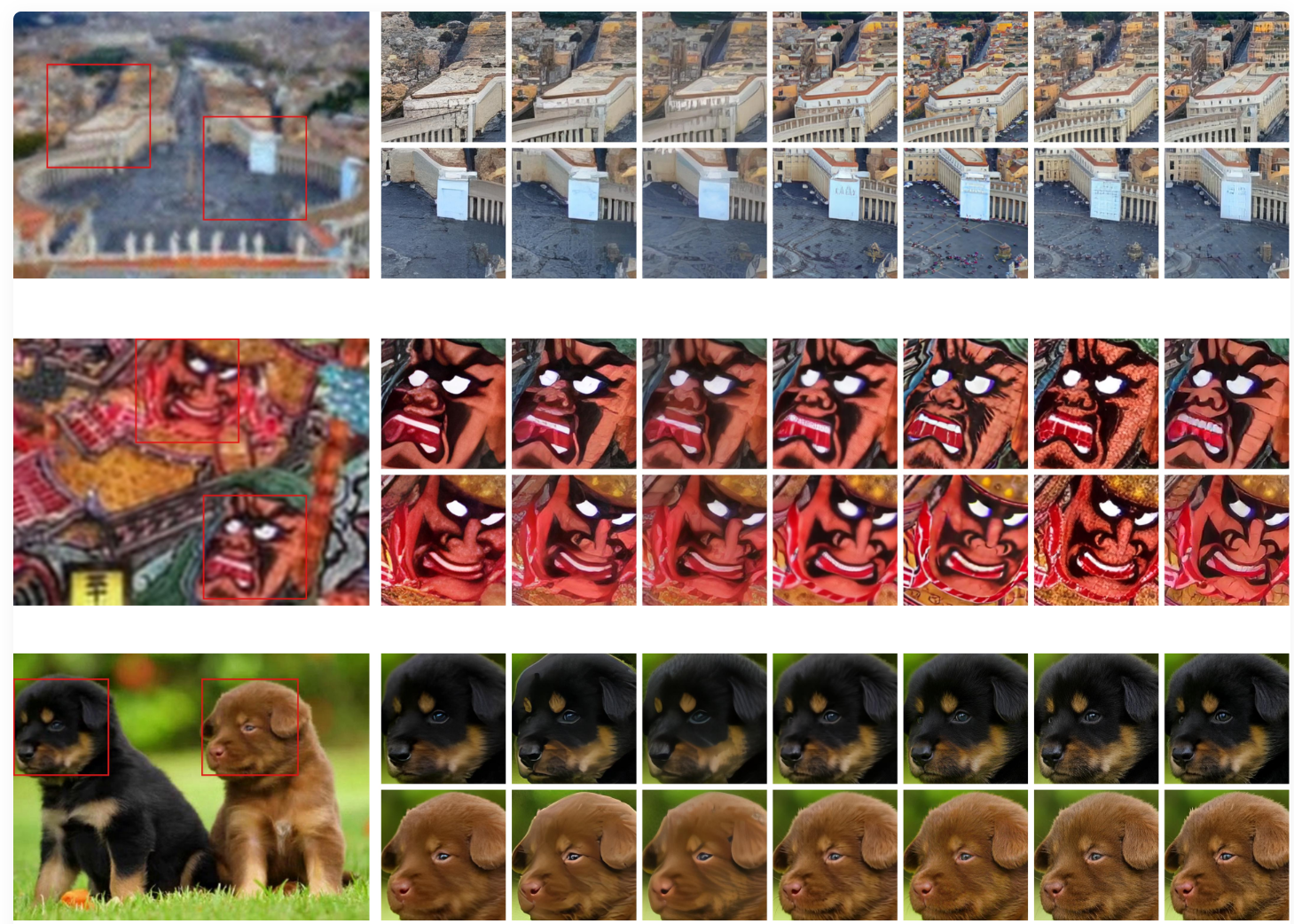
Each pair below shows the degraded input on the left and SwiftVR's restored output on the right from the same source footage.
Input: degraded footage
Output: SwiftVR restored
Performance at Four Resolutions
SwiftVR reaches 26 FPS at 1080p on an RTX 5090. On an H100 it achieves 31 FPS at 2560×1440 and 14 FPS at 4K (3840×2160). The paper's efficiency tables show that all competing diffusion based restoration models exceed memory limits at 4K on standard hardware, while SwiftVR stays within bounds at every tested resolution.
The 1.62× gain from MFSWA accounts for the largest share of the speed advantage. The remaining gains come from ReAE's sequential chunk decoding and the causal streaming design, which together eliminate the full sequence memory load that causes other generative restoration models to fail at high resolutions.
Input: degraded footage
Output: SwiftVR restored
Generative vs Regression
Most existing video restoration models use regression. They predict the pixel value that minimizes average loss across a training set, which tends toward blurry outputs on specific samples, particularly in high frequency regions like hair, fabric texture, and foliage.
SwiftVR uses a generative approach, sampling from a distribution of plausible outputs conditioned on the degraded input. The paper reports "sharper details and more natural reconstructions" compared to regression alternatives at equal computational cost. The difference is most visible on footage where fine texture is central to the image.
Getting Started
The model runs on Python 3.10 with CUDA 12.4 and standard PyTorch dependencies. Weights are available on HuggingFace at H-oliday/SwiftVR. The GitHub repository at H-oliday/SwiftVR includes inference scripts and full setup documentation.
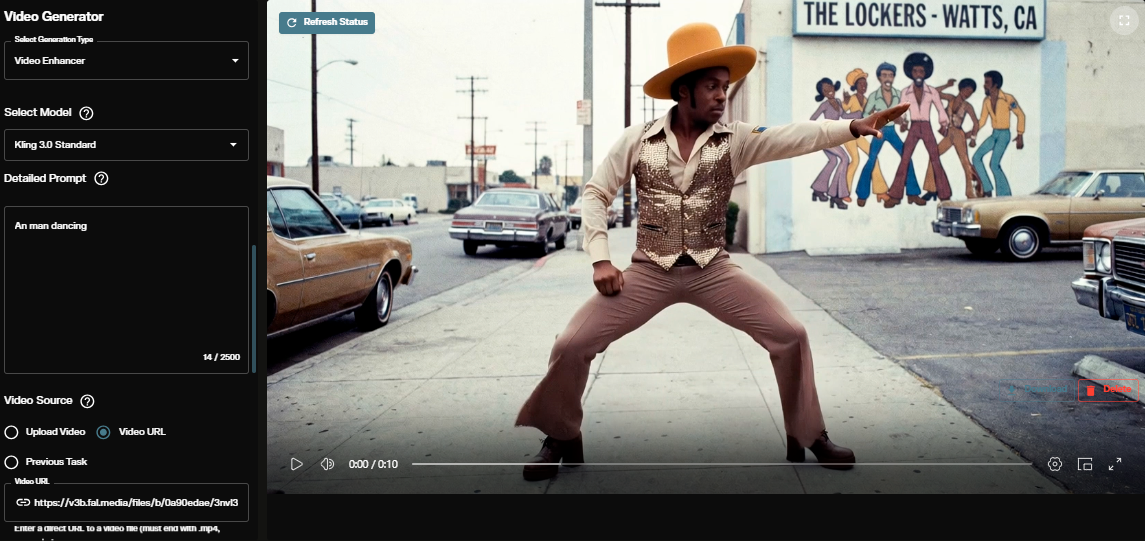
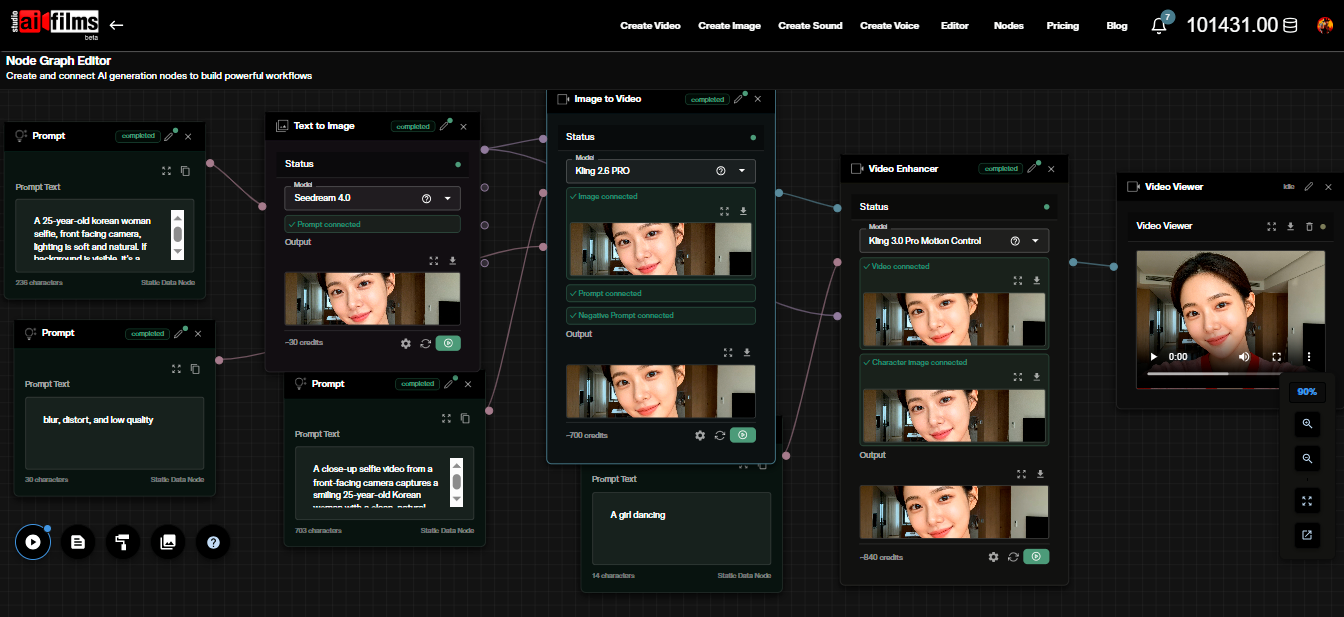
For documentary, archival, or low light footage that needs quality repair before delivery, this fills a gap that upscaling models do not cover. For video generation workflows without local GPU requirements, the AI FILMS Studio video workspace provides text-to-video and image-to-video tools in the browser.
Sources
arXiv: SwiftVR: Real-Time One-Step Generative Video Restoration
GitHub: H-oliday/SwiftVR
Hugging Face: H-oliday/SwiftVR
Project Page: h-oliday.github.io/SwiftVR
Continue Reading


Video & LipSync
- Video Generator
- Text to Video
- Image to Video
- Start-End Frame to Video
- Draw to Video
- Motion Control
- Video Enhancer
- Video Upscaler
- Video Extend
- Video to Video LipSync
- Audio to Video LipSync
- Image to Video LipSync
- Video FaceSwap
- Seedance 2.5
- WAN 3.0
- Seedance 2
- FLUX 3
- Minimax H3
- Vidu Q3 Pro
- Grok Imagine Video 1.5
- Gemini Omni
- Google Veo 3.1
- Kling 3.0 Pro
- Luma Ray 3.2
- LTX 2.3
- Happy Horse 1.1
- Kling 3.0 Motion
- ByteDance Upscaler
- InfiniteTalk
- InsightFace
Image & Edit
- AI Character
- AI Actor
- Art Generator
- Text to Image
- Image to Image
- LoRA Image to Image
- Draw to Edit
- Image LoRA Training
- Remove Background
- Image Enhancer
- MidJourney 8.0
- Krea 2
- OpenAI GPT Image 2.0
- Nano Banana Pro Ultra
- Nano Banana 2 Lite
- Nano Banana Pro
- Minimax Image
- Clarity Pro
- Z-Image Turbo LoRA
- Krea 2 Turbo LoRA
- Z-Image LoRA Trainer
- Qwen Image LoRA Trainer
- Background Erase Network 2 (BEN2)