
JoyAI-Image-Edit-Plus: Instruction Guided Image Editing with Multi Image Composition

Share this post:
JoyAI-Image-Edit-Plus: Instruction Guided Image Editing with Multi Image Composition
JD Open Source, the open source division of JD.com, released JoyAI-Image-Edit-Plus on June 23, 2026. The model combines an 8 billion parameter Multimodal Large Language Model with a 16 billion parameter Multimodal Diffusion Transformer to handle instruction guided image editing, including a new capability introduced in this release: multi image composition from multiple reference inputs simultaneously.
Studio availability. JoyAI-Image-Edit-Plus is not available in AI FILMS Studio. This article covers a public research release. To edit images in the Studio, see the models listed on the image to image page.
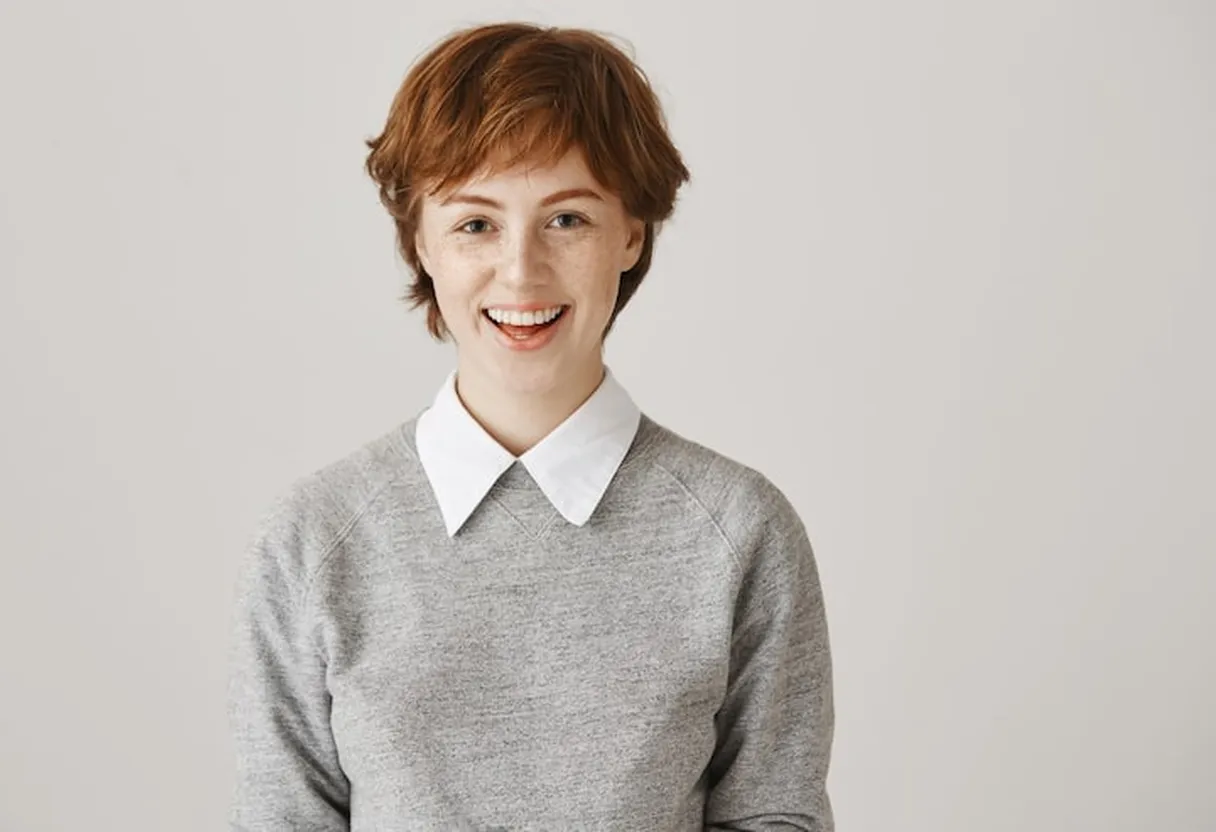
The Plus Variant: Multiple Reference Inputs
The base JoyAI-Image-Edit model, released in April 2026, accepts a single image and a text instruction. Edit-Plus extends this in a specific way: users can provide multiple reference images, and the model produces a coherent edited output that draws from all of them simultaneously.
In practical terms, a filmmaker or production designer can supply a background reference, a character reference, and a lighting or style reference as separate inputs. The model composes them into a unified scene according to the text instruction without requiring the user to manually blend or layer the images in a separate tool. That capability is what distinguishes the Plus variant: the model treats multiple visual inputs as a shared semantic context rather than forcing the user to collapse everything into a single reference image first.
Standard instruction guided editors collapse at this task because they treat the prompt as a caption for a single input image. A model that cannot hold multiple references simultaneously forces users to do composition work manually before the edit begins. Edit-Plus handles that stage as part of the generation process, not as a pre-processing requirement on the user's side.
The practical workflow for a filmmaker using Edit-Plus would look like this: a character reference photo, a location or set reference, and a lighting reference from a source image are all provided as inputs alongside a text instruction describing the desired composition. The model generates the edited result incorporating all three reference contexts simultaneously. The alternative without multi-input capability would require at minimum two separate editing passes with manual blending between them, compounding quality loss at each step.

How the Architecture Works
The MLLM and the MDT are not separate modules connected by an adapter. The 8 billion parameter language model provides continuous semantic grounding for the diffusion trajectory throughout every denoising step, not a single conditioning embedding computed once at the start of generation.
Standard instruction guided image editors typically use a frozen CLIP encoder or a lightweight adapter to inject text context into the diffusion model. CLIP was trained to align image and text pairs at a global semantic level. It compresses the instruction into a fixed embedding before generation begins. Complex instructions involving spatial relationships, precise text rendering, or consistency across multiple views are partially lost in that compression, because CLIP does not preserve fine-grained linguistic structure through the encoding.
In JoyAI-Image-Edit-Plus, the full 8 billion parameter language model's contextual representation remains active during generation. At each denoising step, the diffusion model receives guidance from a representation that preserves the full semantic content of the instruction. That is the architectural reason the model handles dense typography and complex spatial composition better than most single-component editors.
JD Open Source and the JoyAI-Image Family
JD.com is one of China's largest e-commerce platforms by revenue. JD Open Source is its open source AI division, focused on releasing research models for vision, language, and multimodal tasks under open licenses.
The JoyAI-Image family covers three distinct tasks through three released models. JoyAI-Image-Und handles image understanding: captioning, analysis, and description of visual content. JoyAI-Image-Edit, released in April 2026, introduced instruction guided editing for single images. JoyAI-Image-Edit-Plus, released June 23, 2026, adds multi image composition to the instruction editing capability. All three share the same underlying architectural approach and are released under Apache 2.0.
The progression from understanding to editing to multi-input composition reflects a deliberate research direction. The MLLM component that enables understanding in JoyAI-Image-Und is the same component providing semantic grounding in Edit and Edit-Plus, applied to a generative task rather than a discriminative one. Each release extends the same architectural base rather than replacing it.
JD.com's investment in open source AI research reflects a broader strategy among major Asian technology companies to build credibility in international AI research communities through open weight releases. Alibaba's Qwen family, ByteDance's research contributions, and now JD Open Source's JoyAI-Image series all follow the same pattern: release open weight models under permissive licenses, publish technical documentation on HuggingFace and GitHub, and establish a presence in the researcher and developer communities that evaluate these models. The Apache 2.0 license on all JoyAI-Image releases removes friction for adoption across both research and commercial contexts.
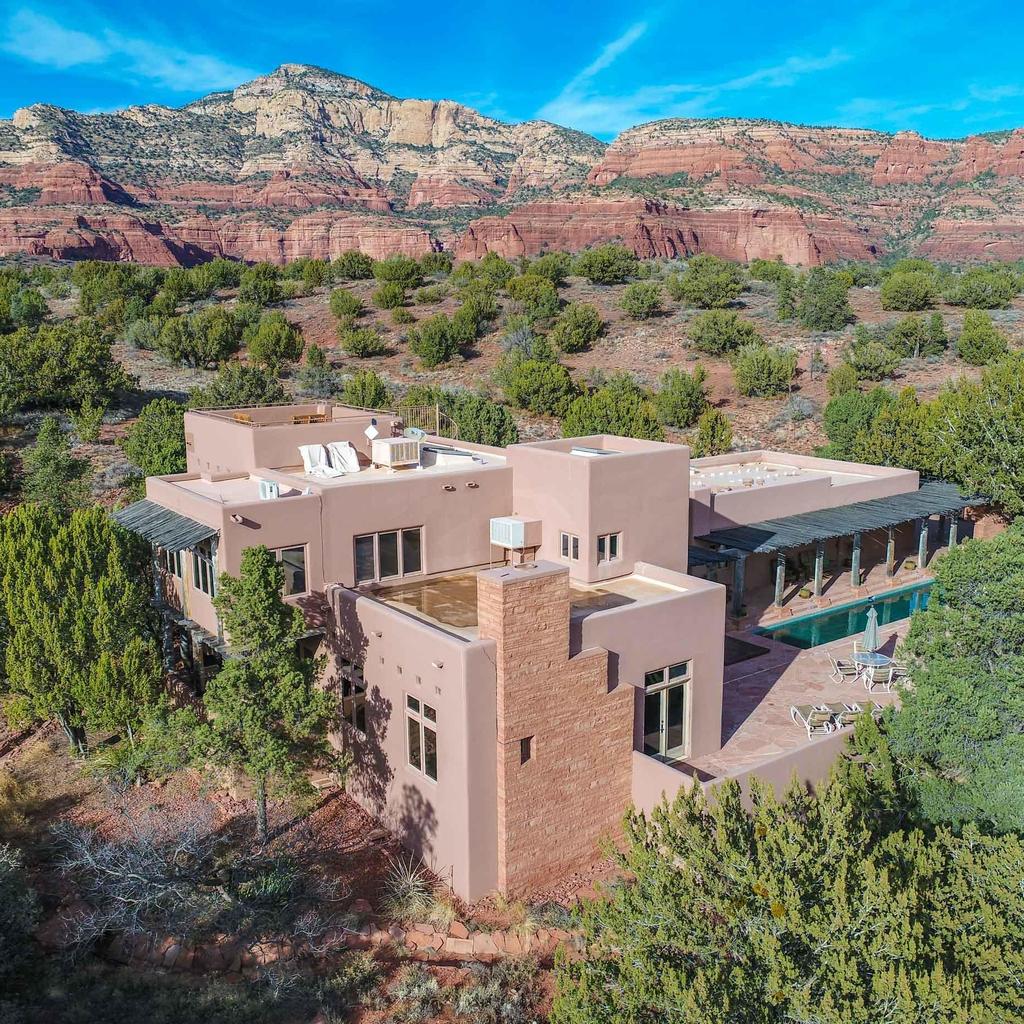
What the Model Handles Well
The JD Open Source README identifies six areas where the model performs strongly: spatial reasoning, long text rendering, multi panel comic generation, dense multilingual typography, multi view generation, and controllable editing.
The typography capability is technically significant. Most diffusion models degrade on dense text because text rendering requires placing individual character strokes with precision that approximate semantic fidelity cannot provide. A model that knows "the text should say EXIT" at a global semantic level will not necessarily render each letter correctly at the pixel level. Edit-Plus is specifically optimized for scenes with dense text, including multi line layouts, handwritten styles, and mixed language typography across the same image, because the MLLM maintains fine-grained linguistic structure through every denoising step.
Spatial reasoning enables the model to follow instructions like "move the lamp to the right side of the frame" or "place the subject against the stone wall from the background reference." These compositional edits require understanding spatial relationships between elements across the source and reference images, not just applying a stylistic filter to a single input.
Multi panel comic generation is a specific test case for instruction following across a sequence. Each panel in a comic strip must maintain consistent character appearance, spatial continuity, and visual logic from one frame to the next. That consistency is much harder to produce when each panel is generated independently without cross-panel semantic grounding. Edit-Plus addresses this by treating the full set of instructions and references as a shared context throughout the generation process.
Applications for Visual Production
For filmmakers and production designers, the multi-input composition capability addresses a specific gap in the existing open source image editing toolkit. Standard instruction guided editors can modify a single reference image according to a text prompt. They cannot combine multiple reference images into a single coherent output in one generation pass. Edit-Plus makes that single-pass composition possible.
The application to preproduction is direct. A production designer building a mood board or concept image for a scene can input a location reference, a character wardrobe reference, and a lighting reference simultaneously, then instruct the model to compose them into a scene visualization. Previously, that workflow required manual Photoshop compositing or multiple sequential AI generation passes, each introducing quality loss and drift from the original references.
Consistency across a series of images is the other major production application. Multi view generation, one of the six model strengths JD Open Source documents, means the model can generate the same subject from multiple camera angles while maintaining visual consistency across the series. For a filmmaker developing a shot list or previsualization, being able to generate consistent character or environment images from multiple angles in a single workflow removes a significant friction point.
The dense multilingual typography capability has a specific application in international productions and documentary work. Films that require legible text in multiple languages within a single frame, titles, signs, documents, subtitles overlaid on diagrams, have historically needed manual compositing to maintain quality. A model that can generate or edit images while preserving multilingual text fidelity reduces one of the most time-consuming manual steps in that workflow.
For concept art and costume design, controllable editing allows a designer to iterate on specific elements of a reference image, changing color, material, or silhouette, while leaving the rest of the composition unchanged. That granular control is more useful than generating entirely new images from scratch when the goal is to explore variations on a design that is already close to what the production needs.
Running JoyAI-Image-Edit-Plus
The model is available on HuggingFace as jdopensource/JoyAI-Image-Edit-Plus-Diffusers, with 61 likes at the time of publication, reflecting its very recent release date of June 23, 2026. The Apache 2.0 license permits research and commercial use without royalty requirements or attribution obligations beyond the standard license text. The full codebase, inference scripts, and variant documentation are on GitHub under the jd-opensource/JoyAI-Image repository.
The combined 8 billion parameter MLLM and 16 billion parameter MDT means the model requires substantial GPU VRAM to run at full precision. Users on smaller GPUs can run with reduced precision quantization, though the JD Open Source team has not published specific performance benchmarks for quantized inference configurations at time of writing.
The Diffusers integration is the current recommended path for inference. JD Open Source has published the model in the HuggingFace Diffusers format, which provides standardized inference pipelines and compatibility with the broader Diffusers ecosystem of tools and quantization utilities. This makes Edit-Plus accessible to practitioners familiar with Diffusers without requiring custom integration work.
JD Open Source has not published inference time benchmarks at time of writing. Unlike the video generation benchmark landscape, where inference speed in seconds per generation is a standard metric, image editing model cards tend to report qualitative capability comparisons rather than hardware-specific latency figures. The full 24 billion parameter total model size suggests single-GPU inference at full precision will require at minimum a 48GB VRAM GPU like the RTX 6000 Ada or A6000, with quantized configurations extending access to 24GB consumer GPUs.
For practitioners who want to run the model without a high-end local GPU, the model is available on HuggingFace Spaces, where an interactive demo allows users to test the editing capability with their own inputs. The Space may require a short wake-up time if it has been sleeping due to inactivity, but does not require a HuggingFace account to access.
The Apache 2.0 license is the right choice for a model targeting adoption across both commercial and research communities. Unlike CC-BY-NC licenses that restrict commercial use, Apache 2.0 imposes no revenue-based restrictions. A studio integrating Edit-Plus into a production pipeline is fully covered. A startup building a product on top of it is fully covered. The license removes the friction that would otherwise require legal review before deployment.
The 61 HuggingFace likes at publication, while a modest number, reflects the model's very recent release date of June 23, 2026. Models that accumulate significant community adoption typically do so over weeks and months following release. The technical novelty of the multi-input composition approach, combined with the Apache 2.0 license, positions Edit-Plus well for adoption growth as practitioners encounter the model through research publications and community sharing over the coming months.
JD Open Source's GitHub activity and HuggingFace presence indicate an active maintenance commitment for the JoyAI-Image family. The April to June release cadence from single-image editing to multi-input composition suggests further capability extensions are in development. Practitioners who adopt Edit-Plus now are likely to benefit from updates that extend the model's capability set without requiring workflow changes.
The model's release on June 23, 2026, puts it inside a window of rapid activity in open source multimodal image editing. JD Open Source is competing for adoption against models from established model families with larger existing user communities. The choice to release on HuggingFace with a Diffusers-native interface and an Apache 2.0 license is the standard approach for maximizing adoption in that environment, and positions Edit-Plus for integration into existing pipelines without additional licensing review.
For broader context on open source image tools, Krea-2 Raw Turbo addresses a different task entirely: text to image generation speed with a 12 billion parameter diffusion transformer, optimized for generating new images from scratch rather than editing existing ones. Qwen Image Edit is the closest architectural comparison to JoyAI-Image-Edit-Plus: also instruction guided, also open source, but using a different model family and targeting different editing strengths.
A newer entrant followed on June 30, 2026: Boogu-Image-0.1 Edit-Turbo, also Apache 2.0 licensed, takes a distillation focused approach to editing speed rather than JoyAI's multi image composition focus. Where Edit-Plus optimizes for combining multiple reference inputs into one coherent edit, Edit-Turbo optimizes for completing a single edit in as few inference steps as possible.
Filmmakers who want AI image tools without local GPU requirements can use the AI FILMS Studio image workspace directly in the browser.
Sources
GitHub: jd-opensource/JoyAI-Image HuggingFace: jdopensource/JoyAI-Image-Edit-Plus-Diffusers Project Page: joyai-image.com
Continue Reading
.jpg?w=3840)


Video & LipSync
- Video Generator
- Text to Video
- Image to Video
- Start-End Frame to Video
- Draw to Video
- Motion Control
- Video Enhancer
- Video Upscaler
- Video Extend
- Video to Video LipSync
- Audio to Video LipSync
- Image to Video LipSync
- Video FaceSwap
- Seedance 2.5
- WAN 3.0
- Seedance 2
- FLUX 3
- Minimax H3
- Vidu Q3 Pro
- Grok Imagine Video 1.5
- Gemini Omni
- Google Veo 3.1
- Kling 3.0 Pro
- Luma Ray 3.2
- LTX 2.3
- Happy Horse 1.1
- Kling 3.0 Motion
- ByteDance Upscaler
- InfiniteTalk
- InsightFace
Image & Edit
- AI Character
- AI Actor
- Art Generator
- Text to Image
- Image to Image
- LoRA Image to Image
- Draw to Edit
- Image LoRA Training
- Remove Background
- Image Enhancer
- MidJourney 8.0
- Krea 2
- OpenAI GPT Image 2.0
- Nano Banana Pro Ultra
- Nano Banana 2 Lite
- Nano Banana Pro
- Minimax Image
- Clarity Pro
- Z-Image Turbo LoRA
- Krea 2 Turbo LoRA
- Z-Image LoRA Trainer
- Qwen Image LoRA Trainer
- Background Erase Network 2 (BEN2)