
Krea 2 Raw and Turbo: Open Weight 12B Image Generation with a Commercial Community License

Share this post:
Krea 2 Raw and Turbo: Open Weight 12B Image Generation with a Commercial Community License
Krea released the open weight versions of Krea 2 on June 22 and 23, 2026, making two variants available for download. Krea 2 Raw is the pretrained base checkpoint built for model training and LoRA adaptation. Krea 2 Turbo is a checkpoint distilled in 8 steps that generates native 2K images in approximately 2 seconds on consumer hardware.
Both models carry 12 billion parameters and are available through GitHub and HuggingFace. They are released under the Krea 2 Community License, which permits free commercial use for individuals and studios with under 50 seats.
Architecture: A 12B Diffusion Transformer
Krea 2 is built on a Diffusion Transformer architecture, using attention mechanisms across the full image representation rather than operating solely in a compressed latent space. At 12 billion parameters, the model carries enough capacity for strong prompt adherence and broad stylistic range across photographic, illustrative, and commercial design outputs.
Krea published a technical report alongside the open weight release, covering training methodology, optimization decisions, and benchmark comparisons. Benchmark results show the Turbo variant reaching native 2K resolution while maintaining coherence at that output size. The report is available on the Krea AI website.
Raw and Turbo: Two Variants for Different Workflows
Krea 2 Raw is the full pretrained checkpoint before any distillation. It produces highly diverse outputs and preserves the model's full stylistic flexibility, making it the right starting point for building on the base: LoRA training on a curated visual reference set, style adapter development, or targeted additional training for a production that needs a consistent visual identity.
Krea 2 Turbo is the distilled variant, optimized for generation speed. The distillation compresses generation into fewer inference steps, reaching native 2K resolution in approximately 2 seconds on consumer hardware. That speed makes Turbo suited for rapid visual iteration during concept development, where a director or production designer needs dozens of image variations in a single session rather than one image every few minutes.
Raw is for adapting the model; Turbo is for deploying it fast. Krea designed the two as distinct pipeline entry points rather than variants on a single quality dial.
The Community License: Commercial Use Under 50 Seats
Krea 2 is released under the Krea 2 Community License, a custom agreement separate from Apache 2.0 or MIT. Commercial use is explicitly permitted at no cost for any individual or organization with under 50 seats.
Organizations with 50 or more seats, SSO integrations, custom SLAs, or data processing agreements must negotiate an Enterprise license directly with Krea. All users, regardless of tier, must implement technical safeguards against CSAM, intimate imagery that lacks the subject's consent, and content designed to defame identifiable individuals.
Under 50 seats, no fees or negotiations apply. That makes Krea 2 commercially accessible to the vast majority of individual filmmakers, freelance teams, and independent studios without licensing overhead or usage charges per generation.
JD.com's JoyAI-Image-Edit-Plus, released under Apache 2.0 in June 2026, takes a different focus: instruction guided editing and multi image composition from multiple reference inputs, rather than text to image generation.
What Krea 2 Can Generate
Krea 2 covers a broad range of visual output categories out of the box. The model handles photographic realism, product and advertising imagery, architectural visualization, design illustration, automotive photography, gaming asset styles, and retail product shots, all from text prompts, without switching between separate specialized models.
The samples below are from the Krea AI project page, showing the model's output across six categories that map directly to concept development and commercial production workflows.
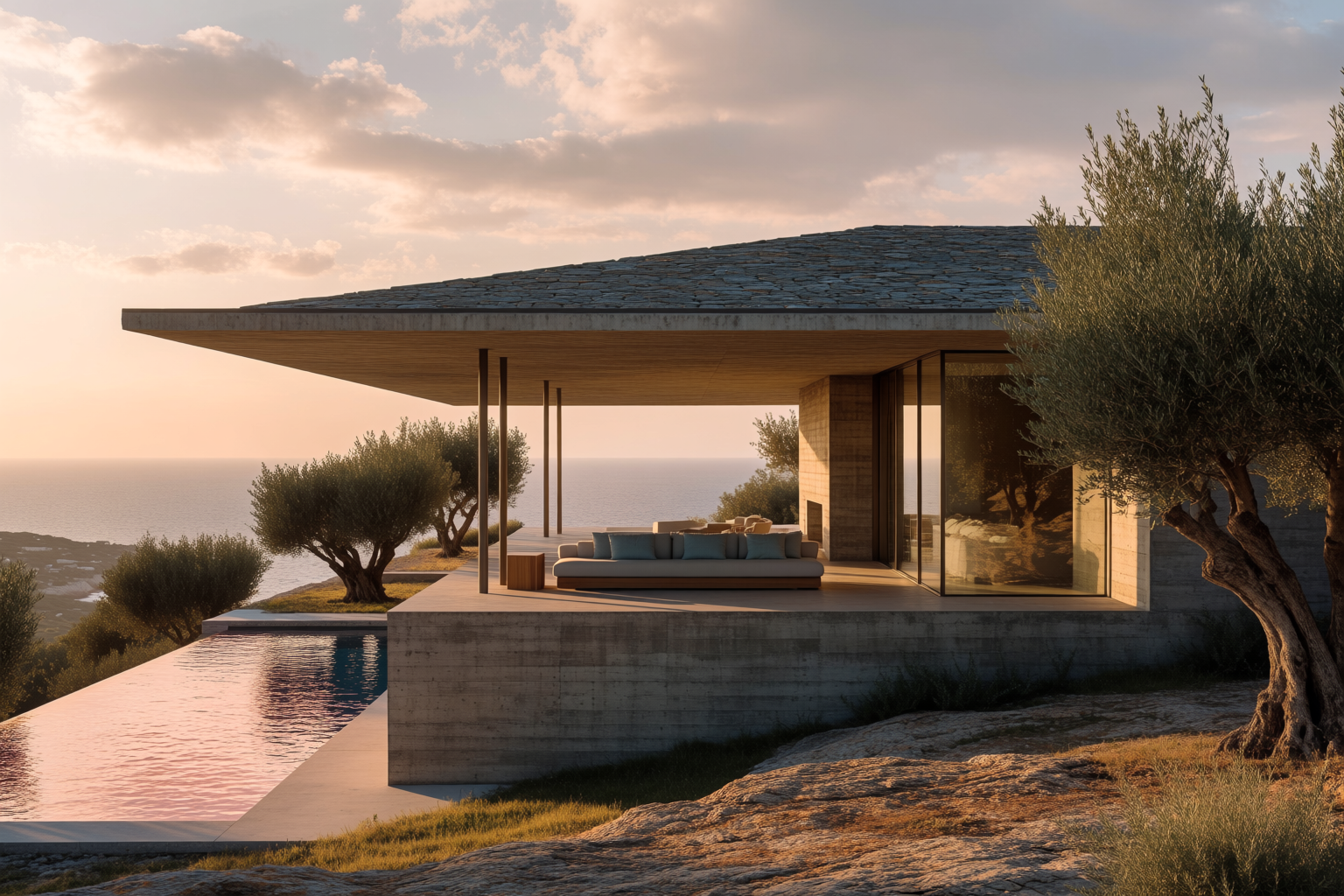
Architecture

Advertising
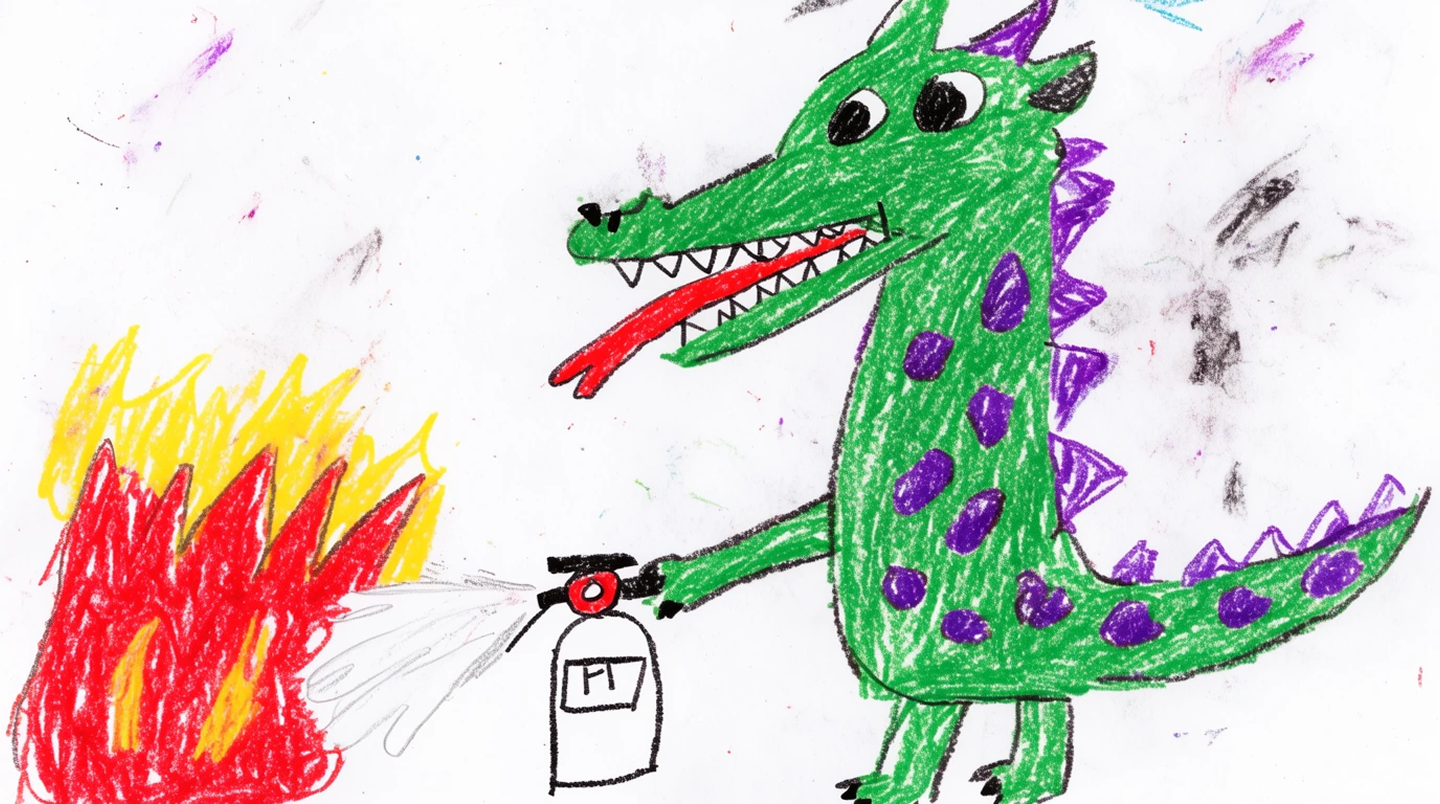
Design
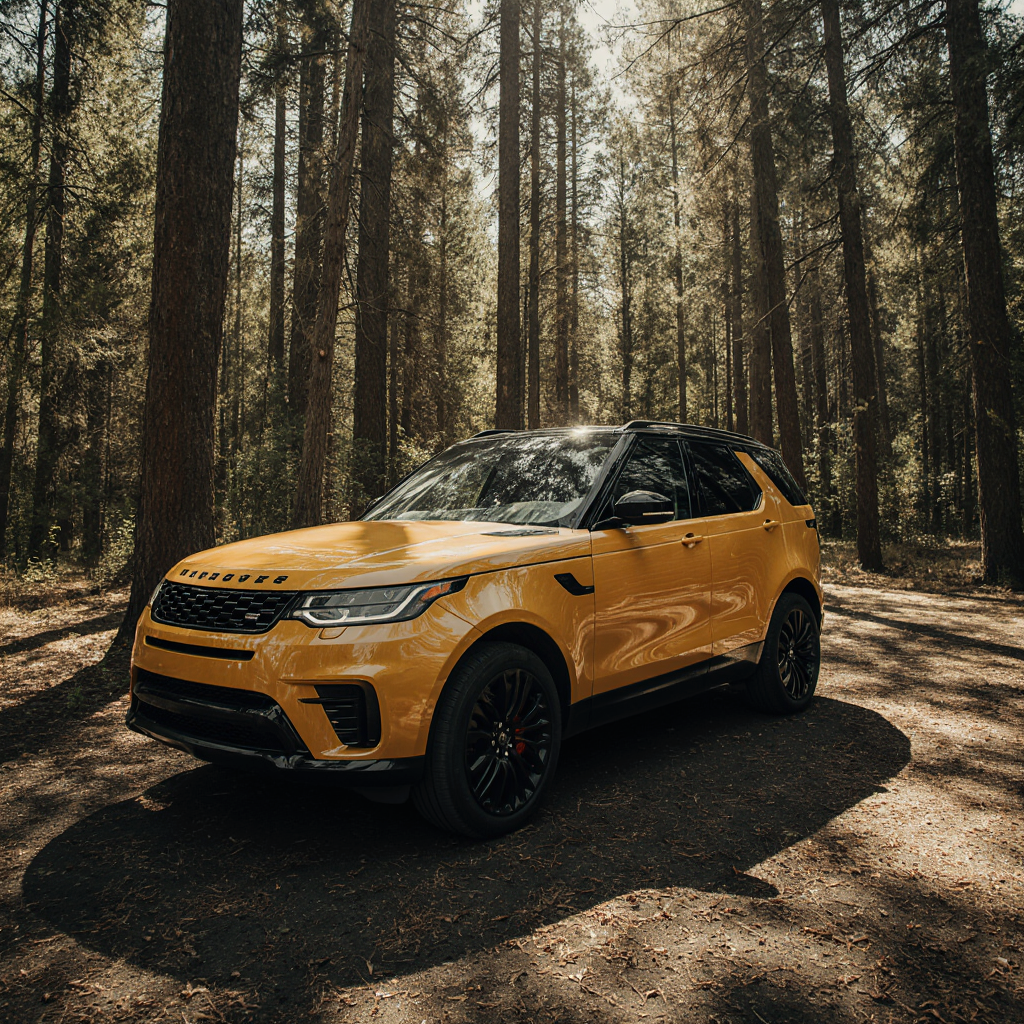
Automotive
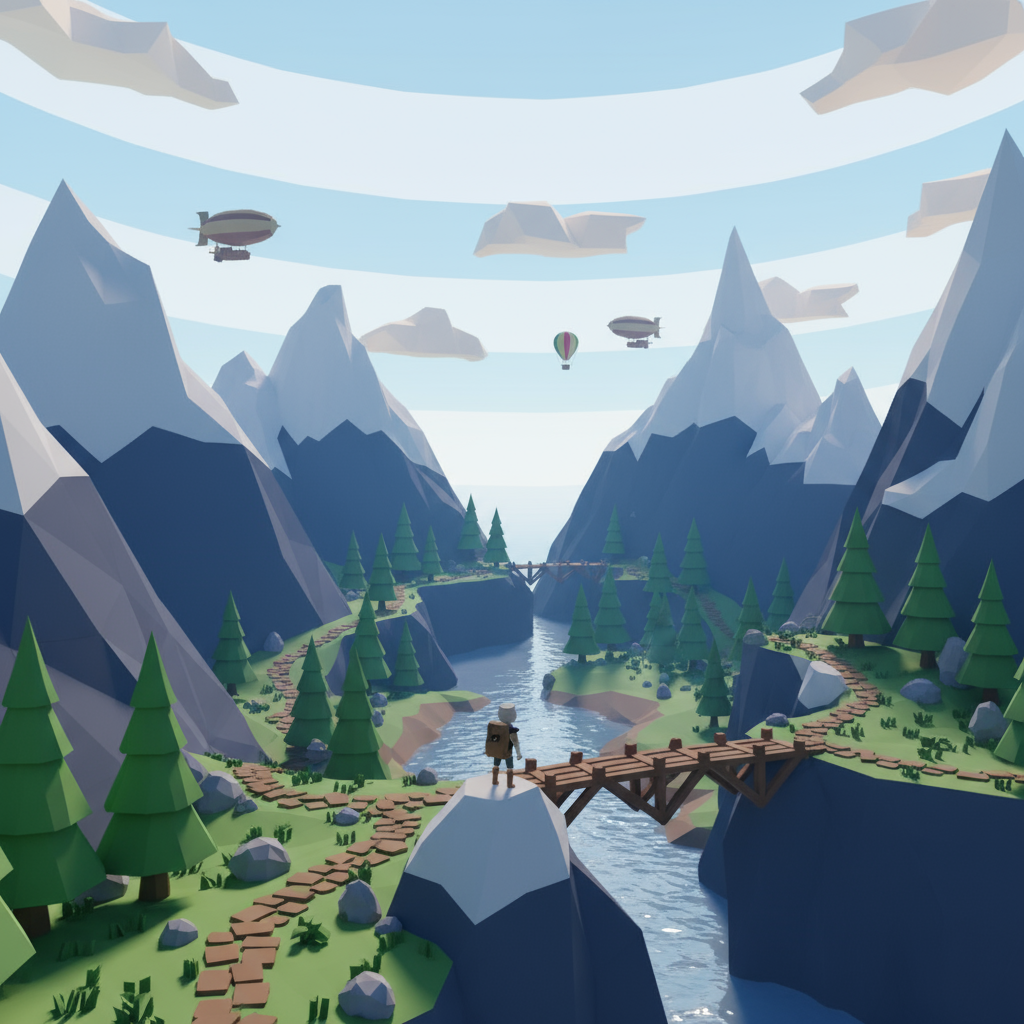
Gaming
Retail
Images via krea.ai
Using Krea 2 in Film Production Workflows
For filmmakers, the most immediate use is visual development. Krea 2 Turbo generates each image in approximately 2 seconds, so a production team can run dozens of variations in a single concept review session and build a shared visual reference at a pace impossible with traditional commissioned illustration. A scene's lighting mood, color palette, location feel, or character design can be explored in volume before any decision needs to be locked.
The Raw variant opens a more structured workflow: training a LoRA adapter on a curated set of reference images, then using that adapter to generate new assets that stay consistent with an established visual identity. A production can assemble references from approved concept art, location photography, or a director's prior work, then extend that visual library without returning to a human illustrator for every new asset. That consistency is difficult to achieve with standard image models and is precisely what training on Raw addresses.
For open weight image generation currently available in AI FILMS Studio's image workspace, see FLUX.2 Pro and HiDream O1, two models that represent the production standard before Krea 2's June 2026 release.
What the Technical Report Covers
Krea published a technical report alongside the open weight release documenting training methodology, optimization decisions, and benchmark comparisons. The report covers the Diffusion Transformer architecture's advantages over latent diffusion approaches at the 12 billion parameter scale, the data curation process Krea used to build the training set, and the distillation strategy that compresses Turbo's generation into 8 steps without visible quality degradation relative to Raw.
The benchmark section shows Turbo reaching native 2K resolution at speeds competitive with or faster than smaller models running at lower resolution. That result is the core commercial claim: that the speed benefit of smaller models can be achieved at Krea 2's parameter count through distillation rather than by reducing model size. Krea's benchmarks are self reported, which is standard for model releases at this stage. Independent evaluations from the open weight community will sharpen the comparison over the weeks after release.
The technical report is available on the Krea AI website alongside the open weight release. Researchers building on the Krea 2 architecture or designing distillation experiments for their own models will find the methodology section the most useful part.
The 50 Seat Threshold and Its Commercial Logic
The Krea 2 Community License draws a firm line at 50 seats. Below that threshold, commercial use is permitted at no cost. At 50 seats and above, organizations must negotiate an Enterprise license directly with Krea. The boundary is a deliberate market segmentation strategy: individuals, freelancers, and small independent studios get full commercial access, while larger organizations pay for the infrastructure and legal certainty of an enterprise agreement.
For most individual filmmakers and small production companies, the under 50 seat threshold means Krea 2 is functionally free for commercial use. A production company with a core team of 10 or 15 people, even one delivering commercially released work, operates well below that ceiling. The license overhead that larger open source licenses sometimes create, such as GPL's copyleft requirements, does not apply here. Krea 2 is use, modify, distribute commercially, no fee below 50 seats.
The enterprise tier is where Krea recovers commercial value from larger organizations. SSO integrations, custom SLAs, and data processing agreements are explicitly named as enterprise requirements. These are features that enterprise IT and legal teams require before deploying software at scale, and they are features that Krea can only offer commercially. The threshold structure lets Krea serve the independent community at zero cost while capturing revenue from organizations whose deployment scale justifies a negotiated agreement.
LoRA Training on the Raw Checkpoint
The Raw variant's primary use case is training LoRA adapters, a method for adding specific visual styles or subject identities to a model without fully retraining it. A production team can assemble a curated set of reference images, a specific location's visual character, a fictional vehicle's design, or a consistent costume across multiple scenes, and train a LoRA adapter on Krea 2 Raw that locks in those visual properties for subsequent generation.
The resulting adapter can be applied to any Krea 2 Turbo generation session, combining Turbo's speed with the adapter's visual consistency. That combination is the production workflow Krea designed the two variants to enable: Raw for defining the visual identity, Turbo for generating variations at scale during concept review sessions.
LoRA training at this scale requires GPU resources that exceed consumer hardware for reasonable training times. Professional workstation GPUs or cloud compute are the practical training environment for most productions. The inference side, running Turbo with a trained adapter, can run on consumer hardware within the Turbo benchmark parameters.
Krea 2 in Context: The Open Weight Image Generation Landscape in Mid-2026
Krea 2's June 2026 release arrived as the open weight image generation market was already dense. FLUX.1 Pro from Black Forest Labs and variants from other labs had established a high baseline for what a large parameter count diffusion model could produce. Krea 2's claims sit within that competitive context: the 12 billion parameter count is comparable to FLUX.1 Pro, and the 2K native resolution benchmark is the primary differentiating specification.
The Krea 2 Community License is more permissive below 50 seats than FLUX.1 Pro's license for comparable use cases. That distinction matters for small production studios that want commercial rights without an enterprise agreement. Krea's explicit 50 seat threshold gives small teams a clear compliance line that some competing licenses leave ambiguous.
Whether Krea 2 surpasses FLUX.1 Pro on image quality will be determined by community benchmarks over the weeks and months following the open weight release. The technical report's self reported benchmarks support Krea's claims, but independent evaluations across diverse prompt types and output categories will produce the more reliable comparison. Productions evaluating Krea 2 for pipeline use should run their own tests on the specific prompt types and output categories their work requires.
Krea's choice to release both a base checkpoint and a distilled variant at the same time gives the research community and production pipeline teams different entry points without requiring a second release cycle. That dual release structure is becoming a pattern in open weight model releases: a full checkpoint for researchers who want to fine tune or study the base model, and a speed optimized variant for practitioners who want the fastest path to usable output.
Sources
GitHub: krea-ai/krea-2 HuggingFace: krea/Krea-2-Raw | krea/Krea-2-Turbo Project Page: krea.ai/krea-2-open-source Technical Report: krea.ai/blog/krea-2-technical-report License: krea.ai/krea-2-licensing VentureBeat | Gigazine | AI Weekly
Continue Reading
.jpg?w=3840)


Video & LipSync
- Video Generator
- Text to Video
- Image to Video
- Start-End Frame to Video
- Draw to Video
- Motion Control
- Video Enhancer
- Video Upscaler
- Video Extend
- Video to Video LipSync
- Audio to Video LipSync
- Image to Video LipSync
- Video FaceSwap
- Seedance 2.5
- WAN 3.0
- Seedance 2
- FLUX 3
- Minimax H3
- Vidu Q3 Pro
- Grok Imagine Video 1.5
- Gemini Omni
- Google Veo 3.1
- Kling 3.0 Pro
- Luma Ray 3.2
- LTX 2.3
- Happy Horse 1.1
- Kling 3.0 Motion
- ByteDance Upscaler
- InfiniteTalk
- InsightFace
Image & Edit
- AI Character
- AI Actor
- Art Generator
- Text to Image
- Image to Image
- LoRA Image to Image
- Draw to Edit
- Image LoRA Training
- Remove Background
- Image Enhancer
- MidJourney 8.0
- Krea 2
- OpenAI GPT Image 2.0
- Nano Banana Pro Ultra
- Nano Banana 2 Lite
- Nano Banana Pro
- Minimax Image
- Clarity Pro
- Z-Image Turbo LoRA
- Krea 2 Turbo LoRA
- Z-Image LoRA Trainer
- Qwen Image LoRA Trainer
- Background Erase Network 2 (BEN2)