

LynnReal-AI, LynnReal-Omni
Share this post:
LynnReal-Omni: Open Source 3-Step Video Editing & Control
LynnReal-Omni (LynnReal-AI/LynnReal-Omni) is an open source multimodal video generation, control, and editing framework built on the MiniMax H3 Diffusion Transformer architecture (arXiv:2609.15863). It unifies text-to-video, first frame conditioning, multiple subject reference generation, human body and hand pose control, 3D mesh and game render stylization, video appearance editing, and degraded frame restoration into a single model that runs in 4 steps (Standard 32B) or 3 steps (Flash 27B W8A8).
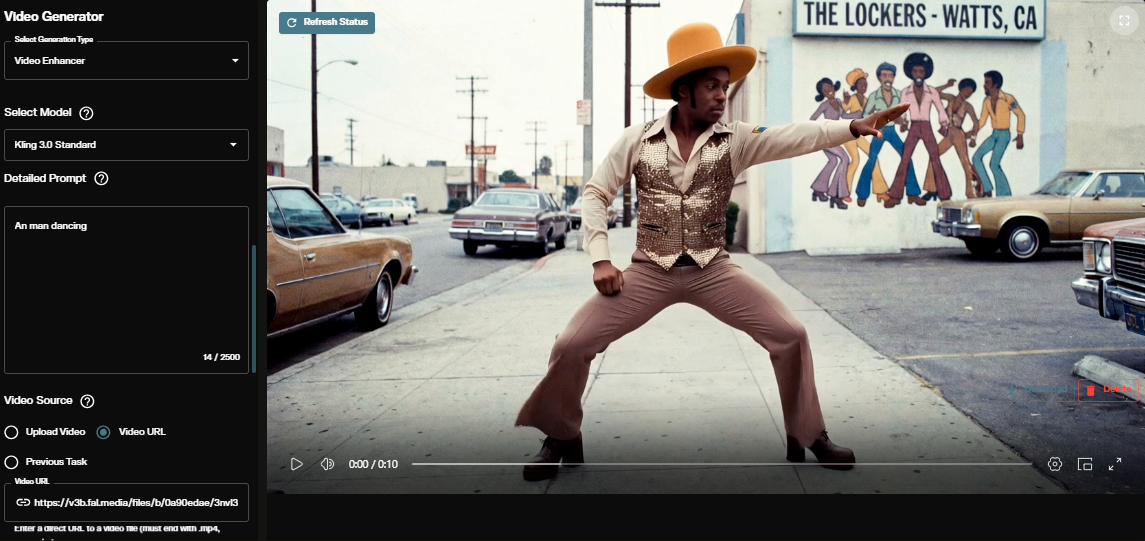
Studio availability. LynnReal-Omni is not available in AI FILMS Studio. This guide covers the open source research checkpoints and local deployment. In the Studio, use Kling O3 Video Edit, Runway Aleph, Wan 2.2 VACE, or Seedance 2.0 on the Video to Video page or in Studio Nodes.
LynnReal-Omni 3 step and 4 step multimodal video generation, control, and editing showcase
One Multimodal Backbone Across Nine Filmmaking Tasks
Rather than maintaining separate adapters for pose conditioning, identity reference, and video inpainting, LynnReal-Omni trains a shared multimodal Diffusion Transformer across heterogeneous visual and audio tokens.
- Generation. Supports text-to-video, first frame image-to-video, synchronized speech and video synthesis, and streaming video continuation (with 2 optional refinement steps per subsequent chunk).
- Structural and Reference Control. Accepts single subject and multiple subject identity references, full body and articulated hand pose guidance, and direct rendering from untextured 3D mesh animations or game engine captures.
- Editing and Error Repair. Performs instruction guided appearance editing and frame by frame video restoration that repairs compression artifacts and removes accumulated autoregressive drift in long clips.

First frame and multiple subject reference inputs lock character wardrobe and facial structure across camera cuts. Credit: LynnReal-AI.

Heterogeneous conditioning lets directors combine concept art, 3D blockouts, and motion trajectories in one pass. Credit: LynnReal-AI.
377ms Rendering With LynnReal-Omni-Flash
To hit interactive rendering speeds, the authors distilled a 27B LynnReal-Omni-Flash variant (stdstu123/LynnReal-Onmi-flash-beta-0.1) that uses 42 transformer blocks, spatial token selection, INT8 projection weights, and INT8 activations (W8A8), paired with a lightweight VAE codec (stdstu123/LynnReal-Onmi-light-vae).
On a single NVIDIA H100 GPU, warm generation and decoding of a 22 frame 540p video clip completes in 843 ms with the 4 step Standard model and 377 ms with the 3 step Flash model. For workstations with tighter memory budgets, the Flash Lite (16.7 GiB INT8 DiT) and Standard Lite (20.4 GiB INT8 or 37.6 GiB BF16) checkpoints reduce disk and VRAM footprints while preserving the 3 step and 4 step sampling schedules.
Checkpoints, Footprint & Hardware Requirements
| Model Variant | Hugging Face Repository | Parameters & Precision | Sampling Steps | DiT Footprint | Warm Latency (22f 540p, 1x H100) |
|---|---|---|---|---|---|
| LynnReal-Omni Standard | stdstu123/LynnReal-Onmi-beta-0.1 |
32B (BF16 / INT8 Lite) |
4 steps | 37.6 GiB (BF16 Lite) / 20.4 GiB (INT8 Lite) |
843 ms |
| LynnReal-Omni Flash | stdstu123/LynnReal-Onmi-flash-beta-0.1 |
27B (W8A8 42 block) |
3 steps | 16.7 GiB (INT8 Flash Lite) |
377 ms |
| Lightweight VAE Codec | stdstu123/LynnReal-Onmi-light-vae |
Fast latent decoder | 1 pass | Companion codec | Included in 377 ms total |
Downloading Checkpoints & Directory Layout
Clone the repository and place the downloaded Hugging Face bundles inside the weight/ directory so the launcher locates the DiT transformer, text encoder, and lightweight VAE automatically.
git clone https://github.com/LynnReal-AI/LynnReal-Omni.git
cd LynnReal-Omni

# Download the 3 step Flash W8A8 bundle and Lightweight VAE
huggingface-cli download stdstu123/LynnReal-Onmi-flash-beta-0.1 --local-dir ./weight/flash
huggingface-cli download stdstu123/LynnReal-Onmi-light-vae --local-dir ./weight/light-vae

# Or download the 4 step Standard bundle for maximum visual fidelity
huggingface-cli download stdstu123/LynnReal-Onmi-beta-0.1 --local-dir ./weight/standard
Pass --weights weight/flash or --weights weight/standard to the inference launcher depending on whether your priority is 3 step interactive speed (16.7 GiB DiT) or 4 step reference fidelity. To compare other fast video editors on the same hardware tier, see our guides to JoyAI-Video-Edit for 24 FPS streaming editing, SAMA for instruction guided video editing, and FreeVideo for running H3 models on 8 GB VRAM.
Multi Reference Video Editing in AI FILMS Studio
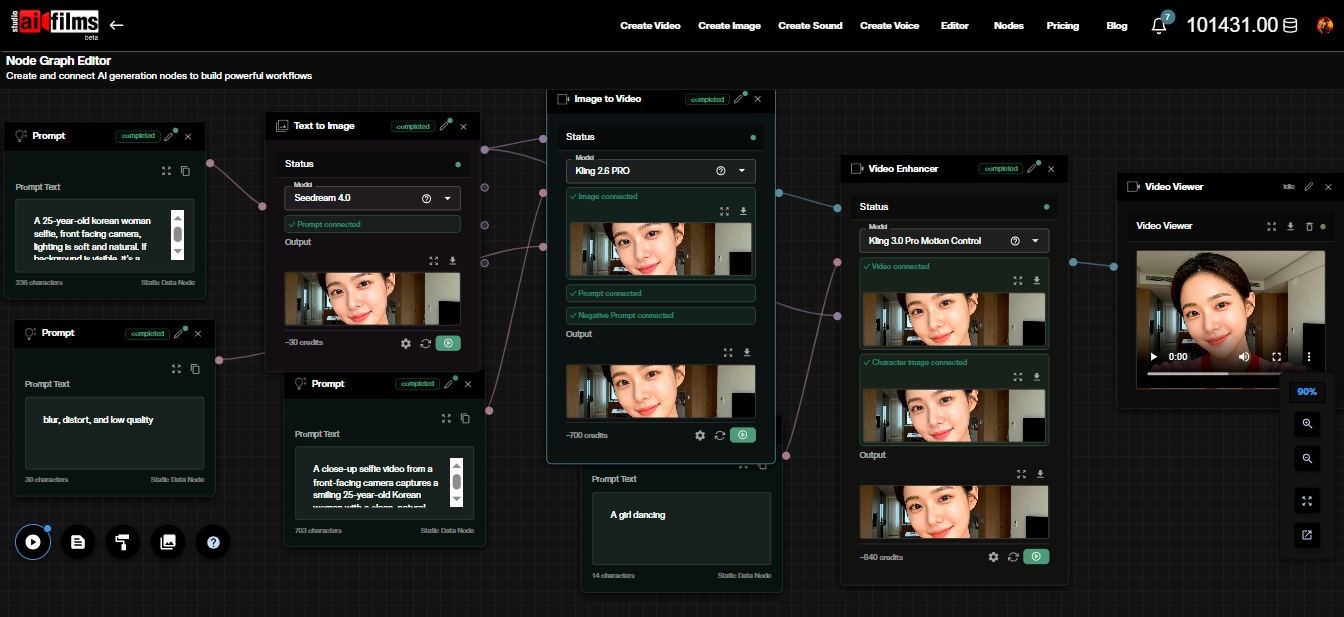
LynnReal-Omni runs on local GPU servers. To combine character references, structural video controls, and instruction guided editing in the cloud, open the video workspace to run Kling O3 Video Edit, Runway Aleph, Wan 2.2 VACE, and Seedance 2.0, or build custom pipelines in the Nodes Graph Editor.
Sources
Continue Reading


Video & LipSync
- Video Generator
- Text to Video
- Image to Video
- Start-End Frame to Video
- Draw to Video
- Motion Control
- Video Enhancer
- Video Upscaler
- Video Extend
- Video to Video LipSync
- Audio to Video LipSync
- Image to Video LipSync
- Video FaceSwap
- Seedance 2.5
- WAN 3.0
- Seedance 2
- FLUX 3
- Minimax H3
- Vidu Q3 Pro
- Grok Imagine Video 1.5
- Gemini Omni
- Google Veo 3.1
- Kling 3.0 Pro
- Luma Ray 3.2
- LTX 2.3
- Happy Horse 1.1
- Kling 3.0 Motion
- ByteDance Upscaler
- InfiniteTalk
- InsightFace
Image & Edit
- AI Character
- AI Actor
- Art Generator
- Text to Image
- Image to Image
- LoRA Image to Image
- Draw to Edit
- Image LoRA Training
- Remove Background
- Image Enhancer
- MidJourney 8.0
- Krea 2
- OpenAI GPT Image 2.0
- Nano Banana Pro Ultra
- Nano Banana 2 Lite
- Nano Banana Pro
- Minimax Image
- Clarity Pro
- Z-Image Turbo LoRA
- Krea 2 Turbo LoRA
- Z-Image LoRA Trainer
- Qwen Image LoRA Trainer
- Background Erase Network 2 (BEN2)