
LTX Trainer: One Framework for Every Training Mode

Share this post:
LTX Trainer: One Framework for Every Training Mode
Studio availability. LTX Trainer is not available in AI FILMS Studio. This article covers a public research release. The newer LTX-2.3 is available in the video workspace. To generate video in the Studio, see the models listed on the text to video page.
Lightricks released the LTX Trainer on June 17, 2026, replacing the previous video training framework, which supported only two modes, with a single YAML configuration system that covers 13 training objectives across video, audio, and cross modal generation. The release targets a community of 10 million LTX users and lets anyone train LoRAs, IC-LoRAs, or full model checkpoints on their own data and keep the resulting weights outright.
From Two Modes to Thirteen
The previous LTX trainer handled two training objectives: text-to-video and video-to-video. Every other modality required a separate codebase or manual component configuration.
The new system replaces that complexity with a single declarative config file. Users specify which modalities the model should generate and which it should treat as fixed conditioning inputs. The trainer builds the objective automatically from those declarations. One config file, one training run, one owned checkpoint.
The practical difference is significant. Training a consistent character previously required a separate fine tuning run from training a custom audio style. The new framework handles both in a single pass, or in any combination the project requires, without switching codebases or rewriting configuration logic between objectives.
The old trainer's two mode constraint also meant that filmmakers wanting to train objectives related to audio, like custom ambient sound design or audio to video synthesis, had no supported path inside the LTX toolset. All 13 modes are now primary training objectives within the same codebase.
The change aligns the trainer with what LTX-2 was built to do. The model generates audio and video in a unified pass, and the new trainer exposes that full generation capability to fine tuning for the first time.
All 13 Training Modes
The unified config system supports 13 distinct training objectives organized into four categories:
| Mode | Category | What It Does |
|---|---|---|
| Text-to-Video | Video | Generate video from a text prompt |
| Image-to-Video | Video | Animate a still image into motion |
| Video Extension | Video | Extend a clip forward or backward in time |
| Inpainting | Video | Reconstruct masked regions within a video |
| Outpainting | Video | Expand the video frame beyond its original boundaries |
| Text-to-Audio | Audio | Generate audio from a text description |
| Audio Extension | Audio | Extend an audio track forward or backward |
| Audio Inpainting | Audio | Fill in masked segments of an audio track |
| Audio-to-Video | Cross modal | Generate synchronized video from an audio input |
| Video-to-Audio | Cross modal | Generate matching audio from a video input |
| Video-to-Video | IC-LoRA | Transform video style while preserving motion patterns |
| Audio-to-Audio | IC-LoRA | Transform audio style while preserving content structure |
| Audio-Video-to-Audio-Video | IC-LoRA | Transform both modalities in a single synchronized pass |
All 13 objectives run through the same training codebase. Switching objectives is a config change, not a codebase switch.
The IC-LoRA modes warrant particular attention for production use. Standard LoRAs encode a style or identity into the adapter weights directly. IC-LoRAs train the model in the general skill of reference conditioning, so the resulting adapter accepts any reference image or clip at inference time rather than a single trained identity. One IC-LoRA adapter can take different references across different generations.
Three Ways to Train
The trainer produces three output types, each suited to different production needs.
LoRA (Low-Rank Adaptation) trains a small adapter on top of the base LTX-2 checkpoint. A character LoRA learns a specific face or visual signature from as few as 20 to 50 reference images. The adapter loads at inference time and can be combined with the base model or with other adapters. For filmmakers, LoRAs are the practical path to consistent characters and proprietary visual styles without modifying the base model weights.
IC-LoRA (Image Conditioned LoRA) extends the standard adapter approach to reference conditioning. A standard LoRA bakes a style into the weights. An IC-LoRA trains the model to accept a reference image or video at inference time and apply its visual characteristics to new content. The video-to-video and audio-to-video modes in the table above produce IC-LoRAs by default.
Full model training retrains all model weights on a target dataset. A studio training on a specific cinematic aesthetic or motion capture dataset would use this path. The resulting checkpoint cannot easily be combined with other adapters, but it offers the deepest adaptation to training data and the most specialized outputs for tightly defined use cases.
The three types are not mutually exclusive across a production. A project can train a character LoRA for identity consistency, a style IC-LoRA for scene variation driven by a reference image, and a full model checkpoint for a proprietary aesthetic that applies across all generation. Each type handles a distinct layer of the visual pipeline. The unified config system makes switching between these objectives a matter of changing a few lines rather than rebuilding a training environment from scratch.
The Agent-Assisted Pipeline
An agentic assistant handles the stages that typically require ML expertise: data inspection, automated captioning, configuration generation, and training progress monitoring.
The captioning component makes the biggest practical difference. Training data quality depends heavily on accurate text descriptions of each clip. Manual captioning of a dataset with 200 videos takes several hours. The agentic assistant generates captions automatically, reviews data quality, flags problematic samples, and writes the config file before training begins.
Lightricks designed this pipeline around the same logic as the unified config system: remove infrastructure work from the critical path so that creative intent, rather than engineering configuration, determines what a filmmaker trains.
Progress monitoring runs throughout the training pass. The assistant tracks whether the run is converging and surfaces status updates so users can assess early whether to continue or abort, rather than waiting for a full training run to complete before evaluating whether the objective was met.
Preparing Training Data
The LTX Trainer's agentic assistant handles data quality review and automated captioning, but the source material determines the quality of the trained output.
For LoRA adapters targeting character consistency, the dataset should cover a range of contexts: varied angles, lighting conditions, and expressions. A narrow dataset of nearly identical images will produce a LoRA that works for that specific look but breaks on anything outside it. For visual style LoRAs, reference footage should represent the full range of scenes, grades, and compositions the adapter will need to match at inference time.
For cross modal training modes, video and audio data must be paired. A video-to-audio training run requires video clips alongside corresponding audio files. The model learns the relationship between specific visual events and their audio counterparts from those aligned pairs, so the closer the pairing, the tighter the learned correspondence.
Dataset size depends on the training objective. Style LoRAs and character LoRAs trained on static images can work with 20 to 50 carefully selected samples. Motion LoRAs that define how subjects or cameras move require short video clips rather than still images, with enough variety to generalize across different scenes. Cross modal modes, where the model learns paired audio and video relationships, typically require larger datasets because the model is learning a correspondence between two independent modalities simultaneously.
The agentic assistant's automated captioning covers all of this: it inspects the dataset for quality issues, generates text descriptions per clip, and flags samples that fall outside acceptable ranges before training begins.
Hardware and Access
The LTX Trainer runs on Linux with CUDA 13 or higher. Standard training requires an 80GB VRAM GPU. An INT8 quantization path reduces the requirement to 32GB VRAM, with some reduction in output fidelity.
The weights and code are released under the LTX-2 Community License. Commercial use is free for entities with under $10 million in annual revenue. Organizations above that threshold require a paid license from Lightricks. The license also prohibits building products that compete directly with Lightricks services and prohibits nonconsensual deepfake generation.
Trained weights remain fully owned by whoever runs the training, with no requirement to submit or share outputs. Lightricks frames this as the core offer: "Train a model on their own data and own the result".
The LTX Trainer ships as a package inside the LTX-2 repository at packages/ltx-trainer. The same repository contains the LTX-2 model weights, inference code, and Community License terms, so the training and inference environments share the same setup.
The environment installs via a single uv sync command from the repository root.
What Filmmakers Can Build
Four use cases map directly to production needs.
Character consistency: train a LoRA on reference images of a specific actor or digital character and apply it across shots without restating the character's features in every prompt. The adapter carries the visual identity into any scene, so a character generated in a forest interior will share the same face and costume as the same character in a city exterior without additional prompting.
Visual style: train on reference footage that defines a target aesthetic. The adapter applies that look to any text prompt without an extended style description. A production with a specific color grade or lighting signature can encode that identity once and apply it across every generation in the project.
Audio design: use the audio extension or audio inpainting modes to train on a specific sound palette. A composer with a signature orchestration style can generate cues in that style from text descriptions of scene context, producing variations on a sonic theme rather than generic ambient output.
Synchronized cross modal: train in audio-to-video or video-to-audio mode to teach the model relationships between specific sound patterns and visual behavior. Productions with a signature sound visual pairing can generate both modalities with consistent alignment, rather than running separate video and audio generation passes that must then be synchronized manually in post.
These use cases work together in production. A film project might train a character LoRA on reference images of the principal cast, a visual style IC-LoRA on footage that defines the cinematographer's approach, and a video-to-audio IC-LoRA on the score's signature motifs. Each adapter handles a different creative dimension and they load together at inference time.
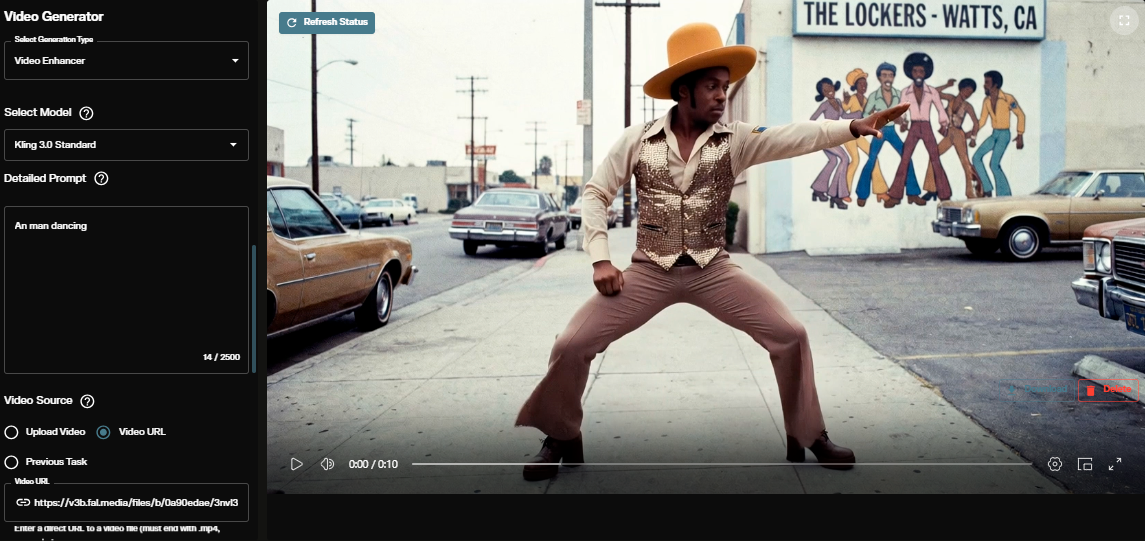
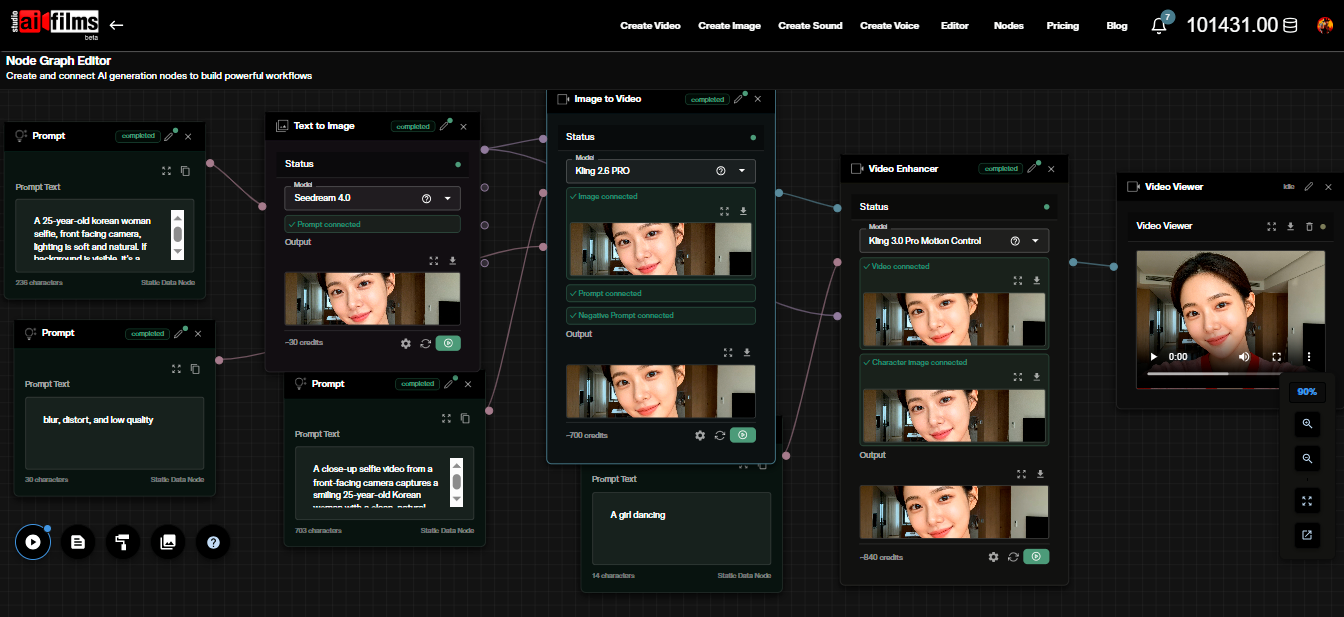
All of these build on LTX-2.3, which is available for generation without any training setup in the AI FILMS Studio video workspace. Starting with generation on the base model is the fastest way to understand what LTX-2.3 already does well before deciding what a fine-tuned adapter needs to add.
For background on the underlying model architecture, see the LTX-2 original model overview and the LTX-2.3 model overview. For step by step generation settings on AI FILMS Studio, the LTX-2.3 generation tutorial covers every parameter from text prompt to audio output.
The base model evolved with LTX-2.5 in August 2026, which introduced multishot consistency and the new diffusion decoder. LTX Trainer is compatible with LTX-2.5, making fine tuning on custom character and environment assets available for the new model.
Sources
Lightricks Blog: Introducing the New LTX Trainer GitHub: Lightricks/LTX-2 arXiv: LTX-2: Real-Time Video and Audio Generation Hugging Face: Lightricks/LTX-2
Continue Reading
.jpg?w=3840)


Video & LipSync
- Video Generator
- Text to Video
- Image to Video
- Start-End Frame to Video
- Draw to Video
- Motion Control
- Video Enhancer
- Video Upscaler
- Video to Video LipSync
- Audio to Video LipSync
- Image to Video LipSync
- Video FaceSwap
- Seedance 2.5
- WAN 3.0
- Seedance 2
- FLUX 3
- Minimax H3
- Vidu Q3 Pro
- Grok Imagine Video 1.5
- Gemini Omni
- Google Veo 3.1
- Kling 3.0 Pro
- Luma Ray 3.2
- LTX 2.3
- Happy Horse 1.1
- Kling 3.0 Motion
- ByteDance Upscaler
- InfiniteTalk
- InsightFace
Image & Edit
- AI Character
- AI Actor
- Art Generator
- Text to Image
- Image to Image
- LoRA Image to Image
- Draw to Edit
- Image LoRA Training
- Remove Background
- Image Enhancer
- MidJourney 8.0
- Krea 2
- OpenAI GPT Image 2.0
- Nano Banana Pro Ultra
- Nano Banana 2 Lite
- Nano Banana Pro
- Minimax Image
- Clarity Pro
- Z-Image Turbo LoRA
- Krea 2 Turbo LoRA
- Z-Image LoRA Trainer
- Qwen Image LoRA Trainer
- Background Erase Network 2 (BEN2)