
LTX-2.3 Dev vs Distilled: Model Variants, Specs and Upscalers
Share this post:
LTX-2.3 Dev vs Distilled: Model Variants, Specs and Upscalers
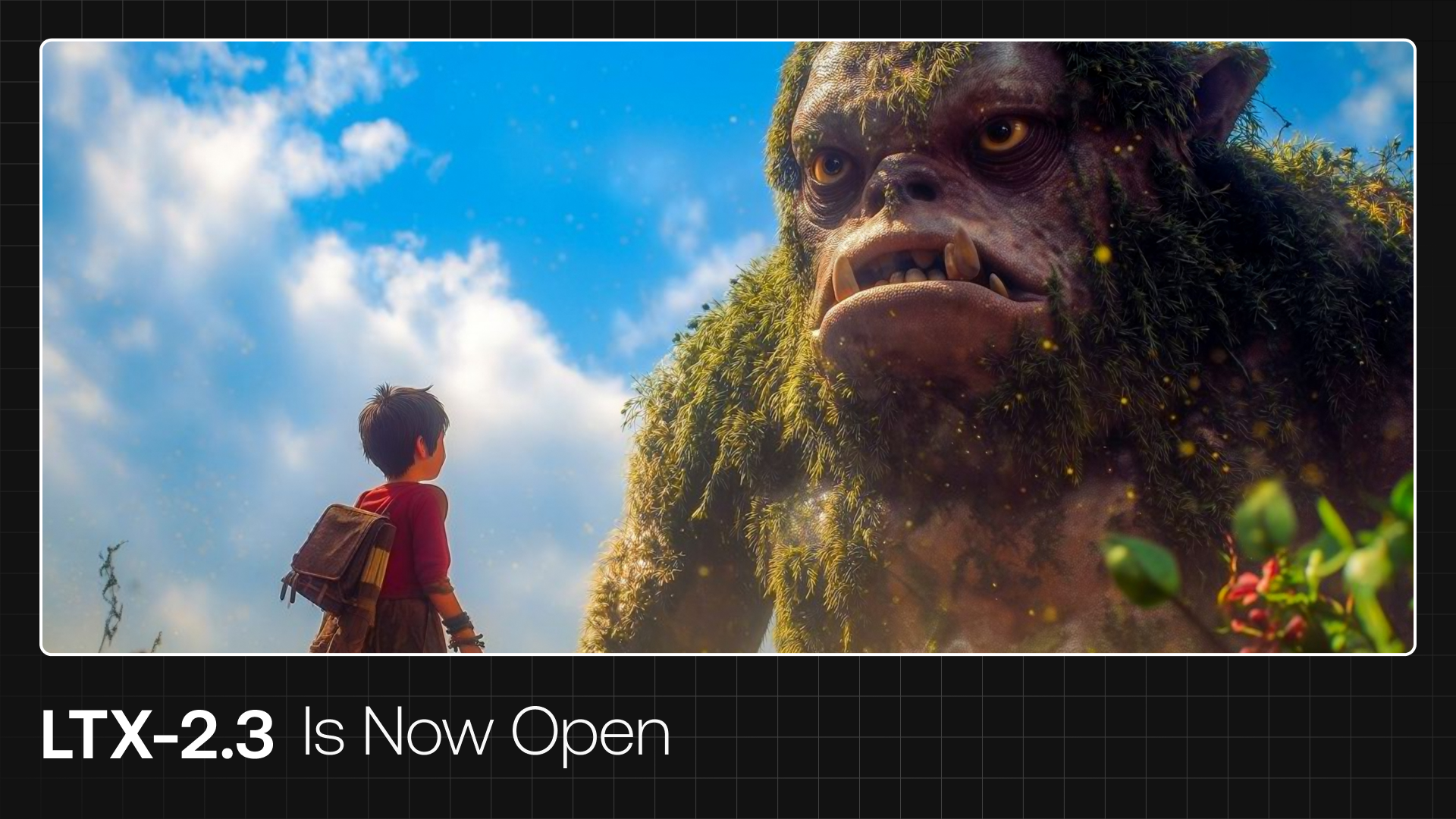
Lightricks has released LTX-2.3, a significant update to its open source audio video foundation model. The new version brings improved visual quality, better prompt adherence, and a suite of upscaler models that push generated content toward higher resolutions and smoother frame rates.
What Is LTX-2.3
LTX-2.3 is a DiT based (Diffusion Transformer) audio video foundation model that generates synchronized video and audio within a single pass. Built on the same architecture as LTX-2, the 2.3 release focuses on refinement rather than architectural overhaul. The core model has 22 billion parameters and ships in two variants: a full dev model and a distilled version.
The model supports a broad range of generation tasks in a single unified system:
- text-to-video
- image-to-video
- video-to-video
- audio-to-video and video-to-audio
- image and text to audio video
This multimodal flexibility makes LTX-2.3 one of the most capable open source video models available today. A different approach to the same goal arrived in May 2026: ByteDance Research's Lance consolidates text-to-video, video editing, and image generation into a single 3 billion parameter model under Apache 2.0, prioritizing a lighter unified architecture over LTX-2.3's 22 billion parameter audio video approach.
What Changed in 2.3
The headline improvements in this release are audio and visual quality. Lightricks reports stronger prompt adherence across both modalities, meaning the model follows text descriptions more precisely when generating the visual scene and its accompanying sound.
The distilled variant now runs in just 8 steps with a classifier free guidance value of 1, making inference substantially faster without a major quality penalty. For creators who need rapid iteration, this is the practical path to quick results.
Lightricks also introduced a set of upscaler models released alongside the main checkpoint:
| Upscaler | Function |
|---|---|
ltx-2.3-spatial-upscaler-x2-1.0 |
2x spatial resolution increase |
ltx-2.3-spatial-upscaler-x1.5-1.0 |
1.5x spatial resolution increase |
ltx-2.3-temporal-upscaler-x2-1.0 |
2x frame rate increase |
The spatial upscalers allow creators to generate at a manageable resolution and scale up afterward, while the temporal upscaler doubles the frame rate of existing clips. Used in combination, these tools make high resolution, high frame rate output more accessible on consumer hardware.
Model Variants
LTX-2.3 ships with four distinct checkpoints:
| Dev | Distilled | |
|---|---|---|
| Checkpoint | Dev (22b) | Distilled (22b) |
| Parameters | 22 billion | 22 billion |
| Precision | bf16 | bf16 |
| Inference steps | Full sampling schedule | 8 steps |
| Guidance | Standard classifier free guidance | CFG value of 1 |
| Memory overhead | Higher | Lower |
| Trainable | Yes, LoRA and IC-LoRA | No |
| Best for | Fine tuning, research, quality ceiling | Rapid iteration, faster generation |
Choose dev when you need to train on the model or want its full quality ceiling. Choose distilled when generation speed matters more than the last increment of quality. The ltx-2.3-22b-distilled-lora-384 adapter sits between the two, applying distillation behavior to the dev model.
Dev checkpoint: The full 22b model in bf16 precision. This is the flexible, trainable base intended for fine tuning, LoRA training, and research workflows.
Distilled checkpoint: The 8-step distilled version for faster inference. Lower memory overhead and significantly quicker generation times compared to the dev model.
Distilled LoRA adapter: Applies distillation behavior to the dev model. Useful if you want the full model's quality ceiling with faster sampling.
Upscaler models: The three upscaler checkpoints described above, applied as a post processing step after generation.
Training and Fine Tuning
The dev model is fully trainable. Lightricks provides reproducible LoRA and IC-LoRA training through the LTX-2 Trainer, with the company noting that motion, style, and likeness training can complete in under an hour in many configurations. This puts custom model training within reach for individual creators and small studios, not just large teams with dedicated compute.
In June 2026, Lightricks released a unified LTX Trainer that expands training to 13 modes, covering video, audio, and cross modal objectives from a single configuration file.
Technical Requirements
LTX-2.3 requires Python 3.12 or newer, CUDA above version 12.7, and PyTorch 2.7. Resolution inputs must be divisible by 32, and frame counts must follow the formula: divisible by 8, plus 1. The model can be run through the official PyTorch codebase or through node based interfaces using the LTXVideo nodes.
Diffusers support is listed as coming soon, which will broaden compatibility with the wider Python AI tooling.
Running LTX-2.3 Locally
The LTXVideo nodes are available through community node managers and the official documentation at docs.ltx.video. For direct Python usage:
git clone https://github.com/Lightricks/LTX-2.git
cd LTX-2
uv sync
source .venv/bin/activate
From there, the inference scripts handle both the dev and distilled checkpoints, with the upscalers applied as a second stage.
A live demo is available at the LTX-2.3 API Playground for testing generation without a local setup.
What LTX-2.3 Does Not Address
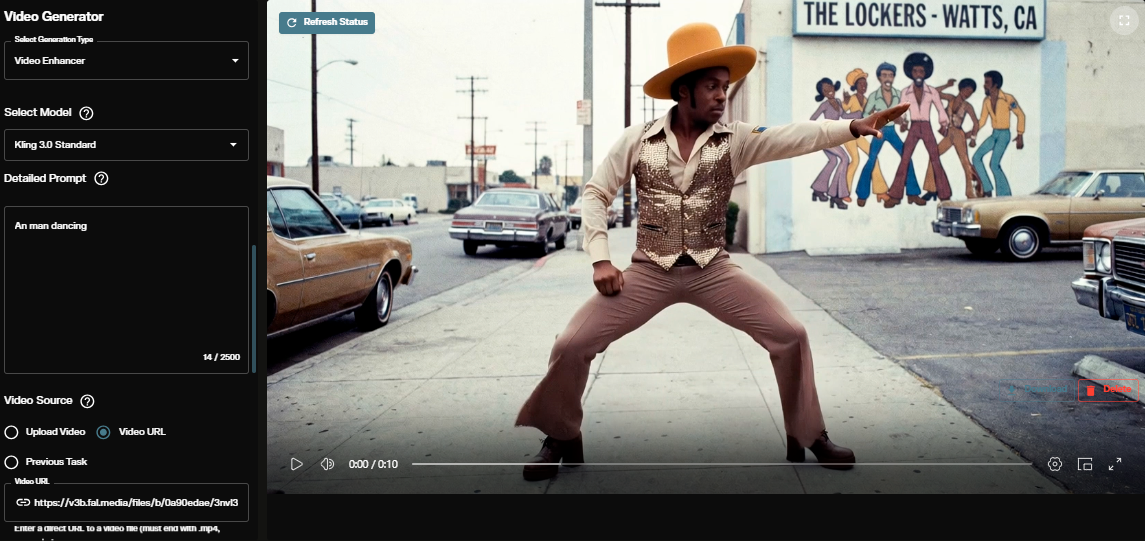
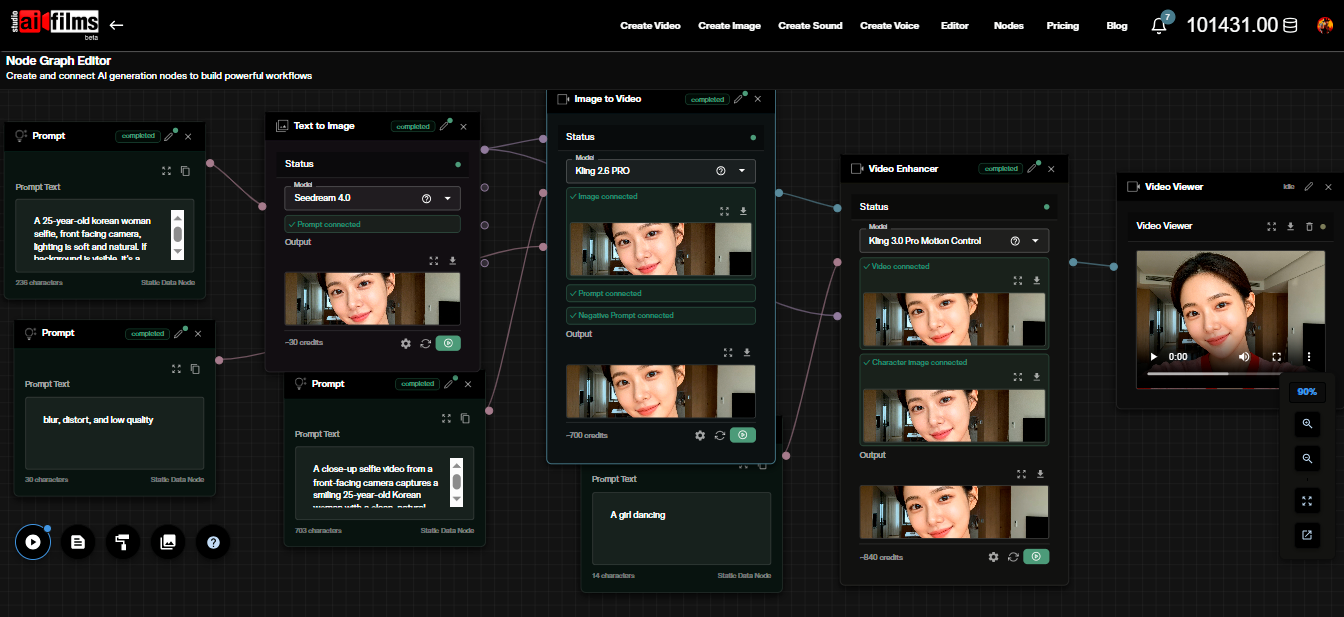
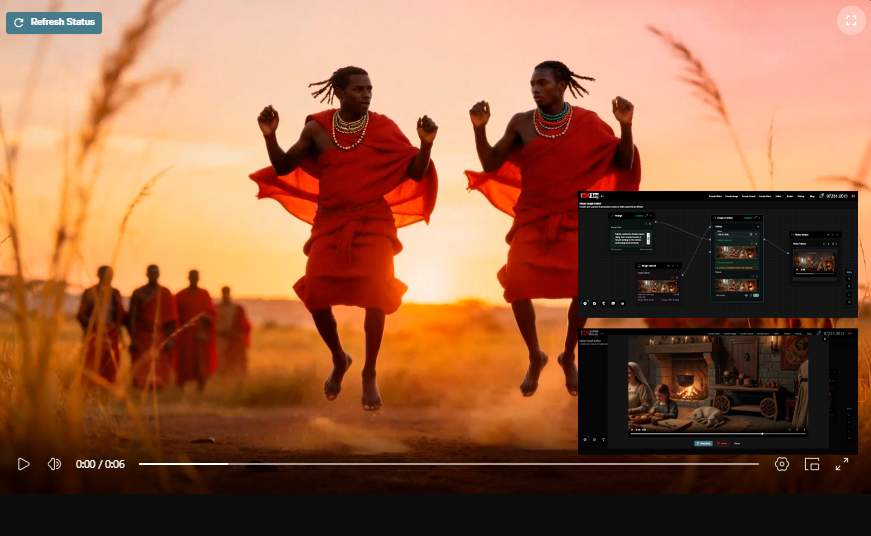
LTX-2.3 produces single shot output. Each generation pass produces one continuous clip with one camera setup. Producing a coherent scene from multiple shots requires running separate generation passes and assembling them with post processing to reduce character drift and lighting inconsistency between shots.
The audio generation capability in LTX-2.3 is synchronized to the individual clip. Audio does not carry across independently generated shots unless the clips are edited together with additional audio processing.
For teams working on single shot content, commercials, short atmospheric clips, or individual scenes, LTX-2.3 is a production ready tool. For teams working on narrative sequences requiring multiple shots, the single shot limitation requires additional workflow steps.
The next major release, LTX-2.5 (August 2026), added native multishot generation that holds character and voice consistent across cuts in a single generation pass. The 22B parameter model uses a new diffusion video decoder and Gemma 4 12B text encoder.
For context on what LTX-2 offers and how it compares to the 2.3 update, see our earlier coverage of LTX-2. If you want to run the model locally on consumer hardware, our LTX-2 4K RTX GPU setup guide walks through local installation and configuration.
Sources
Continue Reading


Video & LipSync
- Video Generator
- Text to Video
- Image to Video
- Start-End Frame to Video
- Draw to Video
- Motion Control
- Video Enhancer
- Video Upscaler
- Video Extend
- Video to Video LipSync
- Audio to Video LipSync
- Image to Video LipSync
- Video FaceSwap
- Seedance 2.5
- WAN 3.0
- Seedance 2
- FLUX 3
- Minimax H3
- Vidu Q3 Pro
- Grok Imagine Video 1.5
- Gemini Omni
- Google Veo 3.1
- Kling 3.0 Pro
- Luma Ray 3.2
- LTX 2.3
- Happy Horse 1.1
- Kling 3.0 Motion
- ByteDance Upscaler
- InfiniteTalk
- InsightFace
Image & Edit
- AI Character
- AI Actor
- Art Generator
- Text to Image
- Image to Image
- LoRA Image to Image
- Draw to Edit
- Image LoRA Training
- Remove Background
- Image Enhancer
- MidJourney 8.0
- Krea 2
- OpenAI GPT Image 2.0
- Nano Banana Pro Ultra
- Nano Banana 2 Lite
- Nano Banana Pro
- Minimax Image
- Clarity Pro
- Z-Image Turbo LoRA
- Krea 2 Turbo LoRA
- Z-Image LoRA Trainer
- Qwen Image LoRA Trainer
- Background Erase Network 2 (BEN2)