
Seedance 2.0 1080 VIP: Full HD Video Generation Tutorial
Share this post:
Seedance 2.0 1080 VIP: Full HD Video Generation Tutorial
Seedance 2.0 1080 VIP is now available on AI FILMS Studio. This guide covers what sets the VIP tier apart from the standard Seedance 2.0 models and walks through both generation modes at full HD resolution.
What Is Seedance 2.0 1080 VIP
The VIP variant outputs at true 1080p by default. There are no quality tiers to choose between. Every generation produces full HD footage with enhanced texture detail and cleaner motion across frames, which makes it the one model in the text to video generator roster that never drops below 1080p.
VIP priority routing reduces queue time compared to the standard models, making it suited for production workflows where fast iteration matters. Duration accepts any integer between 4 and 15 seconds, rather than the fixed 5, 10, and 15 second presets of the standard tier.
The model also supports six aspect ratios. In addition to the standard 16:9, 9:16, 4:3, and 3:4 options, the VIP tier adds 21:9 ultrawide and 1:1 square formats.
New to Seedance 2.0? The step by step fundamentals for both generation modes are covered in the complete tutorial:
For a faster, lower cost option with flexible resolution from 480p to 1080p, see the Seedance 2.0 Mini tutorial.
Text to Video in 1080p
Open the text-to-video workspace and select Seedance 2.0 1080 VIP from the generator list. The text to video generator page lists every model in that dropdown with its resolution ceiling and duration range. The interface shows no quality tier selector, because the model always generates at 1080p.
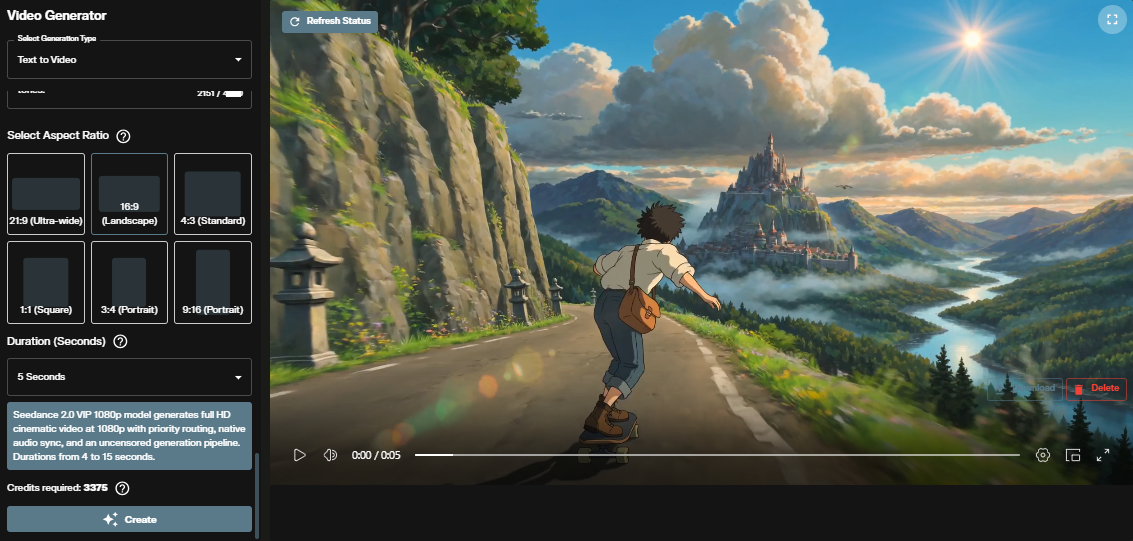
Write your prompt, then choose one of six aspect ratios: 16:9, 9:16, 4:3, 3:4, 1:1, or 21:9. Set duration to any integer from 4 to 15 seconds. The interface shows the exact credit cost before you submit.
Prompt guidance from the standard Seedance 2.0 tutorial applies here. Specify camera movement explicitly, describe motion rather than static scenes, and include audio cues for native sound sync.
Image to Video in 1080p
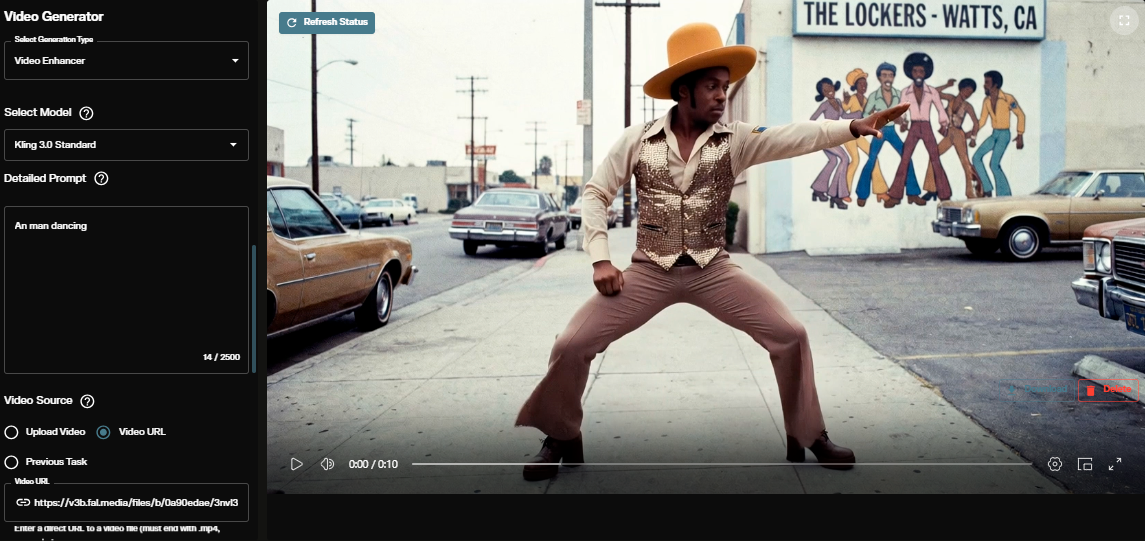
Open the image-to-video workspace and select Seedance 2.0 1080 VIP. The image to video generator page covers the same form in full. Upload your reference image, write a motion prompt, choose aspect ratio, and set duration.
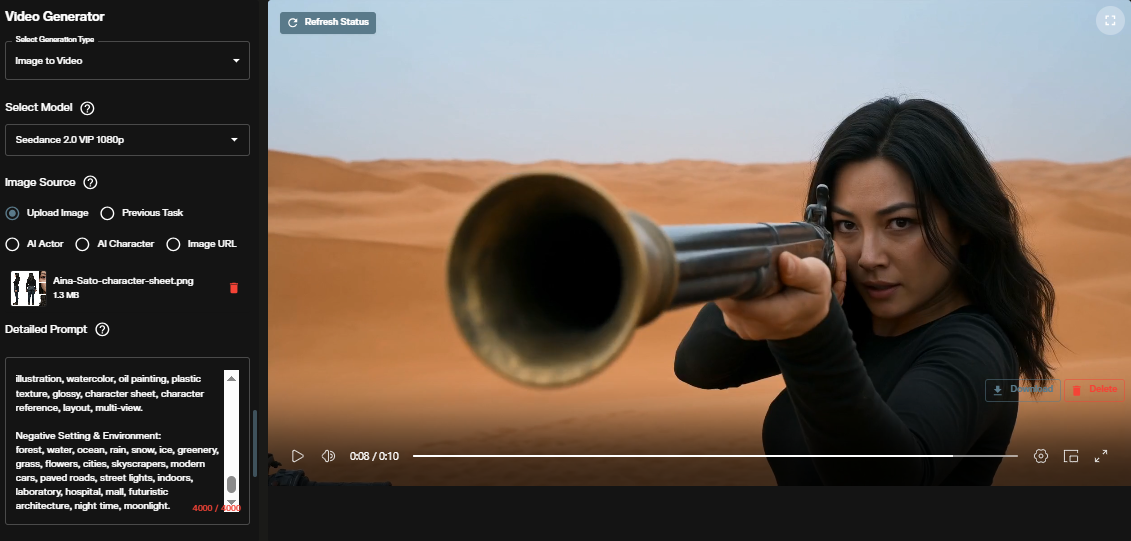
The model preserves the subject identity, composition, and lighting of the source image and outputs at full 1080p. The first uploaded image determines the output aspect ratio regardless of the aspect ratio setting selected.
Character Consistency
The VIP tier retains the character reference capability from the standard Seedance 2.0 model. Upload a reference image of a character to anchor their appearance, then prompt the motion and scene around them. Consistent lighting and framing in the reference image produces the most stable results across generations.
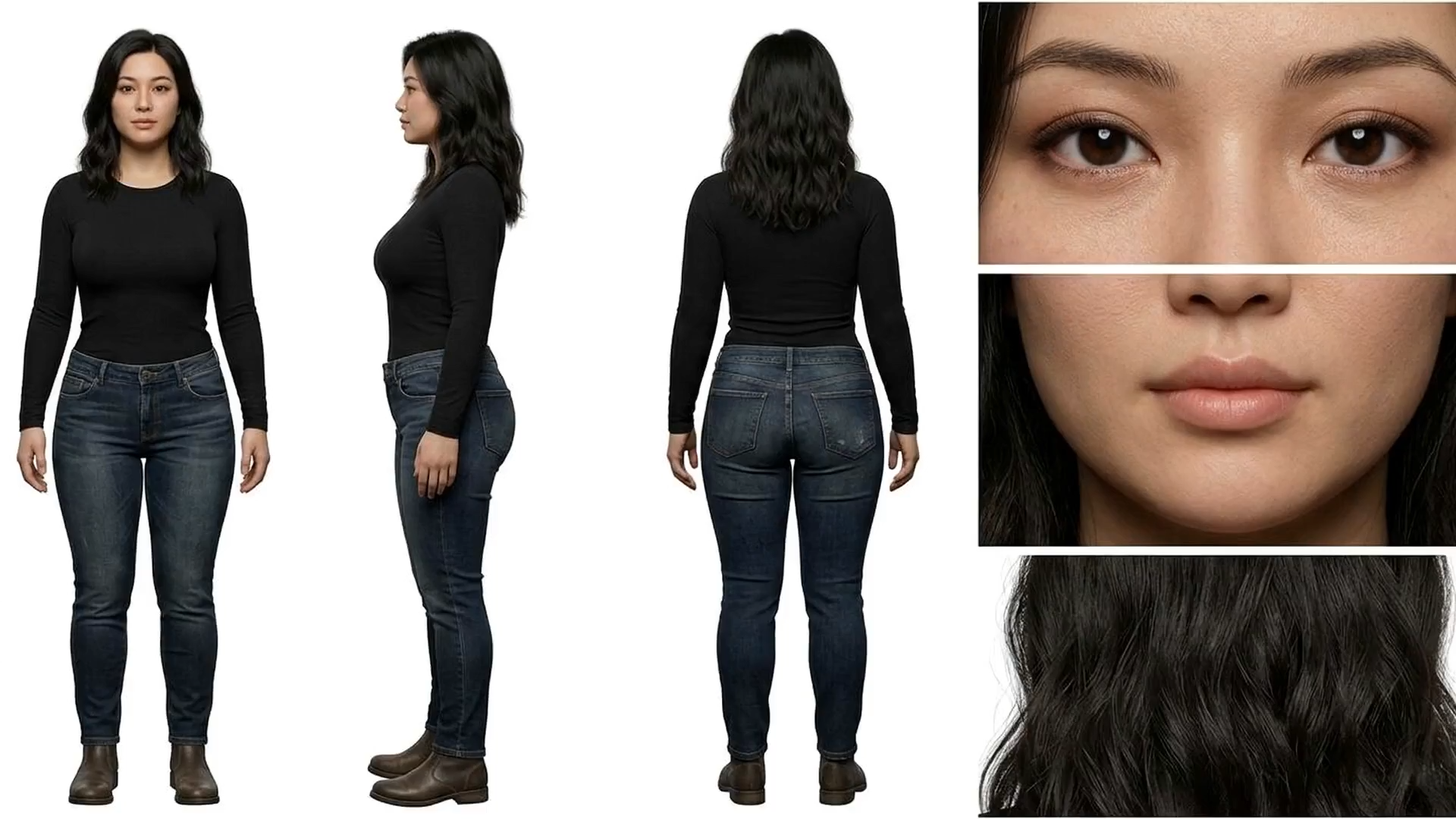
For building a reusable character with a persistent ID across generations, see the AI Character Generation Tutorial.
Using Seedance 2.0 1080 VIP in Nodes
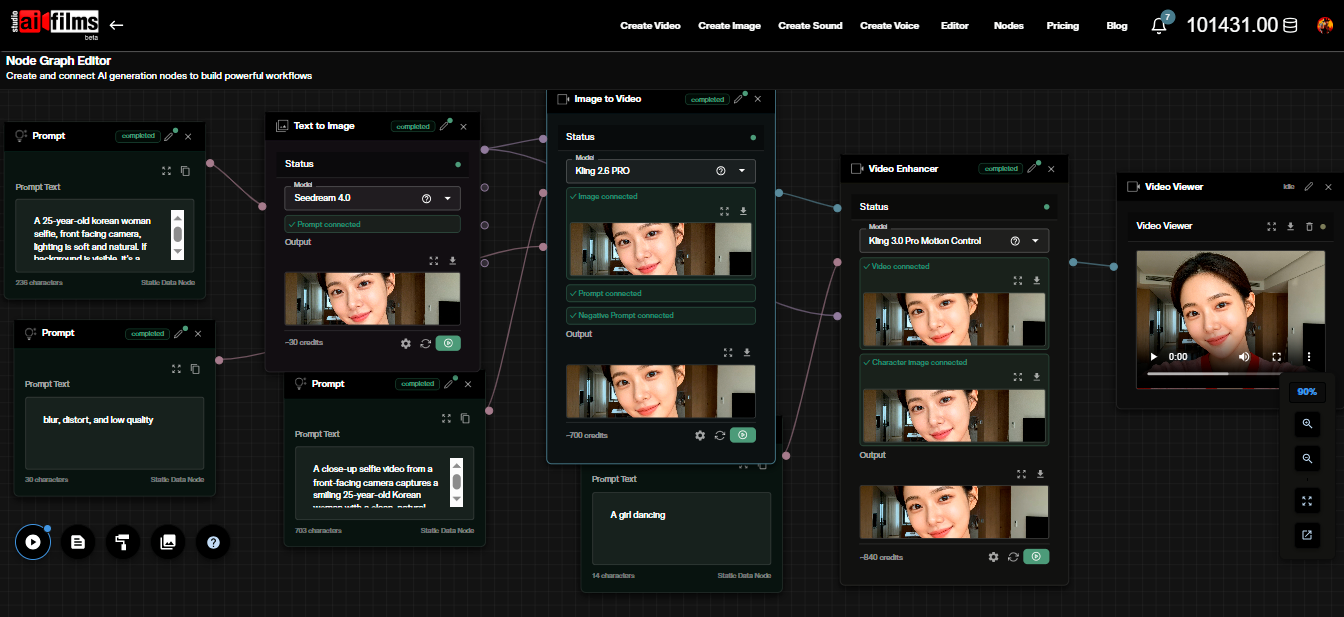
Both text-to-video and image-to-video are available as nodes in the AI FILMS Studio Nodes Graph Editor. Connect a Prompt node to the Text to Video node, or an Image Upload node to the Image to Video node, then wire the output to a Video Viewer or Result node.
This lets you chain Seedance 2.0 1080 VIP generation into multi step pipelines alongside image generation, enhancement, or audio nodes.
Credit Costs
Seedance 2.0 1080 VIP bills per second of video generated, at a flat rate of 675 credits per second. Resolution never changes, so duration is the only variable.
| Duration | Credits |
|---|---|
| 4 seconds (min) | 2,700 credits |
| 5 seconds | 3,375 credits |
| 10 seconds | 6,750 credits |
| 15 seconds (max) | 10,125 credits |
Credits for failed generations are automatically refunded. For subscription and credit details, visit the AI FILMS Studio pricing page.
A flat rate has one practical consequence. There is no cheap draft tier inside this model, so the only way to test a prompt inexpensively is to run it on a different model first and bring the working prompt back here for the final pass.
Choosing Between the Seedance Models
Four Seedance entries sit in the video roster, and they differ on resolution ceiling, duration range and how the cost is structured.
| Model | Resolution | Duration | Cost structure |
|---|---|---|---|
| Seedance 2.0 | 480p to 2K | 5, 10 or 15 seconds | Two quality tiers, plus a watermark option |
| Seedance 2.0 Mini | 480p to 4K | 4 to 15 seconds | Per second, scaled by resolution |
| Seedance 2.0 1080 VIP | 1080p fixed | 4 to 15 seconds | Flat 675 credits per second |
| Seedance 2.5 | 480p to 4K | 4 to 30 seconds | Per second, scaled by resolution |
Pick 1080 VIP when the delivery is full HD and the queue time matters. Its value is the guarantee, because no setting in the form can accidentally produce a 720p file.
Pick Mini when you are still iterating. Its 480p tier is the cheapest way to find out whether a prompt produces the movement you wanted.
The Newer Model in the Family
Seedance 2.5 shipped in the Studio in August 2026 and changes two of the numbers above. It runs to 30 seconds in a single pass rather than 15, and it adds reference video and reference audio inputs that none of the 2.0 variants carry.
The trade against 1080 VIP is the guarantee. Seedance 2.5 offers 480p through 4K as free choices, so a full HD delivery depends on you selecting 1080p rather than on the model enforcing it.
Limitations
Resolution is fixed at 1080p. There is no way to run a cheap low resolution test inside this model, and no way to deliver 4K from it either.
Duration stops at 15 seconds. A longer single take needs a different model in the roster.
The first uploaded image sets the aspect ratio. In image-to-video the ratio control cannot override it, so the source frame has to be prepared in the shape you want.
Sources
ByteDance Seed
Continue Reading


Video & LipSync
- Video Generator
- Text to Video
- Image to Video
- Start-End Frame to Video
- Draw to Video
- Motion Control
- Video Enhancer
- Video Upscaler
- Video Extend
- Video to Video LipSync
- Audio to Video LipSync
- Image to Video LipSync
- Video FaceSwap
- Seedance 2.5
- WAN 3.0
- Seedance 2
- FLUX 3
- Minimax H3
- Vidu Q3 Pro
- Grok Imagine Video 1.5
- Gemini Omni
- Google Veo 3.1
- Kling 3.0 Pro
- Luma Ray 3.2
- LTX 2.3
- Happy Horse 1.1
- Kling 3.0 Motion
- ByteDance Upscaler
- InfiniteTalk
- InsightFace
Image & Edit
- AI Character
- AI Actor
- Art Generator
- Text to Image
- Image to Image
- LoRA Image to Image
- Draw to Edit
- Image LoRA Training
- Remove Background
- Image Enhancer
- MidJourney 8.0
- Krea 2
- OpenAI GPT Image 2.0
- Nano Banana Pro Ultra
- Nano Banana 2 Lite
- Nano Banana Pro
- Minimax Image
- Clarity Pro
- Z-Image Turbo LoRA
- Krea 2 Turbo LoRA
- Z-Image LoRA Trainer
- Qwen Image LoRA Trainer
- Background Erase Network 2 (BEN2)