
Share this post:
MatAnyone 2: AI Video Matting Accepted to CVPR 2026
Researchers published MatAnyone 2 in December 2025, and the paper was accepted to CVPR 2026. The framework extracts human foreground subjects from video with pixel-level alpha mattes, enabling clean compositing without green screens or manual rotoscoping. Code and a Gradio demo are available on GitHub.
What Video Matting Does for Filmmakers
Video matting produces an alpha channel for each frame, assigning a transparency value to every pixel. The core of a subject is fully opaque; hair strands, fabric edges, and motion blurred limbs carry partial transparency. The result composites onto any background without the hard edges or color spill that come from simpler background removal approaches.
Traditional matting required controlled shooting conditions. Green or blue screens gave software a color key to work with, but that approach fails when clothing matches the screen, when reflective surfaces pick up color casts, or when complex locations make controlled lighting impractical. Manual rotoscoping is accurate but costs hours per shot. MatAnyone 2 produces comparable quality from ordinary footage shot without any special setup.
The Matting Quality Evaluator
The core technical contribution in MatAnyone 2 is the Matting Quality Evaluator (MQE). Standard video matting models train on synthetic data with perfect ground truth labels, then struggle on real world footage where precise alpha annotations are difficult to obtain. The MQE addresses this by learning to assess matte quality without needing reference ground truth.
The evaluator produces a pixel level map that identifies reliable and erroneous regions in generated mattes. This map serves two purposes. During training, it provides quality feedback that suppresses mistakes and guides the model toward accurate boundaries. For dataset construction, it curates outputs from multiple matting approaches, selecting the best regions from each source and combining them into higher quality composite annotations.
The team also incorporated a reference frame training strategy that pulls in long range frames beyond the local window to handle appearance variations across extended sequences, without adding extra memory costs during inference.
VMReal Dataset
The researchers built VMReal, a large scale real world video matting dataset containing 28,000 clips and 2.4 million frames. Each alpha label is paired with a binary evaluation map from the MQE, indicating which regions of each annotation are reliable.
This dataset addresses a known weakness in the field: synthetic benchmarks with perfect annotations do not predict performance on actual production footage. VMReal provides training material that reflects real shooting environments, including camera movement, changing lighting, partial occlusion, and fast motion.
Footage Results
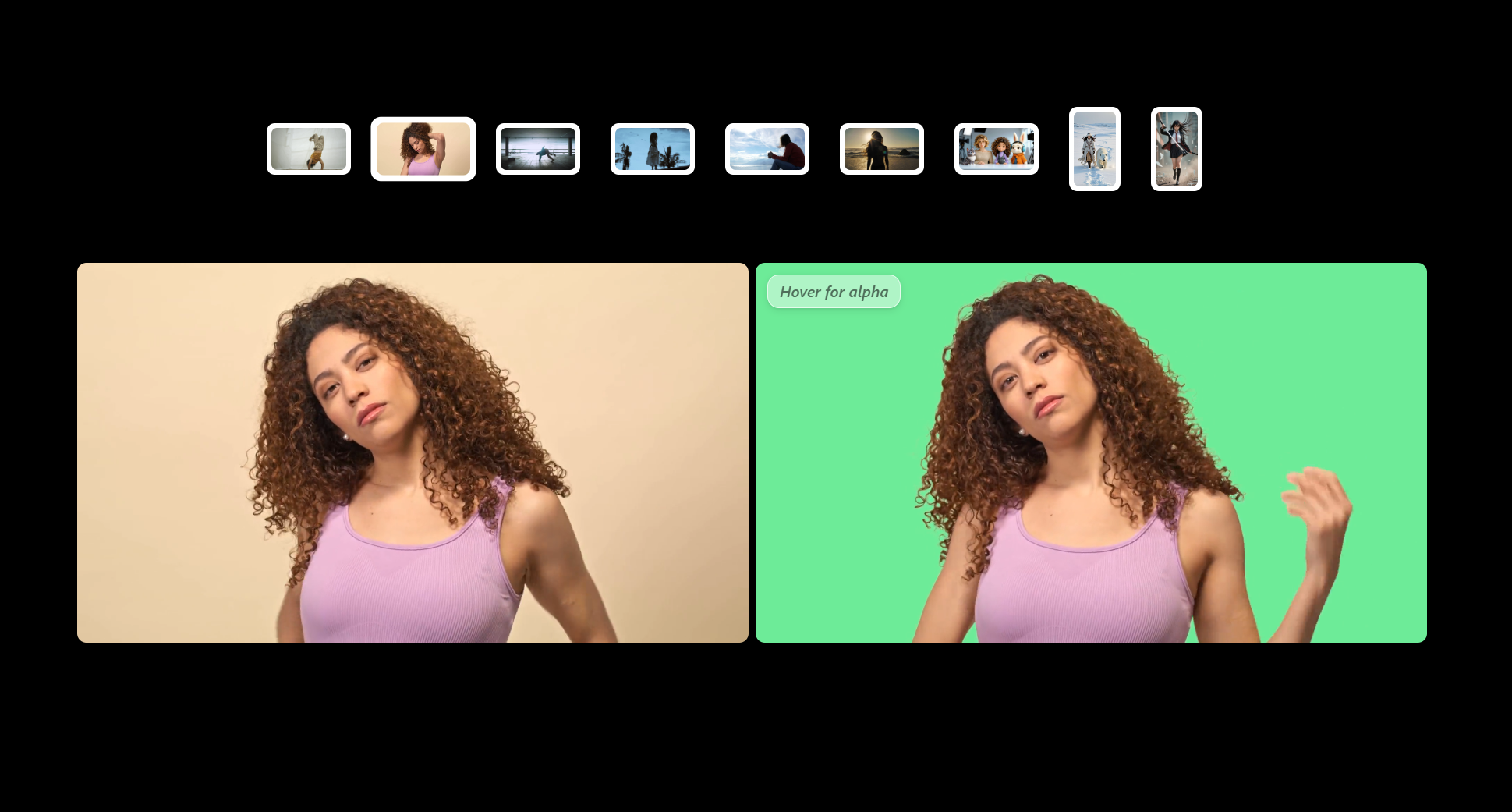
The four pairs below show source footage alongside MatAnyone 2 output. Each clip extracts the foreground subject with full alpha transparency, ready to composite over any background.
Breakdancing street footage:
Input
MatAnyone 2 Output
4K footage extraction:
Input
MatAnyone 2 Output
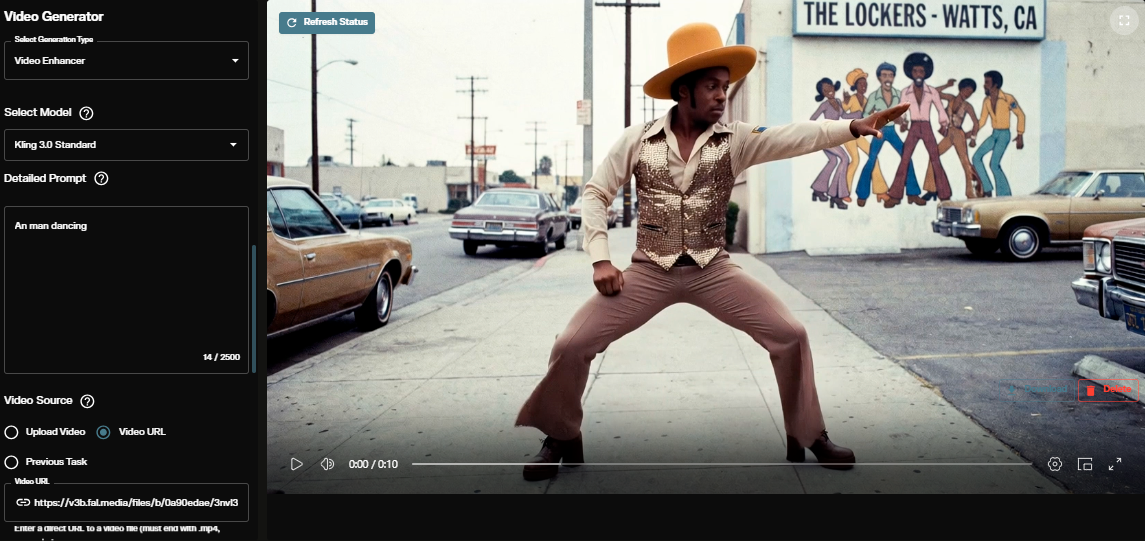
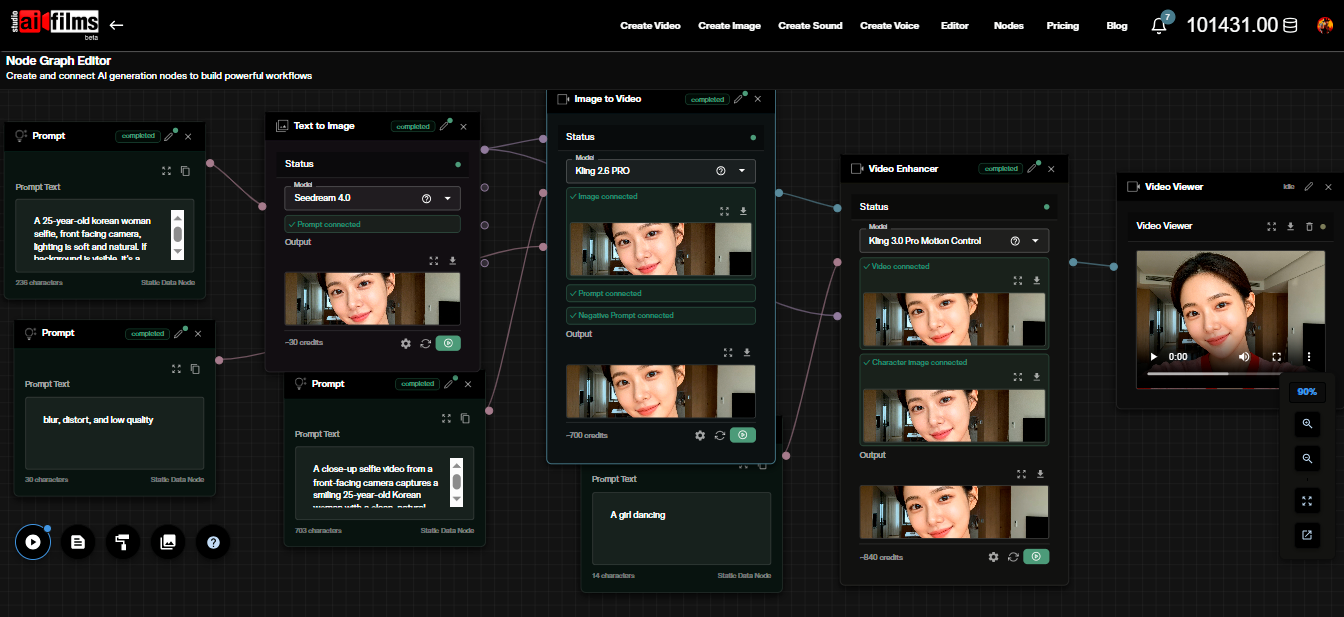
Two of the demonstration clips use Kling generated footage, showing that MatAnyone 2 handles AI generated video as effectively as camera footage. Filmmakers using Kling 3.0 Motion Control to transfer character motion can extract those characters for compositing into new environments.
Kling generated clip 1:
Input (Kling generated)
MatAnyone 2 Output
Kling generated clip 2:
Input (Kling generated)
MatAnyone 2 Output
Workflow: From Segmentation Mask to Alpha Matte
MatAnyone 2 takes a video and a segmentation mask of the first frame as input. Users draw or generate a mask identifying the subject in the opening frame, and the model propagates the matting through all remaining frames. The team recommends pairing MatAnyone 2 with SAM 2 for mask generation, making the pipeline mostly automatic from a single annotation to a finished matte.
Meta SAM 3 extends this further. Text prompting in SAM 3 lets you describe the subject by name and the model generates the initial segmentation mask without any manual annotation. That mask then feeds into MatAnyone 2, which refines it into a precise alpha channel. The two tools cover the full path from raw footage to compositable foreground element with no manual frame-by-frame work.
Once extracted, the matte integrates into standard compositing workflows. A foreground element with full alpha transparency can be placed over backgrounds generated with AI FILMS Studio, over studio plates, or over stock footage to build scenes that would otherwise require physical production infrastructure.
Compositing with AI Generated Elements
MatAnyone 2 handles camera footage and AI generated video with equal quality. This opens a specific pipeline: generate a character or scene with a video model, extract the foreground with MatAnyone 2, and composite it onto a separately generated or filmed background.
The output maintains accuracy at hair boundaries and fabric edges. These are precisely the areas where simpler segmentation tools produce visible artifacts. Clean alpha mattes at these edges are what separates compositing that holds up at full resolution from work that reads as artificial.
For the inverse problem, removing an object and its shadow or reflection from a scene rather than extracting it, EffectErase from Fudan University tackles that at CVPR 2026. The two tools cover complementary sides of the same foreground and background problem.
For filmmakers applying effects to isolated subjects, VFXMaster generates visual effects that composite onto specific objects. MatAnyone 2 provides the clean foreground mattes those effects require for realistic integration into the scene.
Access and Requirements
MatAnyone 2 is available on GitHub with an interactive Gradio demo hosted on HuggingFace. The project page includes the full paper and additional demonstration videos. The paper is also available on arXiv.
The system runs locally with Python 3.10 and a GPU. Input supports .mp4, .mov, and .avi files alongside a PNG segmentation mask of the first frame. Output includes the foreground video with transparency and the alpha matte as separate files. The pretrained model downloads automatically on first run.
Sources
arXiv | CVPR 2026 | GitHub | Project Page
Continue Reading
.jpg?w=3840)


Video & LipSync
- Video Generator
- Text to Video
- Image to Video
- Start-End Frame to Video
- Draw to Video
- Motion Control
- Video Enhancer
- Video Upscaler
- Video to Video LipSync
- Audio to Video LipSync
- Image to Video LipSync
- Video FaceSwap
- Seedance 2.5
- WAN 3.0
- Seedance 2
- FLUX 3
- Minimax H3
- Vidu Q3 Pro
- Grok Imagine Video 1.5
- Gemini Omni
- Google Veo 3.1
- Kling 3.0 Pro
- Luma Ray 3.2
- LTX 2.3
- Happy Horse 1.1
- Kling 3.0 Motion
- ByteDance Upscaler
- InfiniteTalk
- InsightFace
Image & Edit
- AI Character
- AI Actor
- Art Generator
- Text to Image
- Image to Image
- LoRA Image to Image
- Draw to Edit
- Image LoRA Training
- Remove Background
- Image Enhancer
- MidJourney 8.0
- Krea 2
- OpenAI GPT Image 2.0
- Nano Banana Pro Ultra
- Nano Banana 2 Lite
- Nano Banana Pro
- Minimax Image
- Clarity Pro
- Z-Image Turbo LoRA
- Krea 2 Turbo LoRA
- Z-Image LoRA Trainer
- Qwen Image LoRA Trainer
- Background Erase Network 2 (BEN2)