

lodestones (Kromoss 50 step 1024 px sample)
Share this post:
Kromoss: Open Source 1024 px Concept Art Image AI
Art departments building lookbooks and shot keyframes need an open weight image generator that respects complex text prompts without requiring slow 50 step renders on every iteration. Kromoss, released by lodestones in October 2026 under the Apache 2.0 license, is a full parameter 1024 px fine tune of OpenMOSS-Team/MOSS-Image-Base trained across 704,000 high resolution images. It ships with two distilled 8 step turbo LoRAs and a 5.4 GB ConvRot W8A8 int8 checkpoint for workstation GPUs. You can test Kromoss free in the embedded browser demo below with zero login.
Studio availability. Try the public Hugging Face demo below; Kromoss is not part of a paid AI FILMS Studio plan (use FLUX.2 Pro Text to Image in the image workspace for example instead).
Try Kromoss Live
Enter a concept art prompt or storyboard framing description in the public Hugging Face Space below to test Kromoss directly in your browser.
Architecture and Technical Design
Kromoss keeps the exact inference layout of MOSS-Image-SFT, pairing a Qwen3.5-9B text encoder with the FLUX.2 small decoder VAE so existing diffusers scripts load it as a direct replacement. Every transformer parameter was updated for 11,000 steps using a hybrid Muon and AdamW optimizer (learning rate 9e-6, batch size 64, EMA 0.999) while filtering out training images smaller than 896 x 896 pixels.
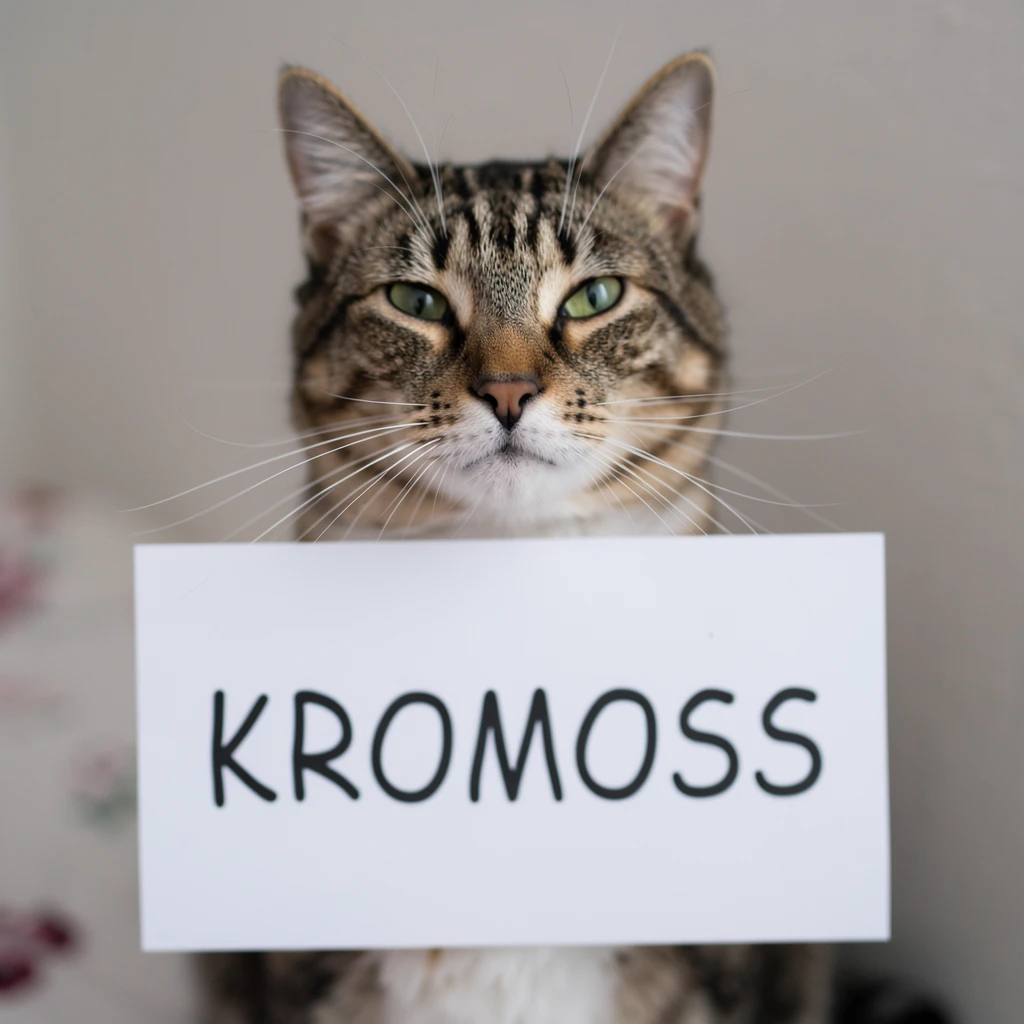
Kromoss 8 step CFG 1 output with 8-steps-dmd2-lora.safetensors by lodestones (Apache 2.0)
Alongside the full 50 step checkpoint, the repository ships two rank 128, alpha 128 turbo adapters distilled from MOSS-Image-Base. The first (8-steps-dmd-lora.safetensors) uses data space Distribution Matching Distillation over 12,000 updates.
The recommended adapter (8-steps-dmd2-lora.safetensors) continues training for 3,000 additional updates with a DMD2 GAN discriminator scored against real photographs, sharpening micro contrast and texture detail at 8 steps and CFG 1.0 with no negative prompt pass.
For workstations with limited GPU memory, lodestones also distributes kromoss_int8_convrot.safetensors (5.4 GB). This ConvRot W8A8 checkpoint stores all 168 transformer block linears in int8 with per row scales after a 256 wide Hadamard rotation, preserving visual fidelity while cutting diffusion weights by roughly half.
On the 100 prompt PartiPrompts benchmark measured with CLIP ViT-L/14, Kromoss outperforms its base model across every sampling regime. Base MOSS-Image-Base scores 27.19 at 50 steps, whereas full Kromoss reaches 27.90.
Adding the 8-steps-dmd2-lora adapter lifts Kromoss to 28.13 while cutting sampling steps by more than six times and eliminating classifier free guidance overhead.
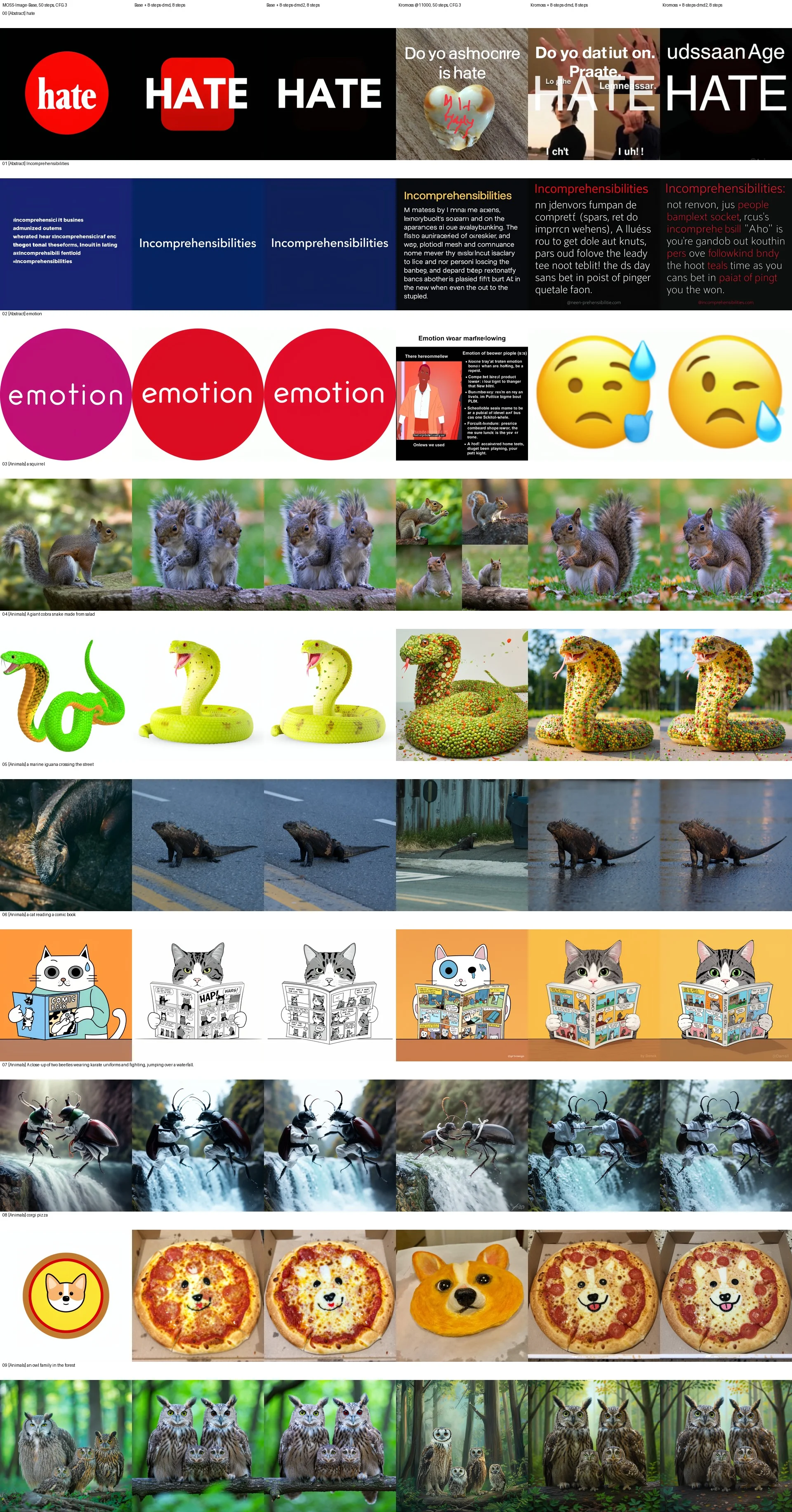
PartiPrompts comparison across base and DMD2 turbo runs by lodestones (Apache 2.0)
Hardware, VRAM, and License Matrix
| Artifact | Precision / Format | File Footprint | Typical GPU VRAM | PartiPrompts CLIP | License | Best Production Role |
|---|---|---|---|---|---|---|
kromoss_bf16.safetensors |
BF16 full transformer | ~10.8 GB (+ Qwen3.5-9B) | ~24 GB GPU | 27.90 (50 steps) | Apache 2.0 | Maximum detail hero stills |
kromoss_int8_convrot.safetensors |
ConvRot W8A8 int8 | 5.4 GB (+ text encoder) | ~12 to 16 GB GPU | Near BF16 parity | Apache 2.0 | Workstation concept art & storyboards |
8-steps-dmd2-lora.safetensors |
FP32 Rank 128 LoRA | ~600 MB adapter | Shared with base | 28.13 (8 steps, CFG 1) | Apache 2.0 | Fast lookdev & live art direction |
8-steps-dmd-lora.safetensors |
FP32 Rank 128 LoRA | ~600 MB adapter | Shared with base | 27.99 (8 steps, CFG 1) | Apache 2.0 | Softer contrast 8 step drafts |
Because both weights and pipeline_moss_image.py carry the Apache 2.0 license, independent studios and VFX vendors can deploy Kromoss inside commercial production pipelines without revenue caps or attribution locks.
Parameter Reference
| Parameter | Full Model Setting | 8 Step Turbo LoRA Setting | Effect on Output |
|---|---|---|---|
| Sampler | Flow matching Euler | Flow matching Euler | Matches the rectified flow training schedule |
num_inference_steps |
50 |
8 (or 4 for rough drafts) |
Controls detail convergence and render time |
guidance_scale (CFG) |
3.0 |
1.0 |
Removes the negative branch in turbo mode for 2x speedup per step |
shift |
5 |
5 |
Keeps noise schedule aligned to 1024 px resolution |
uncond_skip_layers |
[22] |
None | Improves prompt adherence during full 50 step CFG runs |
| LoRA merge behavior | N/A | Apply unmerged via forward hook | Prevents BF16 rounding degradation on the rank 128 delta |
Local Python and CLI Setup
Install the current Diffusers stack and load Kromoss with BF16 for the transformer and text encoder while keeping the FLUX.2 VAE in FP32.
pip install "diffusers>=0.38" "transformers>=5.3" "accelerate>=1.10" "safetensors>=0.6" "Pillow>=10"
import torch
from diffusers import DiffusionPipeline
from huggingface_hub import hf_hub_download
from safetensors.torch import load_file

pipe = DiffusionPipeline.from_pretrained(
    "lodestones/Kromoss",
    custom_pipeline="pipeline_moss_image",
    trust_remote_code=True,
    torch_dtype={"default": torch.bfloat16, "vae": torch.float32},
)
pipe.scheduler = type(pipe.scheduler).from_config(pipe.scheduler.config)
pipe.to("cuda")

# Attach the 8 step DMD2 turbo LoRA unmerged for fast lookdev
lora_path = hf_hub_download("lodestones/Kromoss", "8-steps-dmd2-lora.safetensors")
state = load_file(lora_path, device="cuda")
modules = dict(pipe.transformer.named_modules())
for key in [k for k in state if k.endswith(".lora_down.weight")]:
    name = key[len("diffusion_model."):-len(".lora_down.weight")]
    down = state[key].float()
    up = state[key.replace("lora_down", "lora_up")].float()
    scale = state[f"diffusion_model.{name}.alpha"].item() / down.shape[0]
    def hook(module, args, out, down=down, up=up, scale=scale):
        return out + (scale * (args[0].float() @ down.T) @ up.T).to(out.dtype)
    modules[name].register_forward_hook(hook)

image = pipe(
    "Cinematographic still of a lone diver inspecting a sunken neon billboard, 35mm film grain",
    height=1024,
    width=1024,
    num_inference_steps=8,
    guidance_scale=1.0,
    generator=torch.Generator("cpu").manual_seed(42),
).images[0]
image.save("kromoss_keyframe.png")
For single file deployments, the repository also provides quantize_convrot.py to convert any custom MOSS-Image BF16 fine tune into the 5.4 GB W8A8 int8 format.
Filmmaker Production Playbook
1. Live writer room visual boards. With 8-steps-dmd2-lora.safetensors running at CFG 1, Kromoss generates sharp 1024 px frames fast enough for directors and cinematographers to iterate on set lighting, signage typography, and wardrobe palettes during live script reviews.
2. Clean typography on practical props. Because Kromoss pairs a Qwen3.5-9B text encoder with high resolution 1024 px fine tuning, storefront signs, neon placards, and hero monitor graphics render legibly without manual Photoshop cleanup.
3. Safe unmerged LoRA switching. Keep the DMD2 adapter attached via runtime forward hooks rather than baking it into BF16 weights. That way your pipeline can toggle instantly between 8 step client previews and 50 step final hero plates from one base checkpoint.
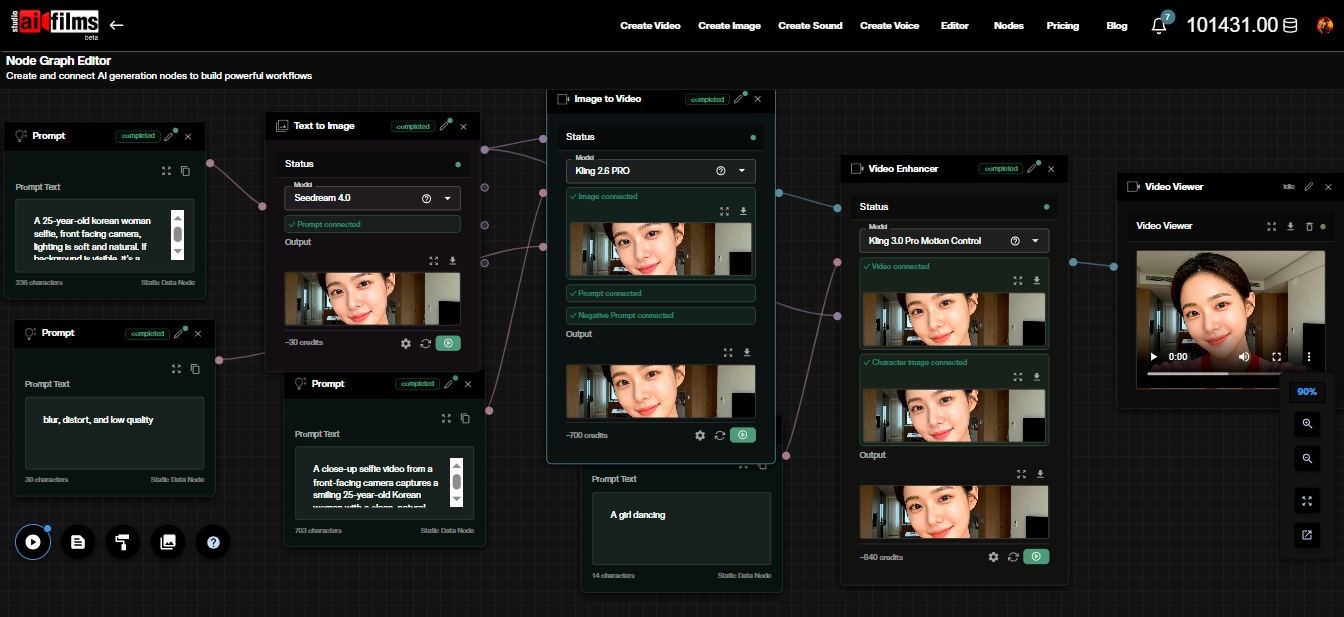
4. Cloud text-to-image workflow. If your team prefers hosted cloud rendering with zero local VRAM setup, explore AI FILMS Studio's text-to-image generator to produce production keyframes and feed them straight into video generation.
Related Reading
- MiniMax H3 Image: Open Weights 4K Multi Reference AI
- PrunaAI P-Image-OSS: Open Source 8-Step Image Editing
- Jeveration: Open Source Single Pass Image AI
- BRIA FIBO 2.0 Edit: Open Source JSON Image Editing
- Explore hosted image creation on the AI Text-to-Image Generator page
Sources
Continue Reading


Video & LipSync
- Video Generator
- Text to Video
- Image to Video
- Start-End Frame to Video
- Draw to Video
- Motion Control
- Video Enhancer
- Video Upscaler
- Video Extend
- Video to Video LipSync
- Audio to Video LipSync
- Image to Video LipSync
- Video FaceSwap
- Seedance 2.5
- WAN 3.0
- Seedance 2
- FLUX 3
- Minimax H3
- Vidu Q3 Pro
- Grok Imagine Video 1.5
- Gemini Omni
- Google Veo 3.1
- Kling 3.0 Pro
- Luma Ray 3.2
- LTX 2.3
- Happy Horse 1.1
- Kling 3.0 Motion
- ByteDance Upscaler
- InfiniteTalk
- InsightFace
Image & Edit
- AI Character
- AI Actor
- Art Generator
- Text to Image
- Image to Image
- LoRA Image to Image
- Draw to Edit
- Image LoRA Training
- Remove Background
- Image Enhancer
- MidJourney 8.0
- Krea 2
- OpenAI GPT Image 2.0
- Nano Banana Pro Ultra
- Nano Banana 2 Lite
- Nano Banana Pro
- Minimax Image
- Clarity Pro
- Z-Image Turbo LoRA
- Krea 2 Turbo LoRA
- Z-Image LoRA Trainer
- Qwen Image LoRA Trainer
- Background Erase Network 2 (BEN2)